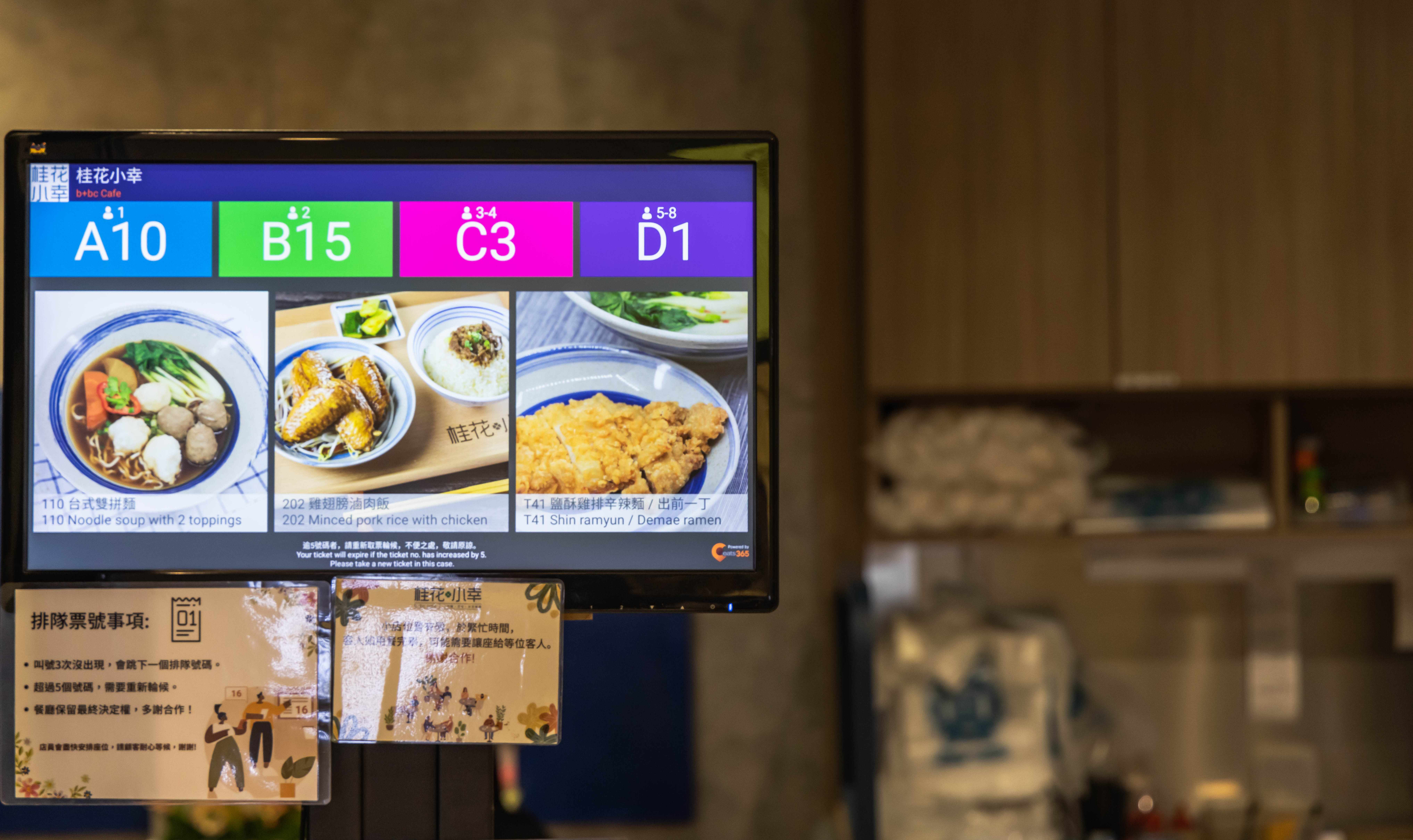
Whether you're in a quiet neighbourhood or a busy mall, bold on-screen visuals make sure waiting guests spot their number the moment it's called.
Queue Display
Queue Display for Faster Restaurant Queues
Display called numbers on a clear digital screen and keep your queues moving — so waiting guests never miss their turn, and staff don't have to shout numbers across the floor.

How Does a Queue Display Speed Up Queueing?
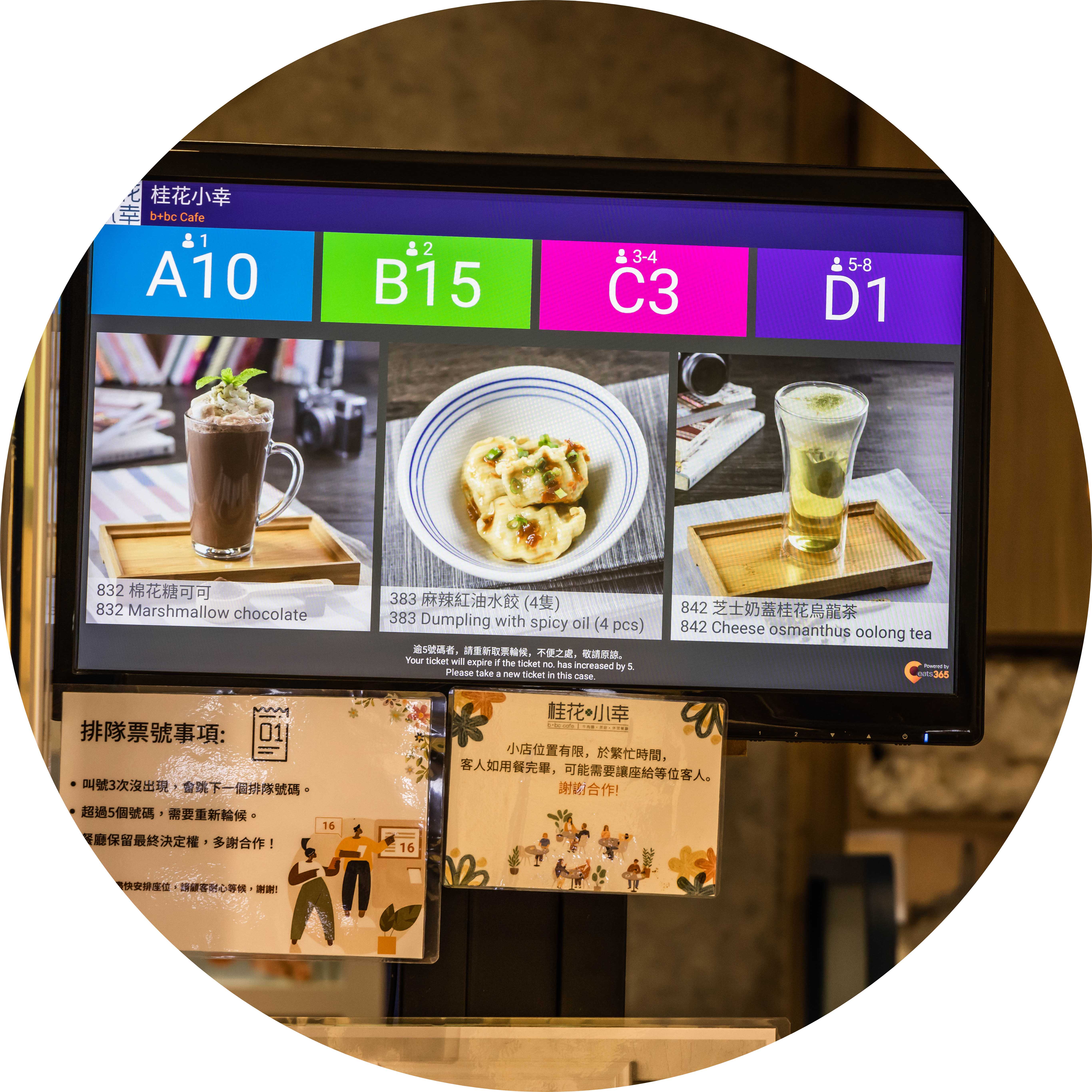
Called Numbers Customers Can't Miss
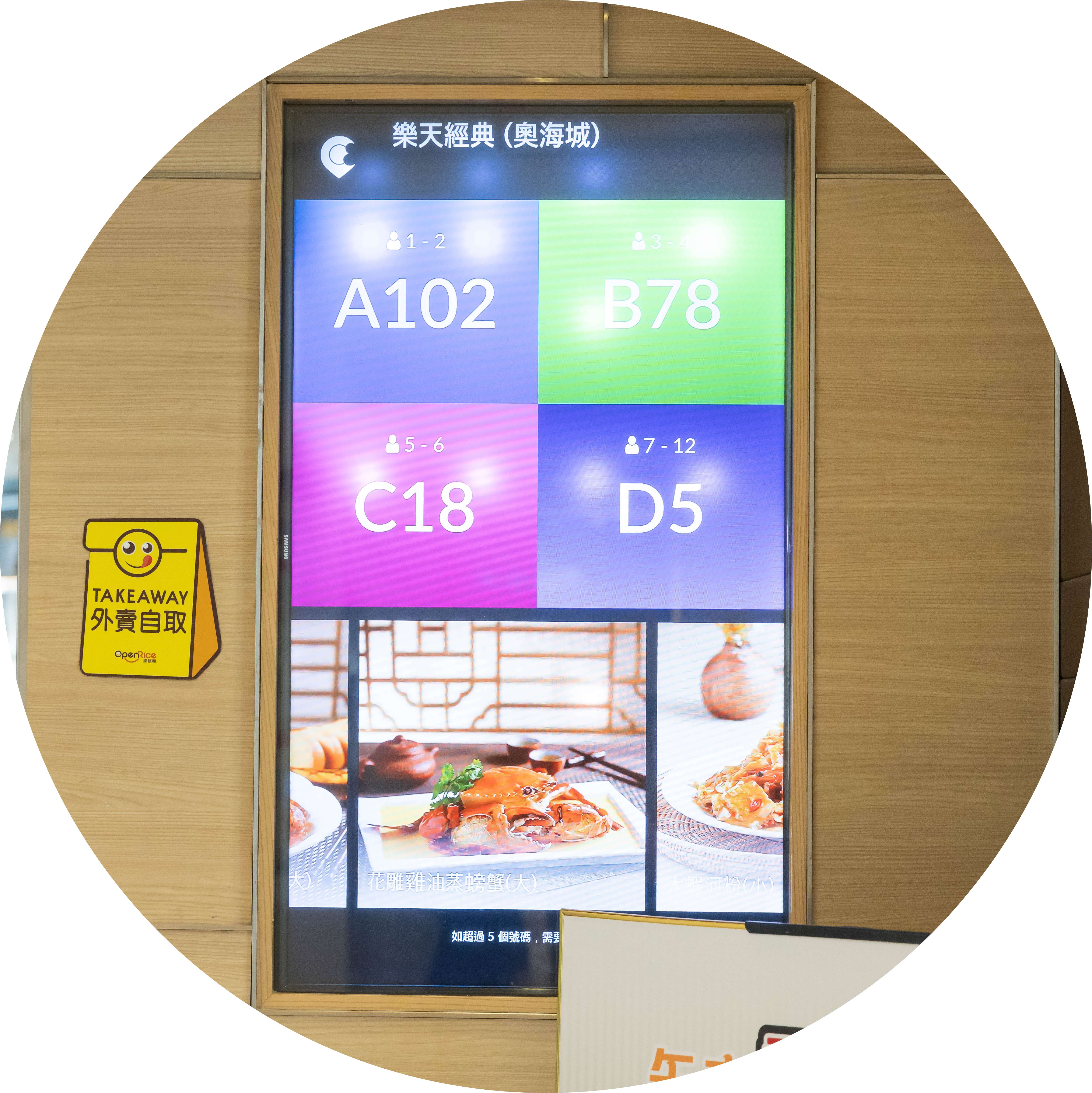
Turn Waiting Time into Upsell Time
Show enticing images of new items, deals and combos alongside called numbers, so guests decide what to order while still in line — and order faster once seated.

Connect Your POS, Staff and Guests
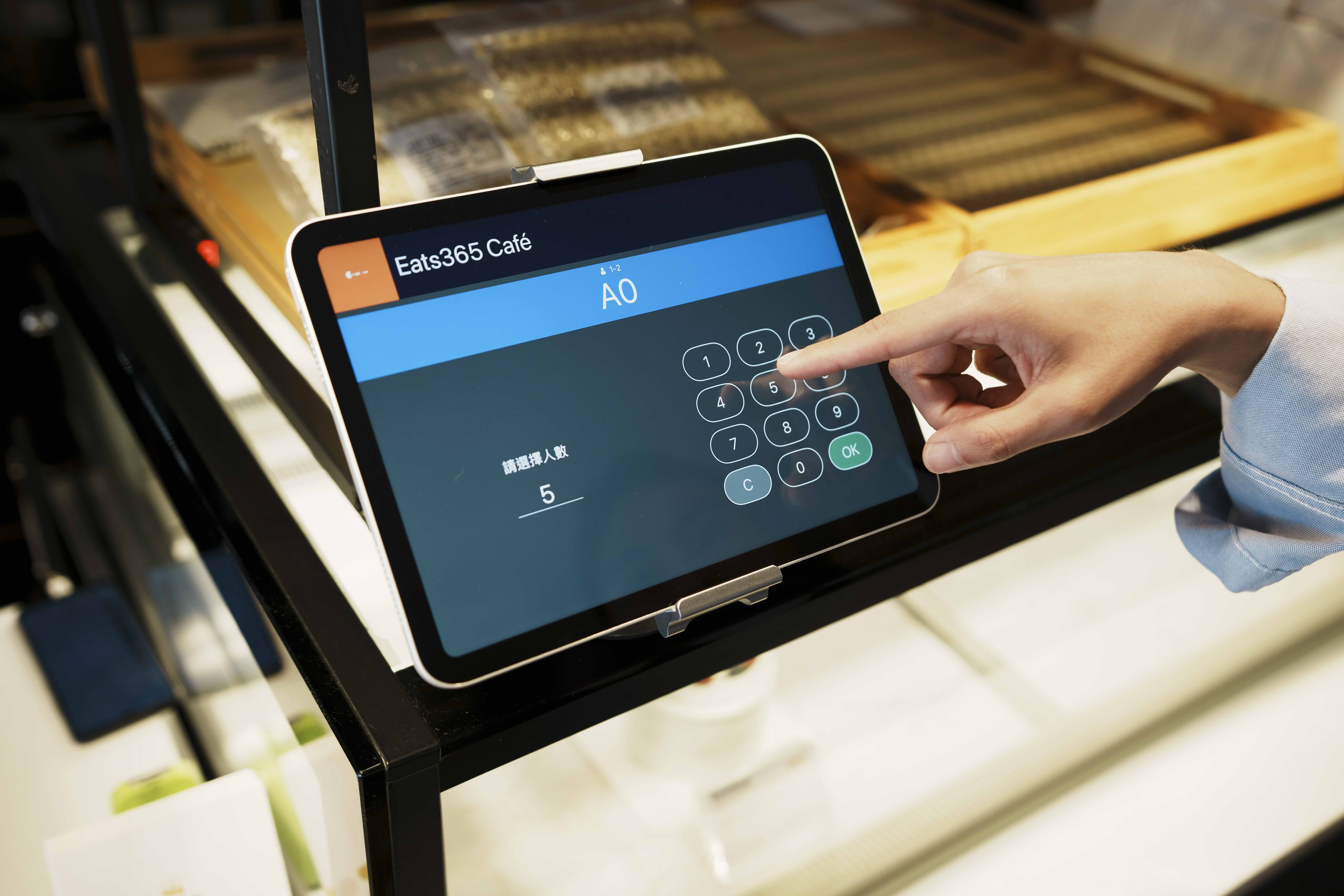
Paired with your Eats365 POS and Queue Kiosk, the display syncs in real time: staff seat a guest on the POS, and the called number updates on screen instantly — no manual calling needed.
Real-Time Queue Number Updates
 When staff mark a table ready on the POS, it shows on the display immediately
Multiple called numbers can be shown at once
Immediate or timed removal of numbers once called
Cloud-connected to the POS for real-time updates
Organizes tickets from the POS, Queue Kiosk and Branded Online Store into one sequence — walk-ins and online bookings together
When staff mark a table ready on the POS, it shows on the display immediately
Multiple called numbers can be shown at once
Immediate or timed removal of numbers once called
Cloud-connected to the POS for real-time updates
Organizes tickets from the POS, Queue Kiosk and Branded Online Store into one sequence — walk-ins and online bookings together
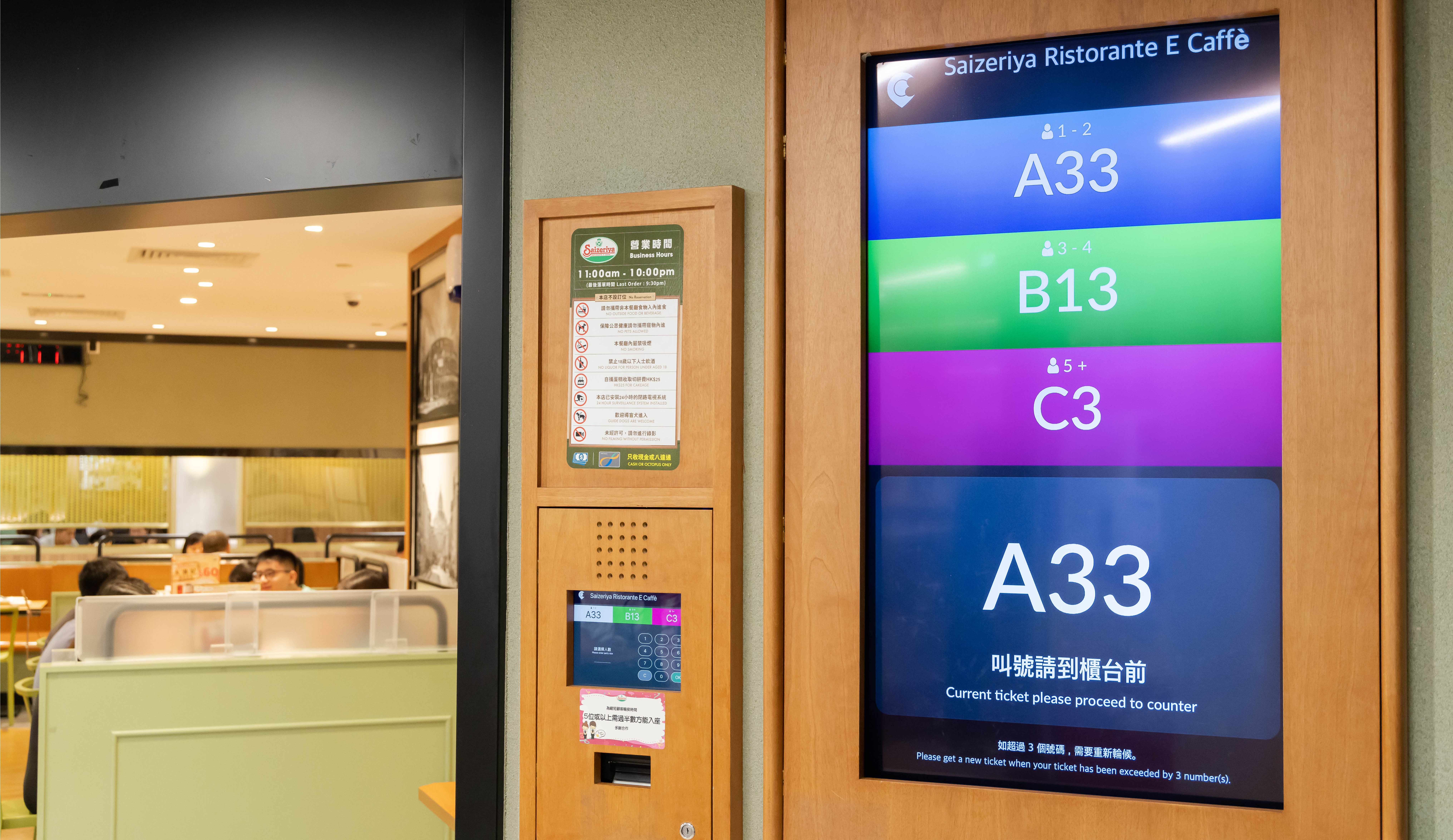
Clear, Customizable Display
Clear visual of each queue ticket number ready for seating
Set number types by group size (e.g. 1–2, 3–6, 7+)
Add advertising so that customers will order items you’re promoting
Runs on any Android or Apple TV–supported screen, from tablets to large-format displays
Pick your font size
Run promotional content alongside called numbers to upsell while guests wait
Even More with a Paired Queue Kiosk
Automatic 'Now Serving' voice announcements alert guests even when they're not watching the screen
Multi-language announcements — ideal for Malaysia's mixed-language diners
A printed QR code lets guests track their queue status on their phone and wait comfortably nearby
Real-Time Queue Number Updates
When staff mark a table ready on the POS, it shows on the display immediately
Multiple called numbers can be shown at once
Immediate or timed removal of numbers once called
Cloud-connected to the POS for real-time updates
Organizes tickets from the POS, Queue Kiosk and Branded Online Store into one sequence — walk-ins and online bookings together
Clear, Customizable Display
Clear visual of each queue ticket number ready for seating
Set number types by group size (e.g. 1–2, 3–6, 7+)
Add advertising so that customers will order items you’re promoting
Runs on any Android or Apple TV–supported screen, from tablets to large-format displays
Pick your font size
Run promotional content alongside called numbers to upsell while guests wait
Even More with a Paired Queue Kiosk
Automatic 'Now Serving' voice announcements alert guests even when they're not watching the screen
Multi-language announcements — ideal for Malaysia's mixed-language diners
A printed QR code lets guests track their queue status on their phone and wait comfortably nearby
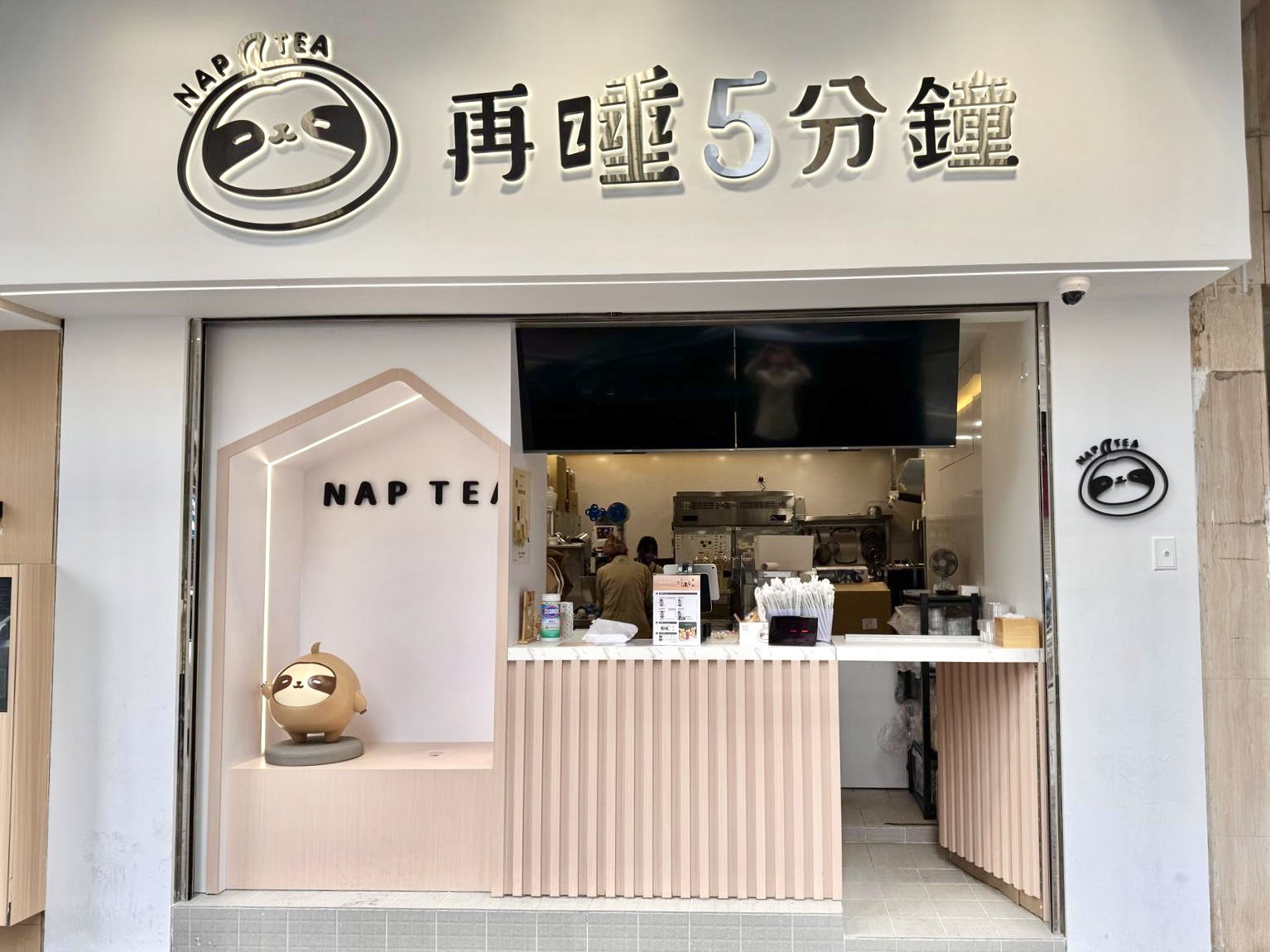
Queue Display is Perfect for these Restaurant Types


Queue Display is Part of the Following Solutions


Restaurants Like Yours Love the Queue Display
FAQs about Eats365 Queue Display
1. What is a restaurant Queue Display system?
A restaurant Queue Display is a digital screen that provides real-time updates to customers regarding their position in line or order status. It serves as a visual communication tool that eliminates the need for manual calling by displaying ticket numbers and announcing when a customer is being served.
2. How does the Queue Display integrate with the Eats365 POS?
The Queue Display is fully integrated with the Eats365 POS and Table Management system. When staff call or seat a guest on the POS, the status is automatically synced and updated on the display screen in real time, ensuring accurate and instant communication.
3. Does the Queue Display support voice announcements for ticket numbers?
Yes, the system includes a 'Now Serving' announcement feature. This automatic voice notification alerts customers when it is their turn, ensuring they are informed even if they are not actively looking at the display screen.
4. Can customers check their queue status from their own phones?
Yes, when integrated with our Queue Kiosk, customers receive a ticket with a printed QR code. By scanning this code with their smartphone, they can track their real-time queue status remotely, allowing them to wait more comfortably outside the immediate area.
5. What hardware can be used for the Eats365 Queue Display?
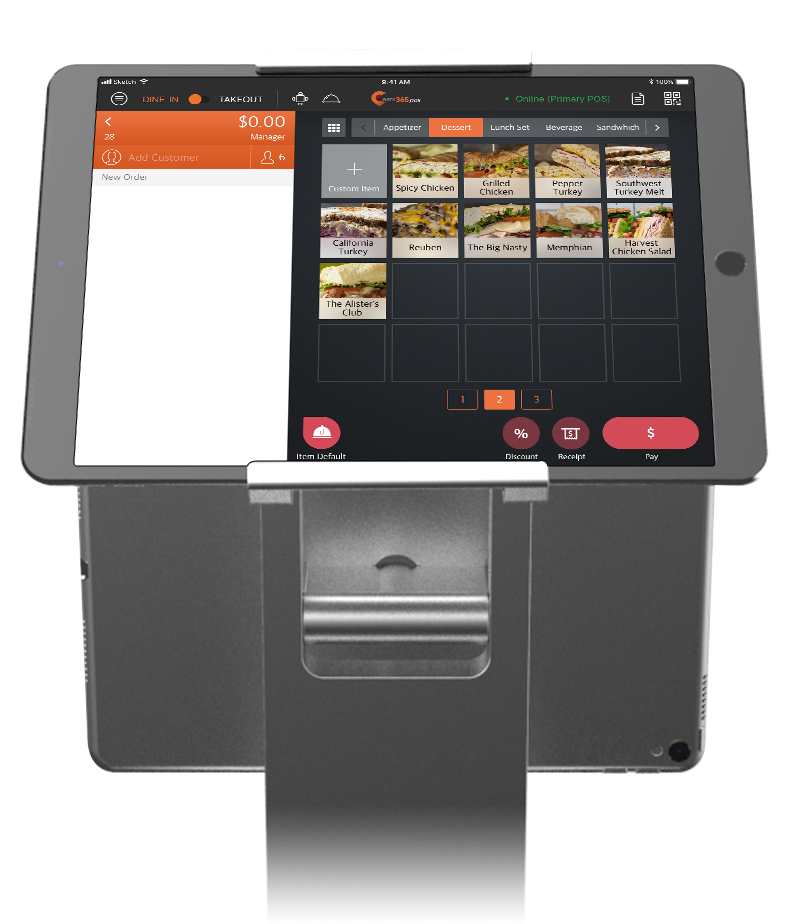
The Queue Display can be set up using an iPad or Android terminal, or it can be connected to external large-format screens using eSignage. This flexibility allows restaurants to choose a hardware setup that best fits their space and visibility requirements.
6. Can the Queue Display handle both walk-ins and phone-in tickets?
Yes, the system organizes all queuing tickets issued from both the POS and the self-service Queue Kiosk. This prevents tickets from getting lost and ensures that walk-in guests and those who booked ahead are managed in a single, streamlined sequence.
Learn More about How a Queue Display Can Help You Manage Queues Effectively
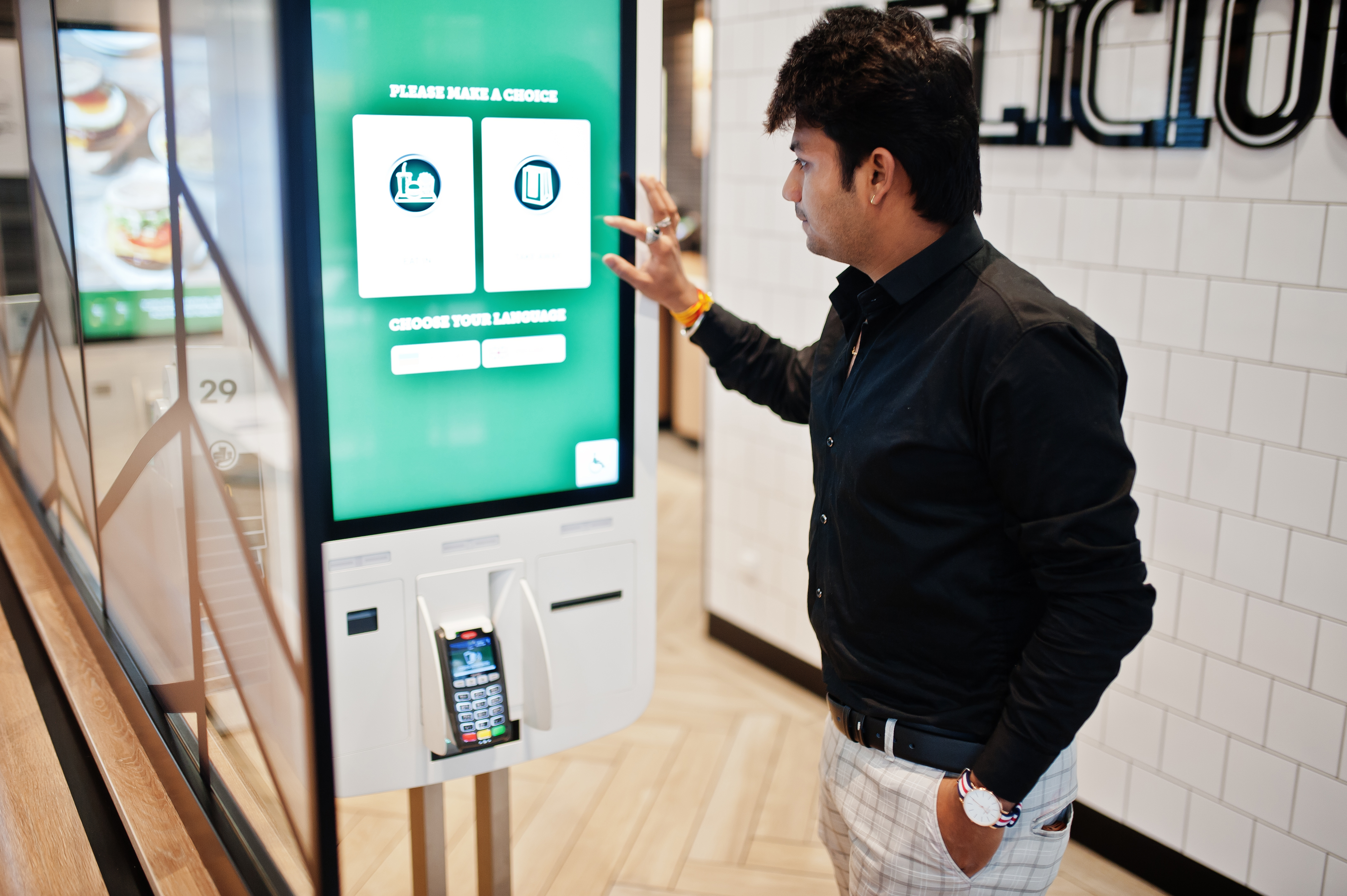
What is Self-Service Kiosk? How It Benefits Restaurants & Takeaways?
 03 Feb 2026

Boost efficiency in your restaurant, takeaway businesses with self-service kiosks! Discover how these interactive tools streamline ordering, reduce errors, and drive profits while enhancing customer experience. Learn their benefits and tips to choose one!
Online ordering
Menu management
Read More
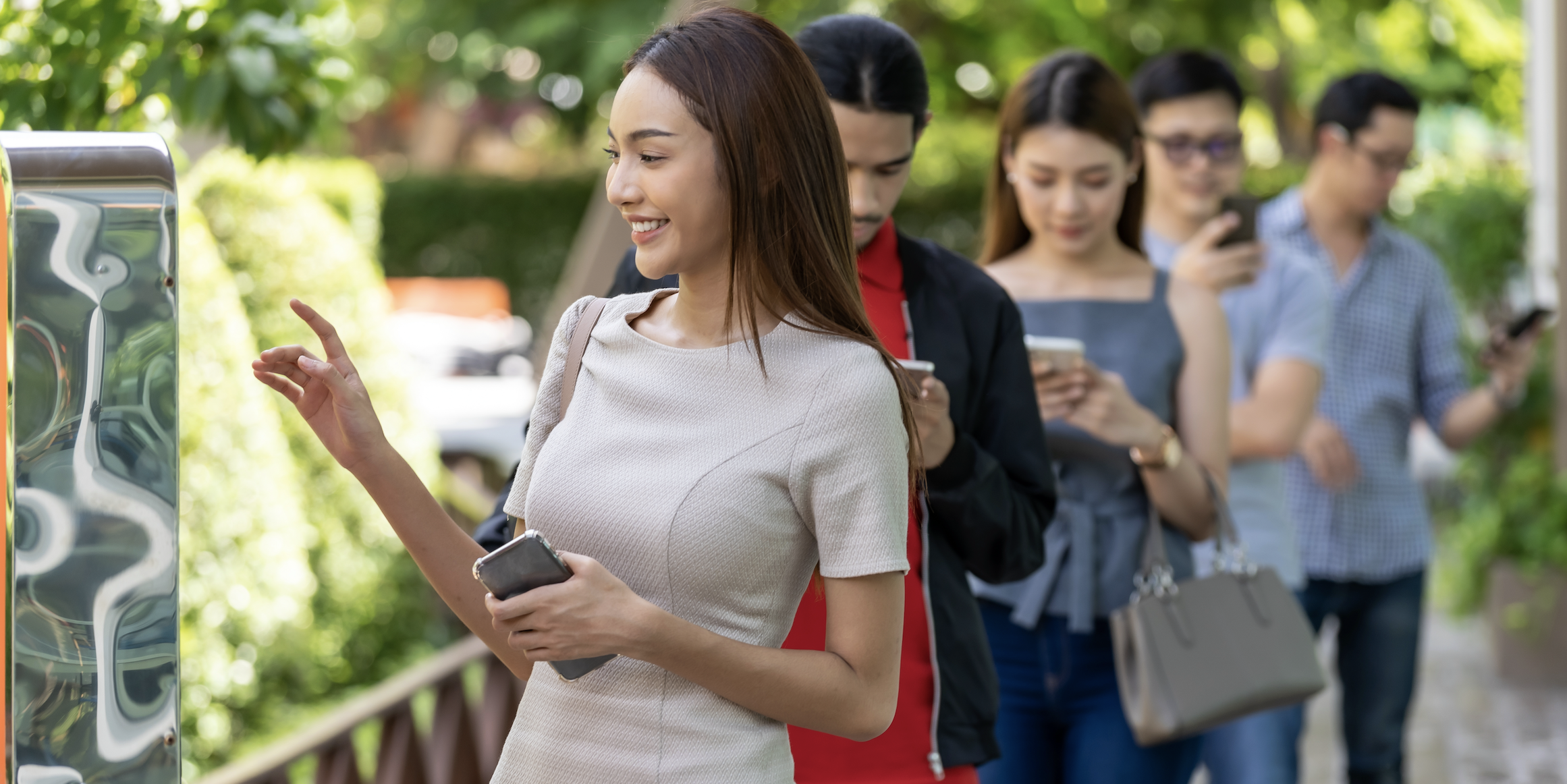
What is Eats365’s Queue Ticket Kiosk and How Can It Benefit Your Restaurant Business?
08 Feb 2021
Queue Management Systems can help you reduce lines and waiting time while boosting turnover.
Read More
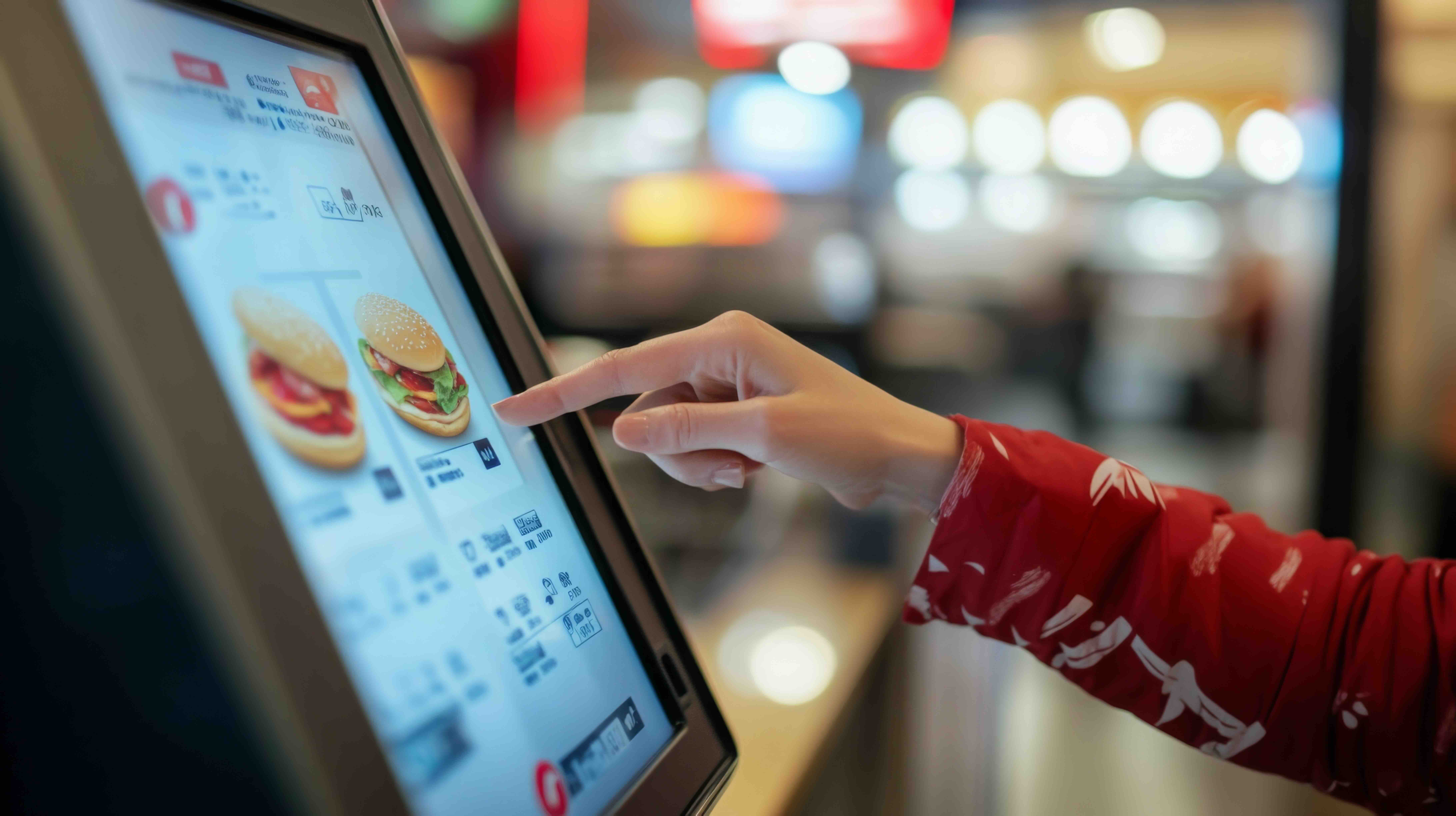
Self Ordering Systems: Kiosk vs App vs QR Code
24 Sep 2025
Could a self-ordering system be the game-changer of your New Zealand restaurant? Self-ordering systems are transforming the hospitality landscape, offering restaurants innovative ways to streamline operations and enhance dining experience. This article will compare 3 most common self-ordering technologies: kiosks, mobile apps, and QR code platforms.
QR Code
Online ordering
Restaurant POS System
Read More
