Why Western POS Systems Fail Aussie Yum Cha | Workarounds & Hidden Fees
Is your POS slowing down trolley service, shared plates and split bills? Discover why Western systems falter at Aussie Yum Cha, plus the workarounds and hidden costs that drain your bottom line—and how the right system boosts table turns and guest satisfaction.
 22 Sep 2026

 Eats365
Contents
Why Does Western POS Fail Yum Cha?
Western POS systems fail Australian Yum Cha restaurants when they cannot record rolling trolley orders, shared plates, live table totals, changing table groups and complex split bills without manual workarounds. A suitable Chinese restaurant POS must treat each trolley visit as part of one ongoing table account, rather than a fixed, server-led meal sequence.
Five non-negotiable Yum Cha POS capabilities
-
Live table tally: Keeps every trolley and à la carte item on one visible, up-to-date table account.
-
Trolley order entry: Lets authorised staff add dishes as they serve them, without returning to a fixed terminal or rebuilding the order later.
-
Basket categories and custom prices: Records standard, premium or special baskets at the correct price when menu offerings vary.
-
Shared-dish allocation: Supports one shared item, such as roast meat or a large plate, being allocated across the relevant guests or bills.
-
Flexible tables and payments: Allows staff to merge tables for arriving family members, then split bills by item, person or share at settlement.
A Yum Cha POS system needs to preserve the full table history while staff merge tables, allocate shared dishes and settle each party accurately; otherwise, staff must reconstruct who ordered what during payment. When the system cannot support this cart-based billing POS workflow, teams commonly fall back on handwritten notes, paper stamps or calculator-based splits.
Where Do Western Workflows Break?
Western POS workflows break when they expect one server to record a fixed order, send courses, then settle one bill. Australian Yum Cha relies on trolley service, staggered additions, shared plates and changing table groups, so a Chinese restaurant POS must keep the whole table's order current throughout service.
| Typical Western POS workflow | Australian Yum Cha requirement |
|---|---|
| One server takes a complete order at the table. | Several trolley staff add dishes as they visit the same table. |
| Menu items follow a planned course sequence. | Siu mai, har gow and roast-meat shared plates arrive in no fixed order. |
| A table keeps a stable number of guests. | Family groups may join tables or have subgroups leave during service. |
| One bill closes the meal. | Staff need to split shared dishes or totals across diners at settlement. |
| Fixed terminals capture most orders. | Trolley service needs quick order entry away from the main till. |
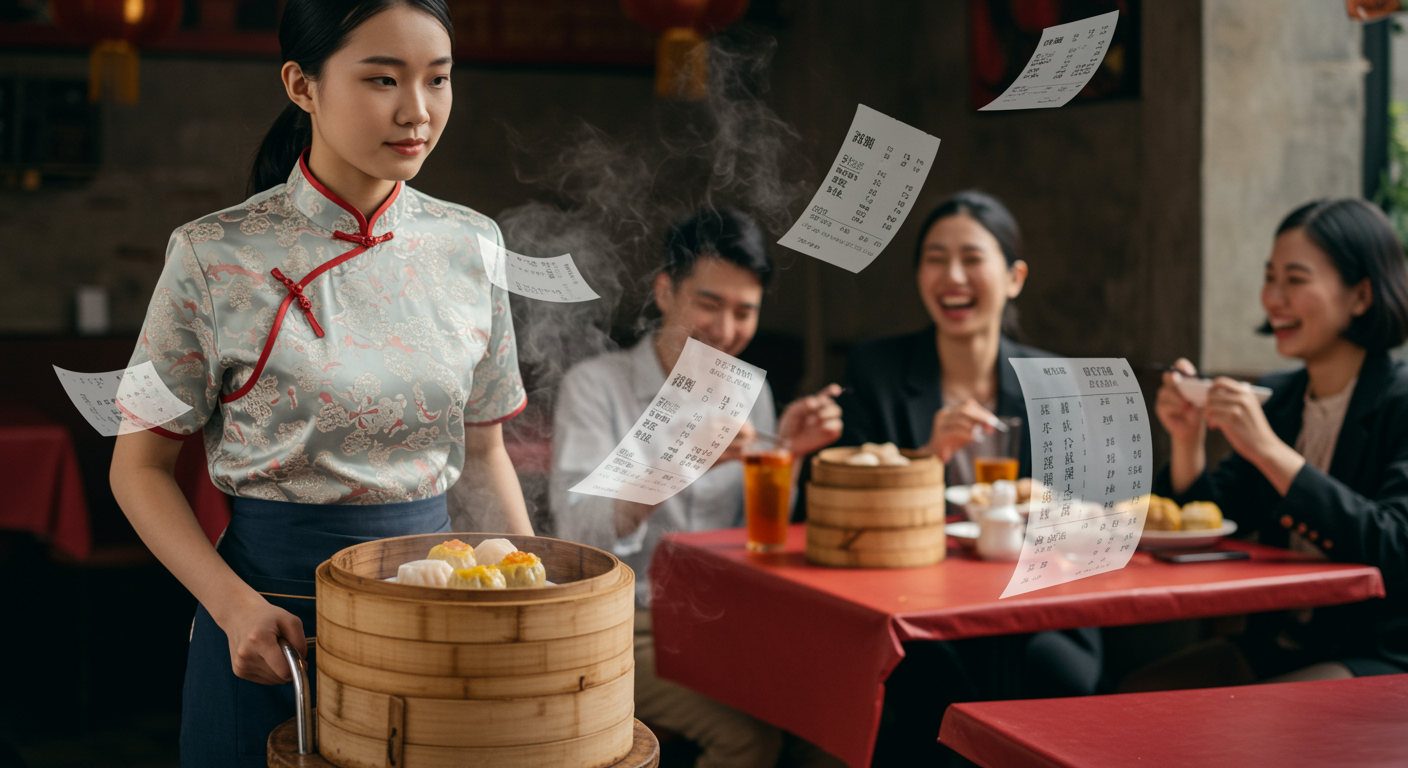
During a Saturday or Sunday Yum Cha rush, a linear order-to-course-to-bill design forces staff to translate a live service into a format that does not fit. The result is often manual workarounds: paper stamps or handwritten tallies for trolley dishes, duplicate terminals or printouts, then calculators to divide a group bill. Each hand-off creates a point where staff can miss or duplicate an item. It also makes new-hire training harder and slows settlement while guests wait to check a bill containing shared plates; the next requirement is a trolley billing flow that records each addition as it happens.
How Should Trolley Billing Work?
A cart-based billing POS should keep one live bill open for each Yum Cha table. As trolley staff serve dishes, they add each basket immediately, select its category and price, and update the table total. At payment, staff check the itemised tally with guests before splitting the bill—without rebuilding orders from paper notes.
-
1. Open the table: Start one bill when the party sits down and keep it active throughout service.
-
2. Record each trolley visit: A staff member enters served dishes on a mobile device or nearby terminal as the trolley stops at the table.
-
3. Apply basket pricing: Select preset categories such as standard, premium or chef-special baskets; use custom prices for unusual steam baskets.
-
4. Handle exceptions clearly: Add modifiers for special baskets or seasonal dishes, record complimentary replacements, and correct quantities through an audit trail.
-
5. Check and settle: Review the live, itemised total tableside, then split shared dishes or the full bill by guest, item or percentage before payment.
A Sunday Yum Cha party may take several standard siu mai baskets, premium har gow and a chef-special dish from different trolley staff. Each entry should attach to the same table as service happens, so the bill reflects the actual sequence of dishes served.
Which POS Features Keep Service Moving?
A Yum Cha POS system should support the dining room as it changes: trolley staff need mobile order entry, managers need flexible tables, and guests need clear split bills. For Australian Chinese restaurants, prioritise floor control, configurable menus and offline ordering over generic course-based tools.
| POS feature | Yum Cha floor problem it addresses | What to check |
|---|---|---|
| Mobile order entry | Trolley staff should record dishes beside the table rather than queue at a fixed till. | Confirm supported devices, user access and trolley workflow. |
| Flexible table map | Large family groups may join tables or move during a busy weekend service. | Check table transfer, merge and shared-table options. |
| Itemised split bills | Guests may split a shared meal evenly or pay only for selected items. | Test both equal and by-item bill splits. |
| Custom menu setup | Dim sum menus need basket categories, modifiers, seasonal dishes and changing prices. | Check categories, modifiers and menu availability settings. |
| Offline operation | Service should continue when the venue loses internet access. | Confirm exactly which order and payment functions work offline. |
During a Sunday lunch rush, a team member should be able to add another basket while standing at a joined family table, without returning to the main register.
Look for a system that handles floorplan management, table transfers, and merging and sharing—where staff can split bills evenly or by item. The ideal setup also supports customisable menu categories and modifiers for dim sum service, with Eats365 POS that keeps order taking active and syncs transaction data once the connection returns. Eats365 POS provides these capabilities tailored to trolley-based workflows.
Before committing, ask the provider to demonstrate the exact Yum Cha configuration using your menu and a realistic split-bill scenario. Confirm device compatibility, payment options and offline behaviour in writing; these details determine whether the system works during live trolley service.
What Hidden POS Costs Matter?
-
Hardware: Account for upfront and replacement costs including terminals, mobile devices, payment readers, printers, cash drawers, chargers and device replacement policy.
-
Setup and operation: Factor in installation, menu build, staff training, printer paper and labels, maintenance, support hours and call-out charges.
-
Software and integrations: Confirm the recurring fee, included users and devices, trolley-order functions, add-on modules, delivery or accounting integrations, and any middleware.
-
Payments and contracts: Cover processing rates, terminal rental, settlement-related charges, minimum terms, price changes and exit conditions. Ensure Australian records compliance by confirming receipts and reports show clear tax-inclusive amounts where required, then check GST and record-keeping obligations with your accountant or the ATO.
Trolley service may justify several order-entry points because staff record dishes while moving around the floor. That does not automatically mean a venue needs a fixed terminal for every trolley: map the Saturday or Sunday service flow first, then quote only the devices that remove a real bottleneck.
FAQs about Yum Cha POS system Australia
Q: Can I use a standard restaurant POS for yum cha trolley service?
Standard Western POS systems are not suitable for yum cha trolley service because they're designed for fixed orders and single bills. Yum cha requires recording multiple trolley visits, staggered dish additions, shared plates and flexible table grouping—features most generic systems cannot handle without manual workarounds.
Q: What happens if my POS can't handle cart-based billing?
Without proper cart-based billing support, staff resort to paper stamps, handwritten tallies, and calculators to track trolley items and split bills. These workarounds create data entry errors, slow table settlement, confuse guests, and make training harder for new team members during busy weekend service.
Q: How does a proper yum cha POS track dishes as trolleys visit?
A yum cha POS keeps one live table bill open throughout service. As trolley staff visit, they enter each dish on a mobile device or nearby terminal, select the basket category and price, and the system updates the total immediately. This creates a continuous, itemised record visible to both staff and guests.
Q: What POS features are non-negotiable for dim sum restaurants?
Essential features include live table tallies, mobile trolley order entry, flexible table merging and splitting, custom basket categories with variable pricing, shared-dish allocation across guests, and itemised split-bill options by guest or item. Offline operation ensures service continues during internet outages.
Q: What hidden costs should I budget for when choosing a yum cha POS?
Beyond the monthly subscription, budget for hardware (terminals, mobile devices, printers, chargers), setup and training, support hours and call-out fees, payment processing rates, integrations with delivery or accounting software, device replacement policies, and contract exit terms. Request an itemised quote covering all costs in writing.
Q: Do I need multiple order-entry devices if I use trolley service?
Not necessarily. Start by mapping your Saturday or Sunday service flow to identify real bottlenecks, then quote only the devices that solve them. Multiple trolleys do not automatically require a terminal per trolley if one handheld device can cover the floor efficiently during peak service.