Solution
Back Office
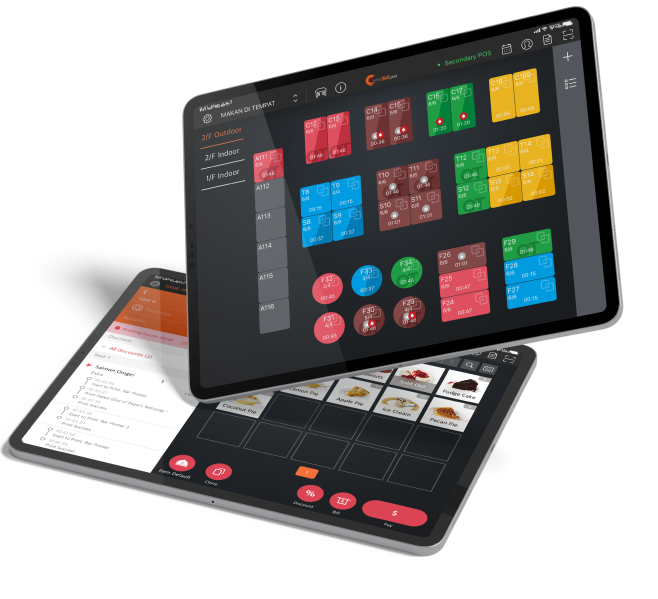

Reduce the time you have to spend managing your restaurant business and spend longer doing what you love! With a large suite of tools integrated under one system, you can manage everything from your finances to your menu anytime, anywhere!
Back Office Management Products


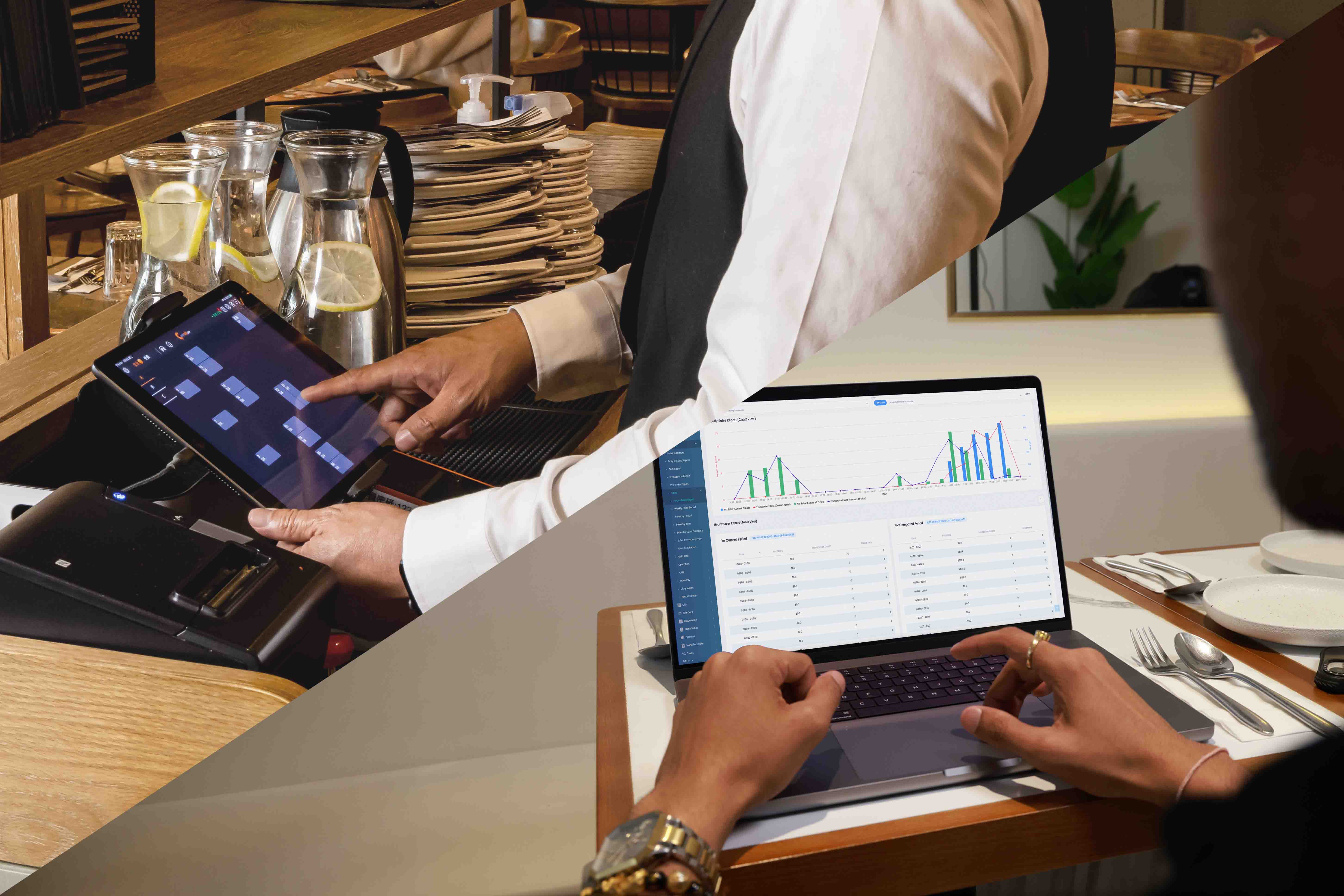

The Full Back Office Solution for Restaurants


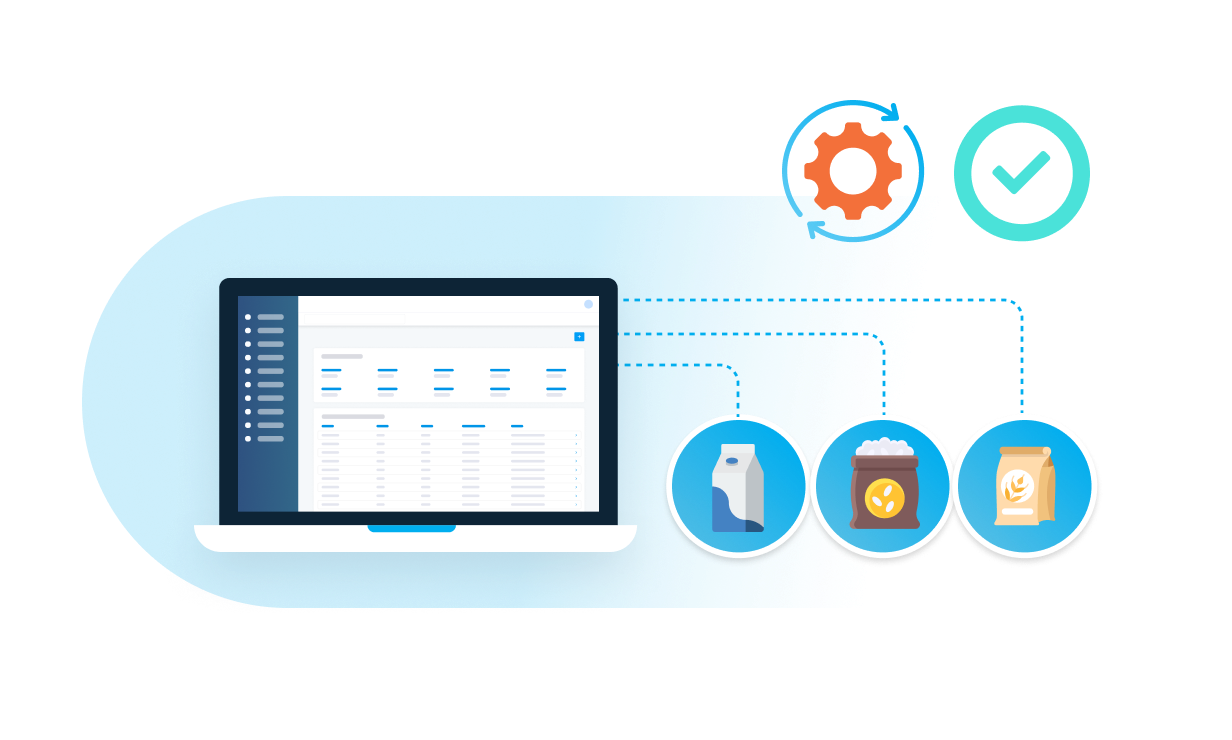



FAQs about Eats365 Back Office Management
1. What is the Eats365 Back Office?
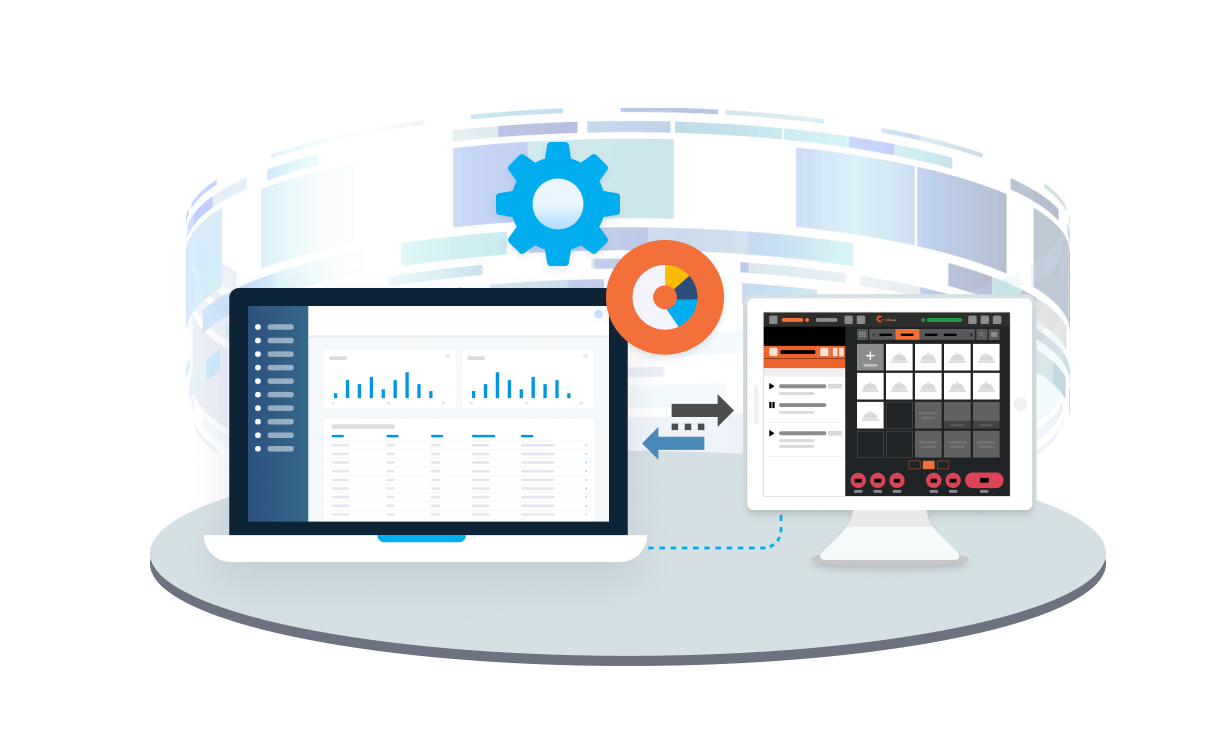
The Eats365 Back Office is a comprehensive suite of tools integrated into one system, designed to help restaurants manage various aspects of their business, from finances to menus. It aims to reduce the time spent on administrative tasks, allowing restaurant owners to focus on other priorities.
2. How does the Eats365 Back Office help with sales and accounting data?
The Eats365 Back Office automatically logs all sales and accounting data into the system, eliminating the need for manual input and reducing administrative burden. This ensures accurate and up-to-date financial records for your restaurant.
3. Can I customize the Eats365 Back Office for my restaurant?
Yes, the Eats365 Back Office offers a host of settings and customizations, providing full control over how your business runs. You can configure how modules communicate with each other and how various features function to empower your staff.
4. Where can I access and edit my restaurant settings, reports, or inventory?
For deeper access to your restaurant settings, reports, or inventory, everything can be reached and edited from your Merchant Portal. This provides a centralized location for managing critical operational aspects of your restaurant.
5. Can I integrate third-party accounting systems with Eats365 Back Office?
Yes, if your accounts are handled through a third-party system, you can integrate it directly with your Eats365 restaurant solution. This eliminates the need to migrate all your data to a new system, ensuring a seamless workflow.
Learn More about how to Improve Your Back Office
How Restaurants Can Increase Customer Revisit Rates with an Effective Loyalty Program
 28 Jul 2025

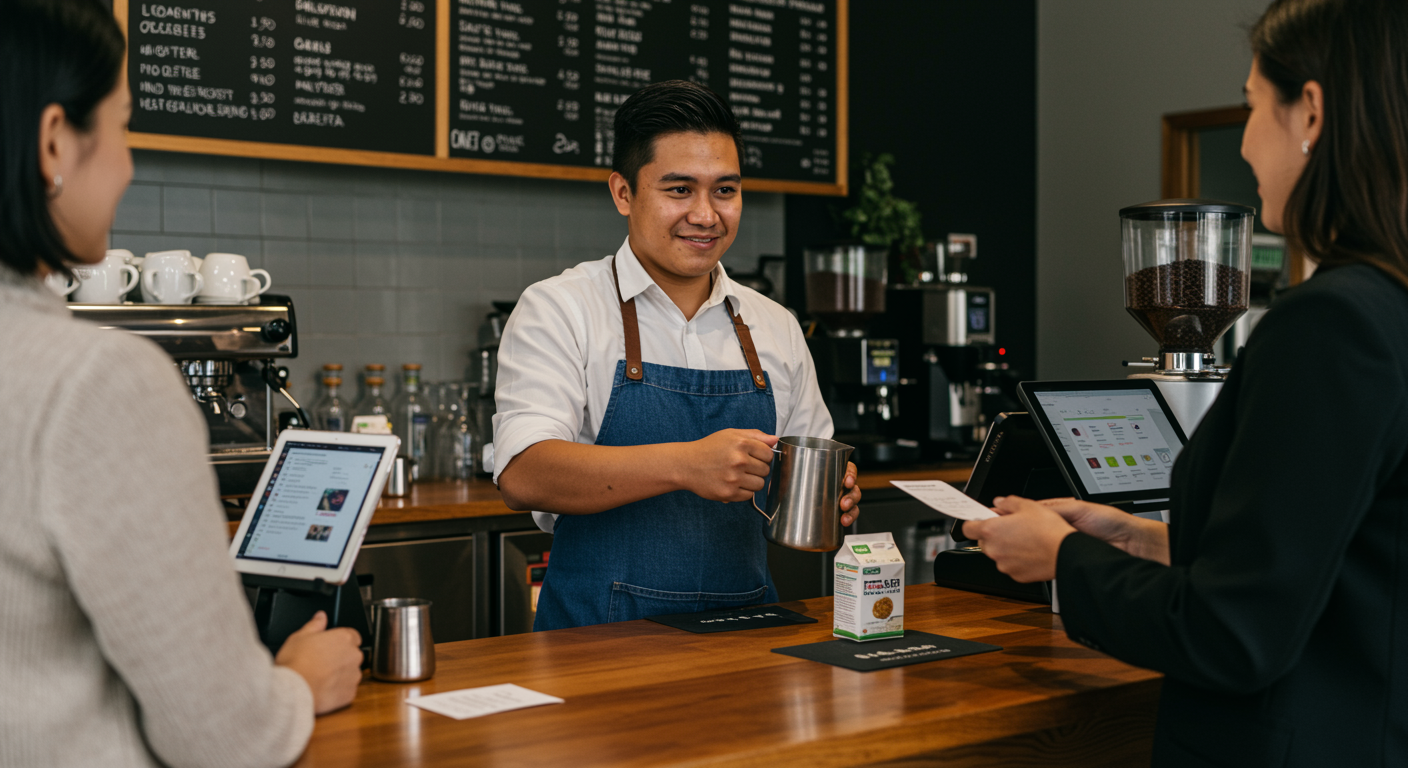
Why 83% of NZ Cafes Fail at Online Ordering (Hint: It's Not the Price Tag)
02 Dec 2025
Contrary to popular belief, NZ cafe online ordering failures stem from operational mismatches and disconnected systems clashing with local habits, not platform costs.

Accrued Expenses: A Practical Guide for NZ Businesses
10 Aug 2025
Is your Auckland cafe's bottom line truly reflecting your earnings? Understanding accrued expenses, like unpaid staff wages or that new coffee machine delivery, is crucial for accurate financial reporting. This article breaks down how accrued expenses impact your hospitality business and provides practical steps for managing them effectively.