As guests order, Eats365 suggests what they may also like: smart picks from your bestsellers, customer's order history, and what’s in the cart. You’ll see these on the menu and at checkout. Prefer a fixed prompt? Add your own pop-ups for bags, cutlery, or something new.
Branded Online Store
Sell Your Food Online
with AI Recommendations
Worried about the hard, costly and slow process of building an online ordering site? With Eats365's Branded Online Store, you can launch your own branded online ordering website in just a few clicks! With our smart, AI-powered menu recommendations that suggest the right items to each customer, so every order can be a little bigger.

Why Choose Eats365 Branded Online Store?
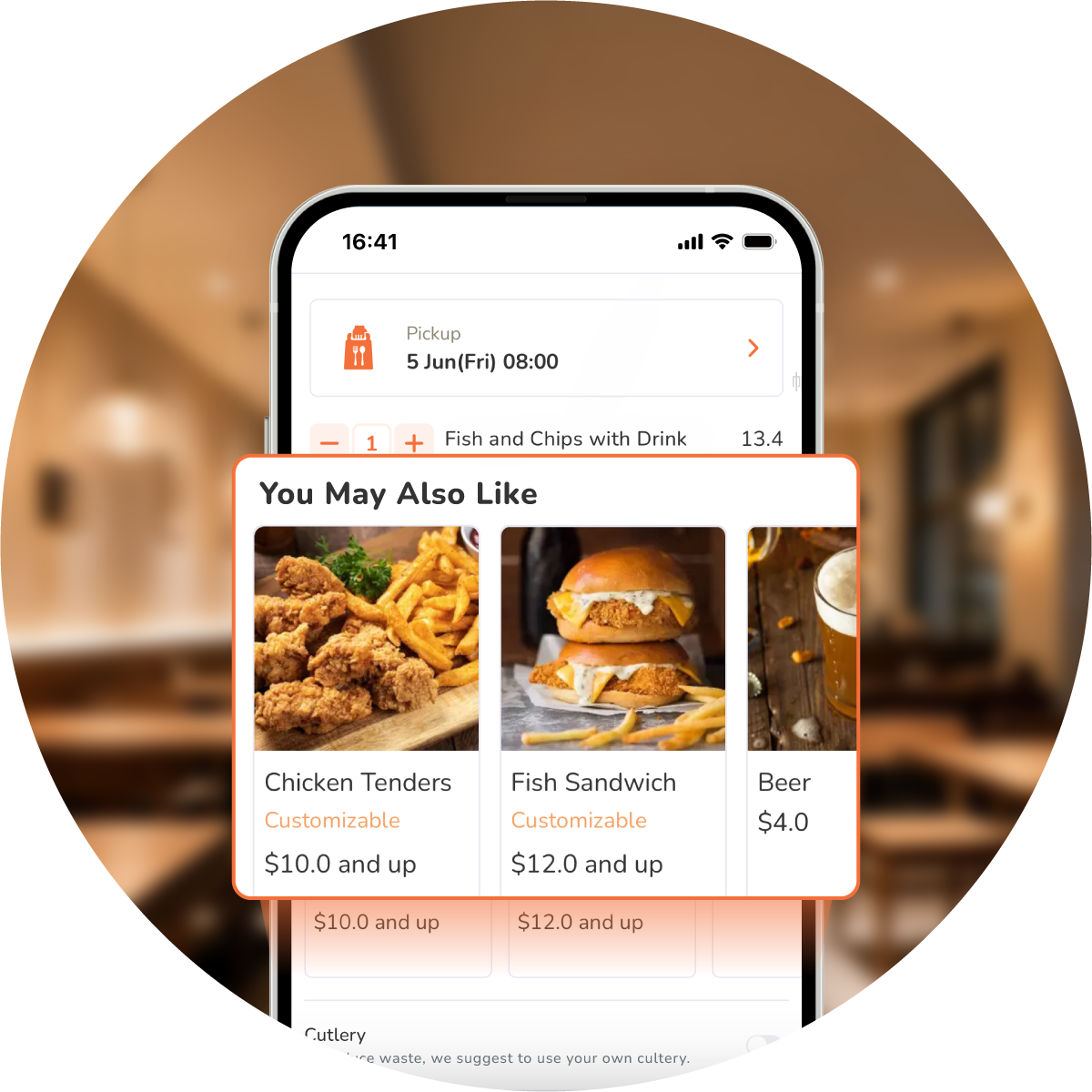
Grow Order Value with Predictive AI

Reach New Guests Online
A physical shop alone is not always enough—especially if your location is hard to reach. A branded online ordering website helps guests find you from further away. Pair it with online marketing so more people can discover your food and order on their own schedule.
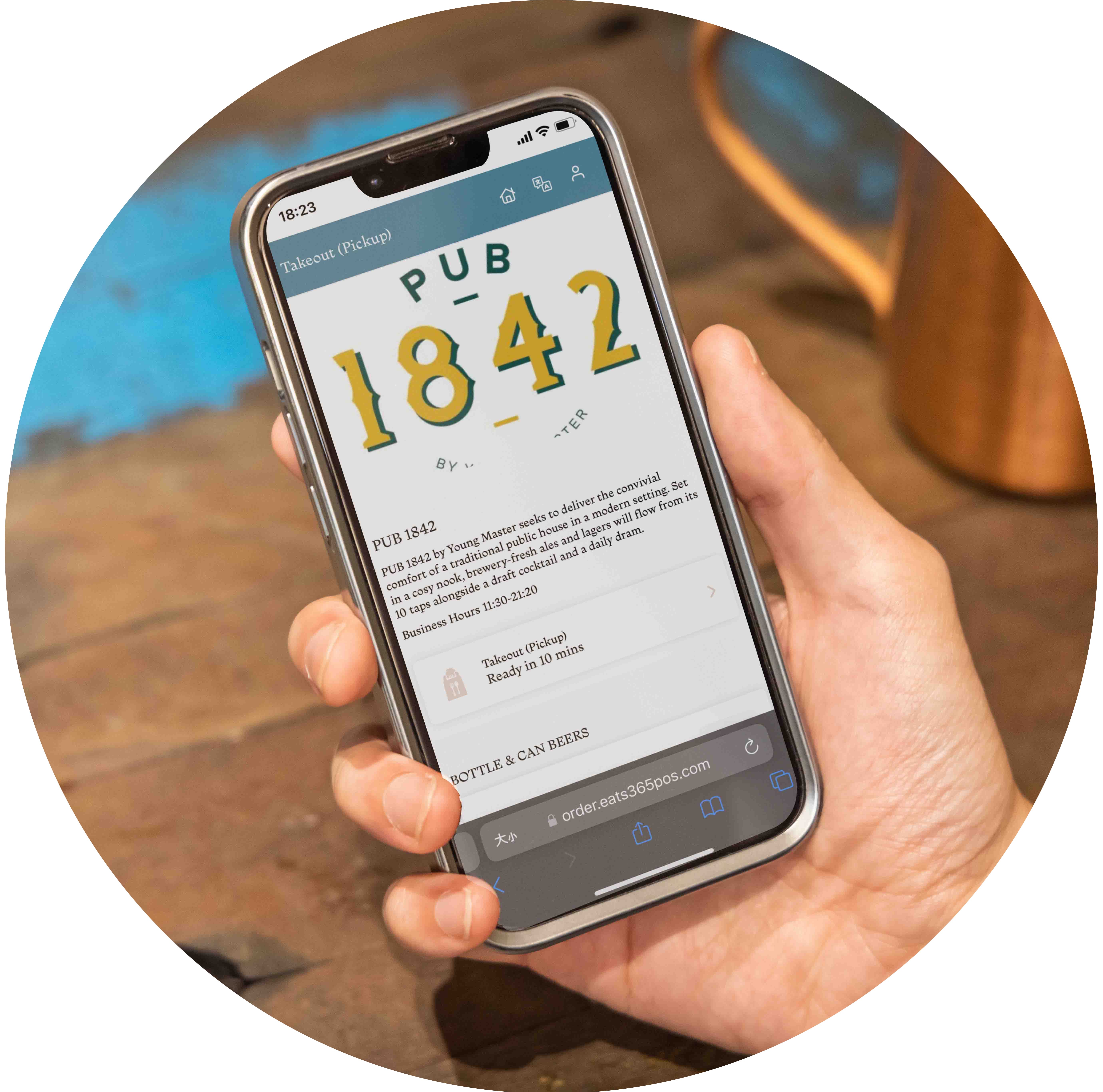
Keep Your Brand Look Online
Skip rigid templates. Build your look from a full colour palette—buttons, dividers, and more—plus your logo, fonts, and photos, so the store feels like your restaurant.
Modes for Every Business Type
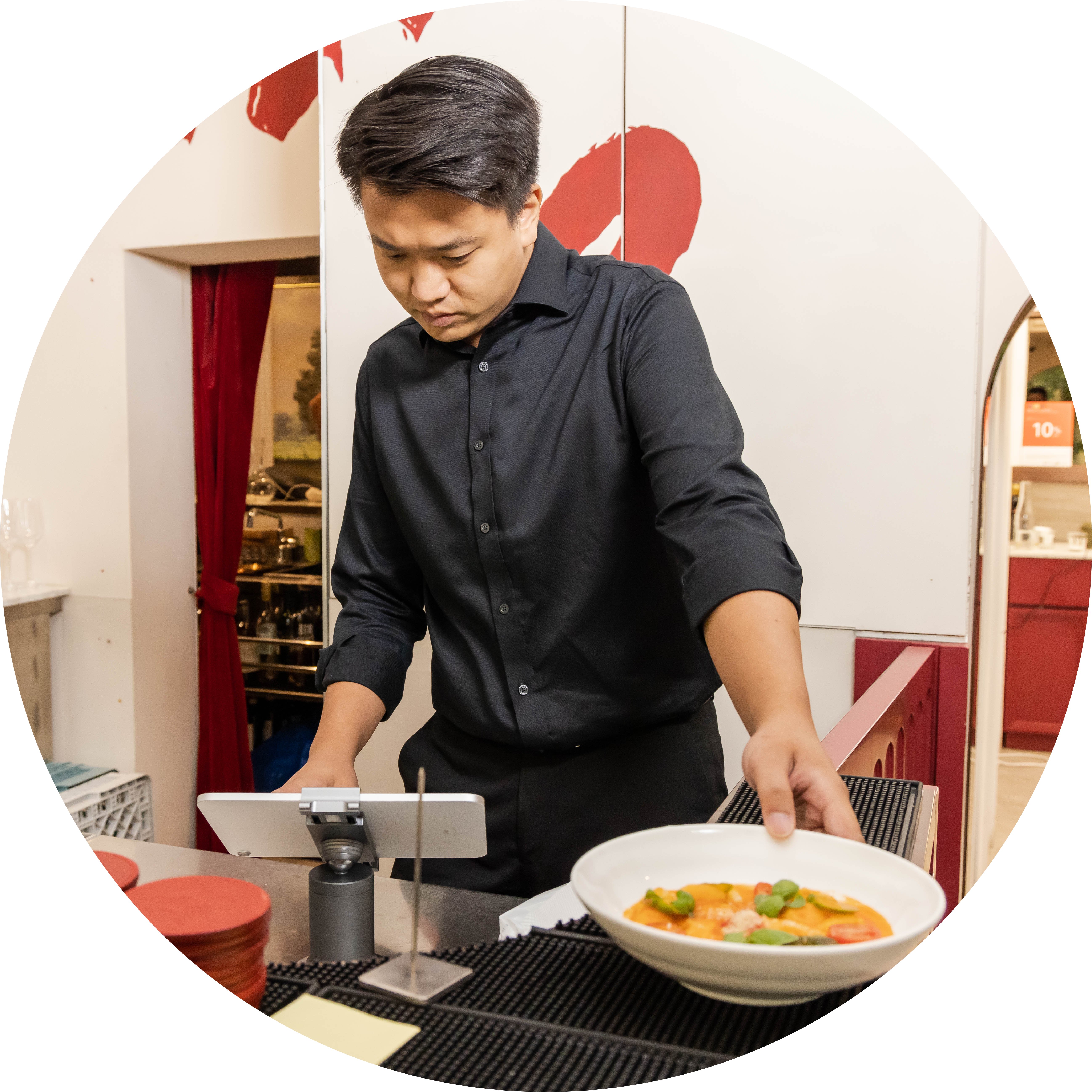
Not every business works the same way. Eats365 online ordering system supports single stores, food courts, and multi-restaurant groups. Show one restaurant—or every brand under your group—so guests can browse and order from one convenient place.
Import Your Full Menu
 Import all your menu items to your online ordering system
Split items into clear categories like drinks, starters, and mains
Include modifiers, combos, and special requests
Add clear item descriptions to help guests choose
Add photos of your dishes to spark hunger
Add icons for dietary needs like vegetarian, vegan, or gluten-free
Import all your menu items to your online ordering system
Split items into clear categories like drinks, starters, and mains
Include modifiers, combos, and special requests
Add clear item descriptions to help guests choose
Add photos of your dishes to spark hunger
Add icons for dietary needs like vegetarian, vegan, or gluten-free

Edit Your Menu from Anywhere
Manage your menu in the Merchant Portal
Open the Merchant Portal from any smart device
Edit your menu anytime, from anywhere
Menu updates show up quickly on your online store

Offer Delivery* and Pickup with Online Orders
Let guests order online and choose delivery*
Let guests order online and pick up later
*Delivery features available in specific countries and regions only.

Grow Sales with AI Suggestions
Show “You May Also Like” AI suggestions on the menu and at checkout
Suggest right add-ons based on sales trends, customer's order history, and their current cart
Add pre-checkout item prompts — a drink, a side, or a cutlery request — before customers pay


Fully-Synced with Your Eats365 Solution
Online orders show automatically on the Eats365 POS or Eats365 Biz
Online orders can be sent straight to the Kitchen Display System
Track how your AI recommendations perform with the built-in Upsell Performance Report
Import Your Full Menu
Import all your menu items to your online ordering system
Split items into clear categories like drinks, starters, and mains
Include modifiers, combos, and special requests
Add clear item descriptions to help guests choose
Add photos of your dishes to spark hunger
Add icons for dietary needs like vegetarian, vegan, or gluten-free
Edit Your Menu from Anywhere
Manage your menu in the Merchant Portal
Open the Merchant Portal from any smart device
Edit your menu anytime, from anywhere
Menu updates show up quickly on your online store
Offer Delivery* and Pickup with Online Orders
Let guests order online and choose delivery*
Let guests order online and pick up later


*Delivery features available in specific countries and regions only.
Grow Sales with AI Suggestions
Show “You May Also Like” AI suggestions on the menu and at checkout
Suggest right add-ons based on sales trends, customer's order history, and their current cart
Add pre-checkout item prompts — a drink, a side, or a cutlery request — before customers pay
Fully-Synced with Your Eats365 Solution
Online orders show automatically on the Eats365 POS or Eats365 Biz
Online orders can be sent straight to the Kitchen Display System
Track how your AI recommendations perform with the built-in Upsell Performance Report
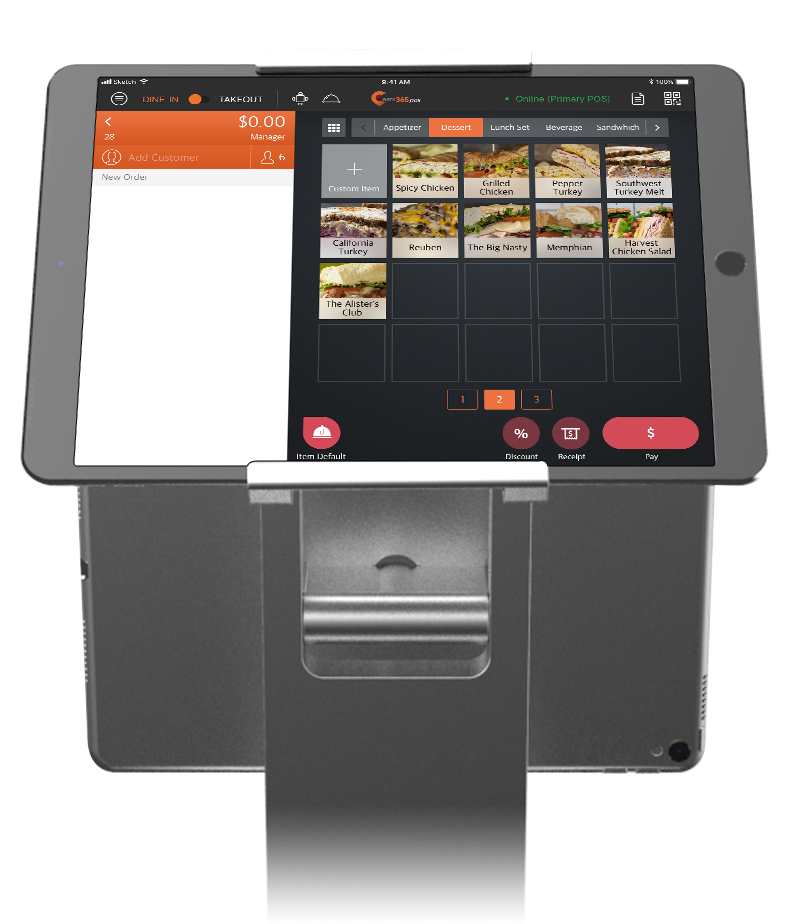
Branded Online Store is perfect for these restaurant types


Branded Online Store powers the following solutions


Restaurants Like Yours Get Online Orders with Branded Online Store

FAQs about Eats365 Branded Online Store
1. What is a Branded Online Store, and how does it help my restaurant?
A Branded Online Store is your own online ordering site, linked to your restaurant brand. Guests can order for pickup, delivery*, or dine-in (via QR code) without high third-party fees. You keep control of your brand look, guest data, and the ordering experience.
2. Does the Branded Online Store work with the Eats365 POS?
Yes. The Branded Online Store is fully connected to the Eats365 POS. Orders from your website sync to your POS and Kitchen Display System (KDS) automatically, so your reports, stock, and kitchen stay up to date with no manual work.
3. What types of orders can customers place through my online store?
Customers can order for delivery and pickup from a computer or phone. The store also supports dine-in ordering; for dine-in, customers scan a QR code at their table from a mobile device to start their order.
4. Can I run my loyalty programme on the online store?
Yes. The Branded Online Store works with CRM provided by Eats365 and our third-party partners like Pixalink, Advocado or more. Customers can join your loyalty program, earn points, and redeem rewards right from the website, which helps you build repeat business.
5. How do I handle payments for online orders?
The Branded Online Store supports secure online payment, so customers can pay when they order. Within the Eats365 system, you can also manage settings like surcharges or gratuities before a customer pays.
6. Can the online store suggest items to customers with AI?
Yes. The store includes AI-powered "You May Also Like" recommendations (Predictive Item Suggestions). It suggests the right add-ons based on sales trends, each customer's order history, and their current cart, and it learns their tastes over time. You can also add pre-checkout item prompts before customers pay, which helps raise your average order value.
Learn More about How the Branded Online Store Can Help Your Restaurant
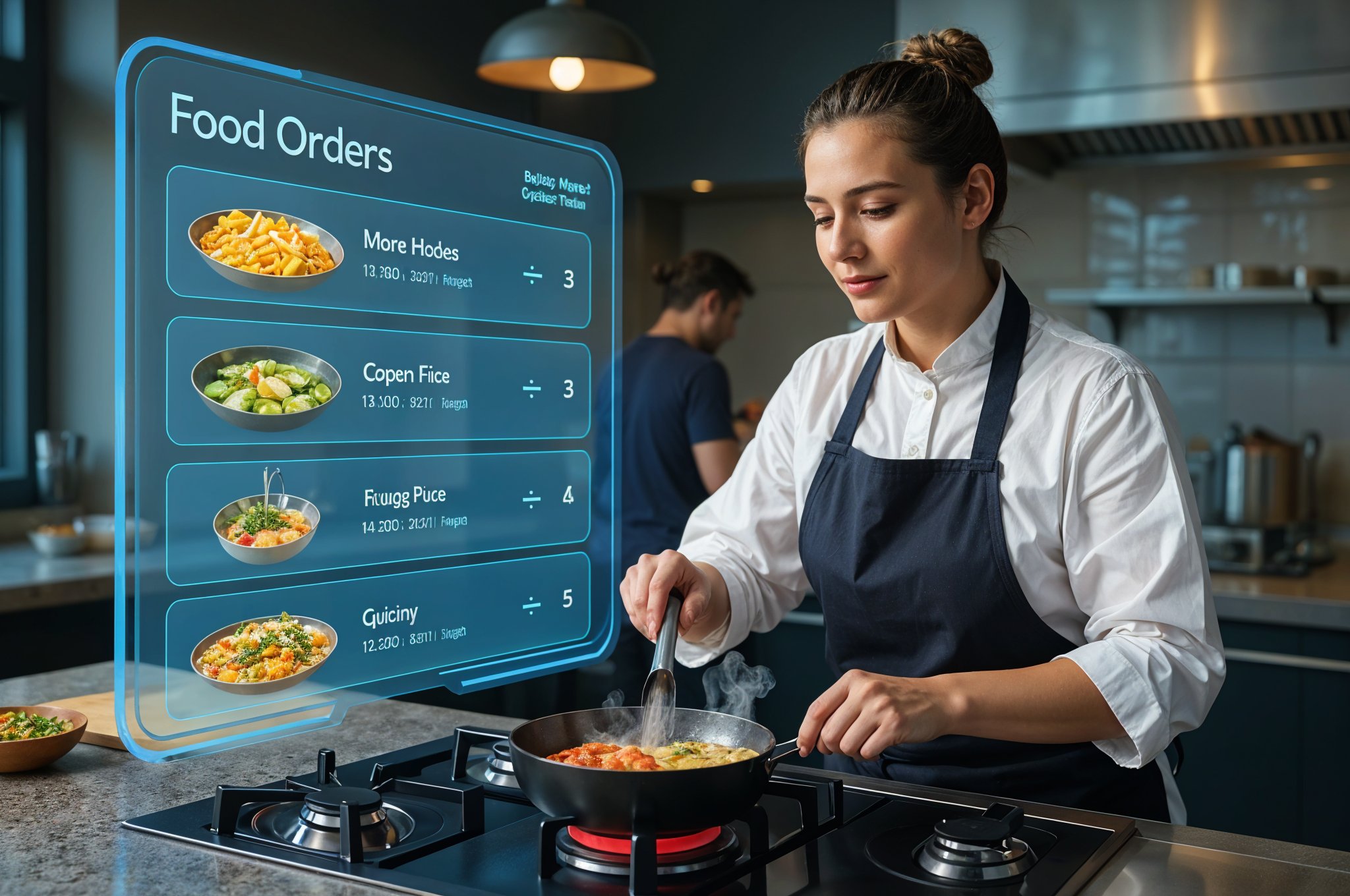
What Is a Ghost Kitchen? Models, Benefits, and the Role of POS Technology
 19 Jun 2025

Wondering how new Nordic food brands appear without visible restaurants? This article demystifies ghost kitchens, the cost-effective, delivery-only model revolutionising how eateries operate and expand in the region.
Cloud-based POS
F&B Entrepreneurship
F&B Trends
Read More

Top Online Platforms for Restaurant Deliveries in New Zealand
19 Jun 2025
Launching a delivery service? The wrong platform can cripple your profits. Here’s how to start a restaurant delivery service business by navigating New Zealand's complex delivery landscape.
Online ordering
Food delivery
Read More
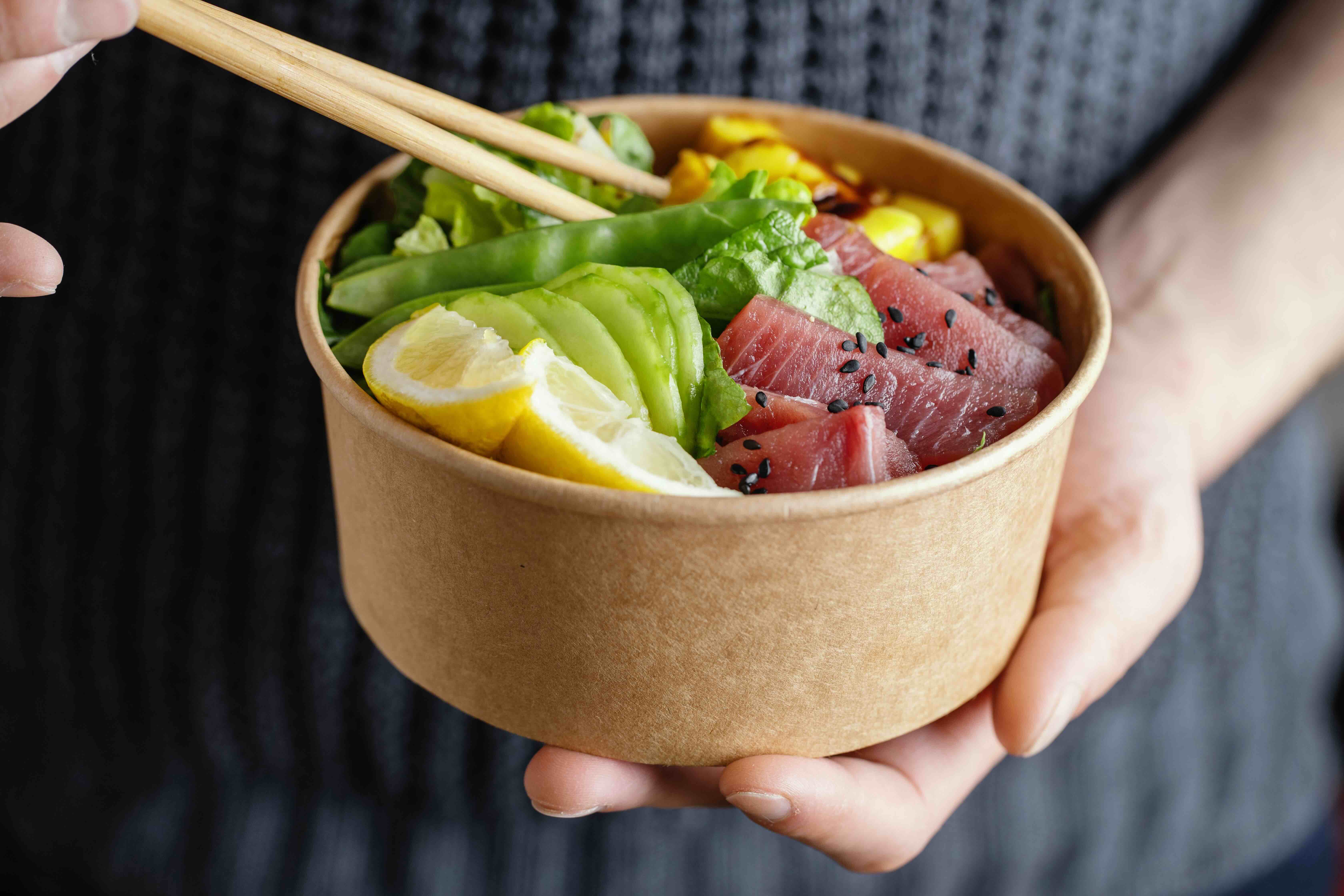
Healthy Takeaways Business Trend Across New Zealand
05 Jun 2025
Looking for ideas of quick, nutritious kai businesses in New Zealand? This article uncovers the most popular healthy takeaways in major cities across NZ and tips to start one!
F&B Entrepreneurship
F&B Trends
Read More
