Solution

Paperless Operation Experience

Getting rid of paper is a great way to promote organization in your restaurant while also cutting back on unnecessary costs. Keep things green and clean and promote your restaurant as an environmentally-conscious business!
Eats365 paperless solutions

Paperless Operation Experience Products
Benefits

Exceptional Organization

With messy papers flying about your restaurant, getting wet, burned and dirty, your organization suffers greatly. Getting rid of paper helps you clean up your operations and see a great boost to organization and communication. 

Exceptional Organization

Build a Green Brand Image Through Automation

Customers love a green brand! Show that you care about the environment by using less paper and attract new diners who value this trait in the restaurants they frequent! Without the use of paper, you immediately allow repetitive manual processes to be automated, which can help speed up many aspects of your business. 

Build a Green Brand Image through Automation

Time to Get Rid of Avoidable Errors

Requiring things to be written down on paper and delivered manually makes errors extremely likely. Instead, let all important order information get digitally sent to relevant restaurant staff and departments to reduce mistakes while also having the handy benefit of instantly syncing any last-minute order changes. 

Time to Get Rid of Avoidable Errors

Useful Data that Benefits You and Your Staff

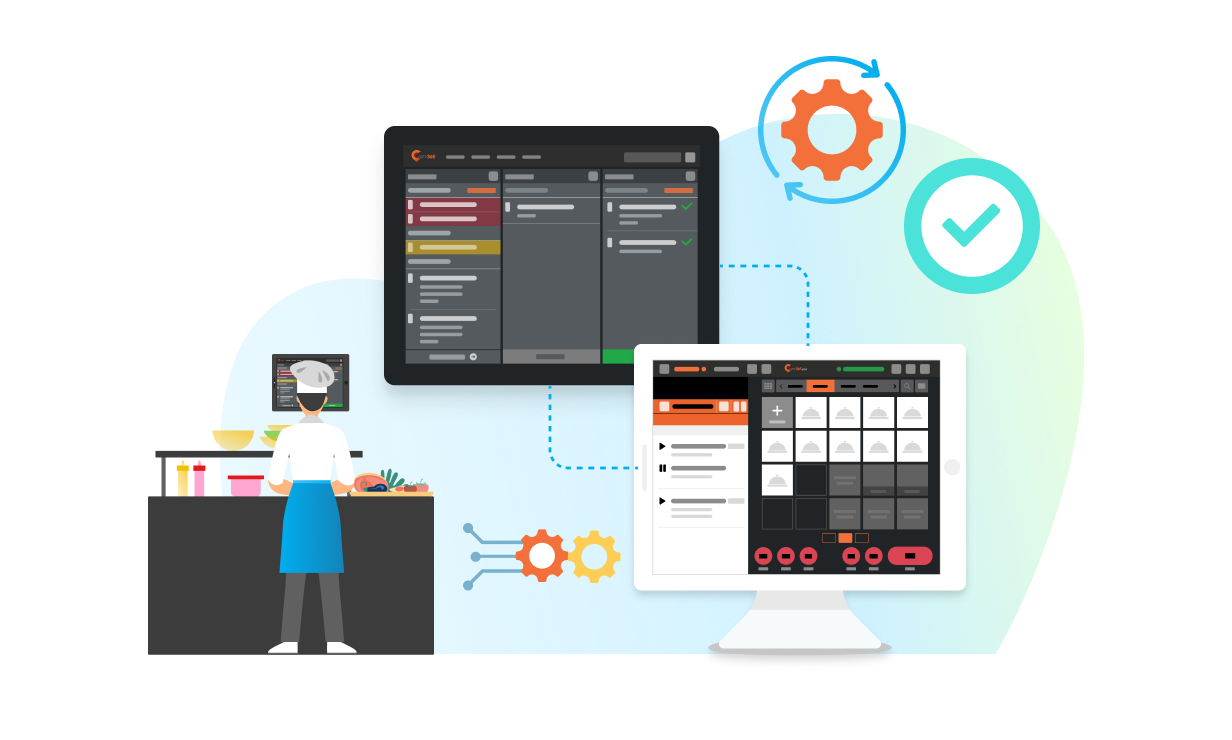
Data that’s shared digitally can be updated in real-time offering your staff crucial information that helps them stay organized. For example, just between your Kitchen Display System and Expedite Display, you’ll have access to the POS (Point of Sale) system's send time, individual order cooking times, average order cooking times, individual order packing times, average order packing times and more. If you or your staff ever need to go back and check things like food prep time or amend order errors, all your data is stored on the cloud for easy access whereas paper would just be tossed away. 

Useful Data that Benefits You and Your Staff

The Full Paperless Operation Experience Solution

Paperless Back Office

POS
Core Modules


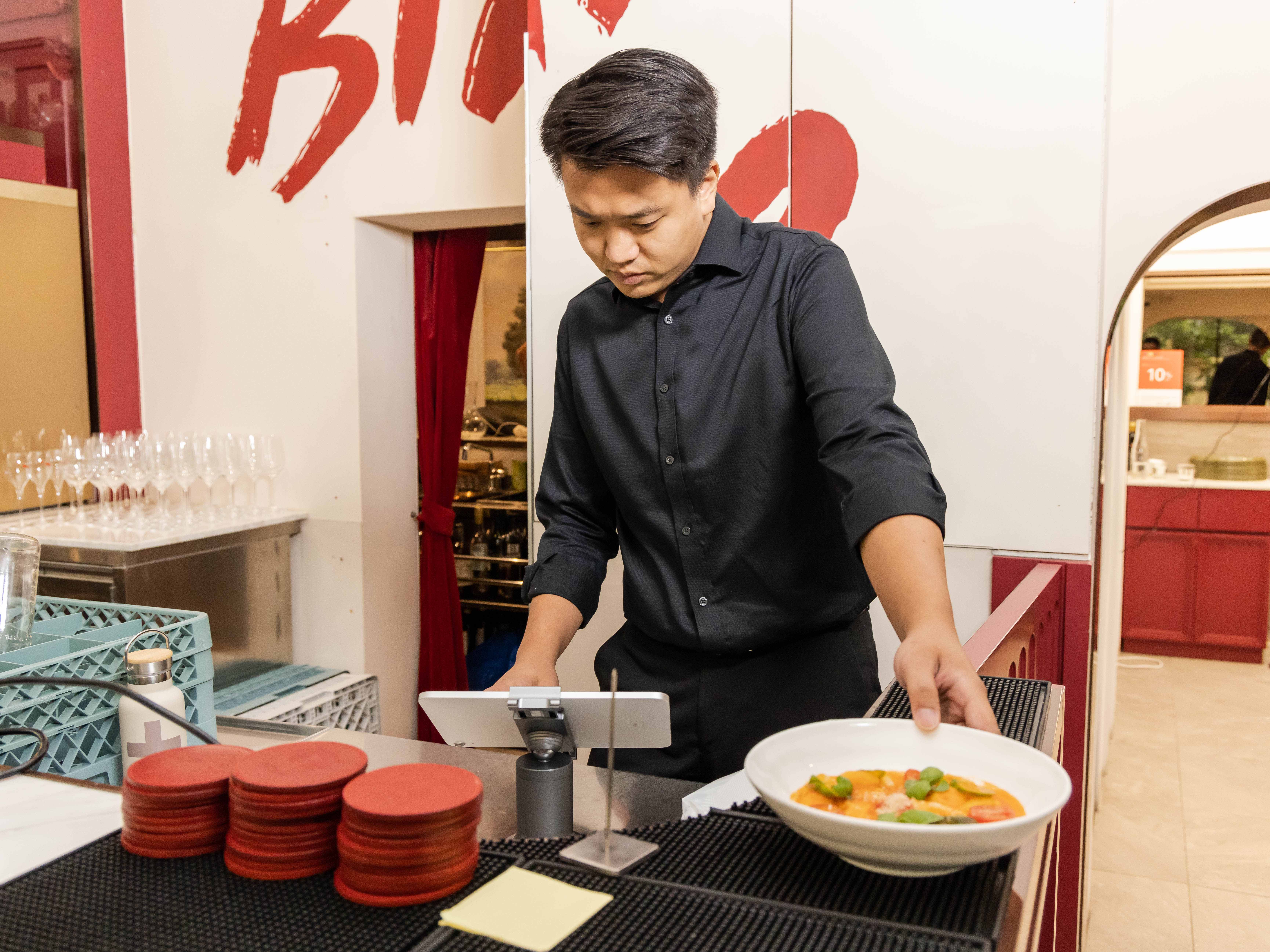
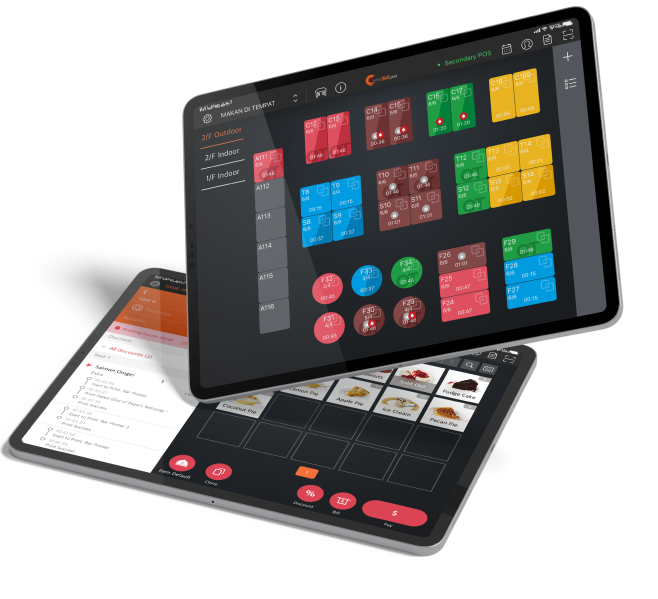
Not only does your Eats365 POS connect with relevant modules like the Kitchen Display System for paperless communication, but it also lets you take orders directly from your iPad, giving you the option to completely eliminate the need to print order tickets and kitchen tickets. 

Paperless Operation Experience - Back Office.png

Paperless Front of House

mPOS
Expansion Modules




Let your staff take orders right from their mobile devices without the need to write anything down on paper.

Dynamic Digital Menu
Expansion Modules


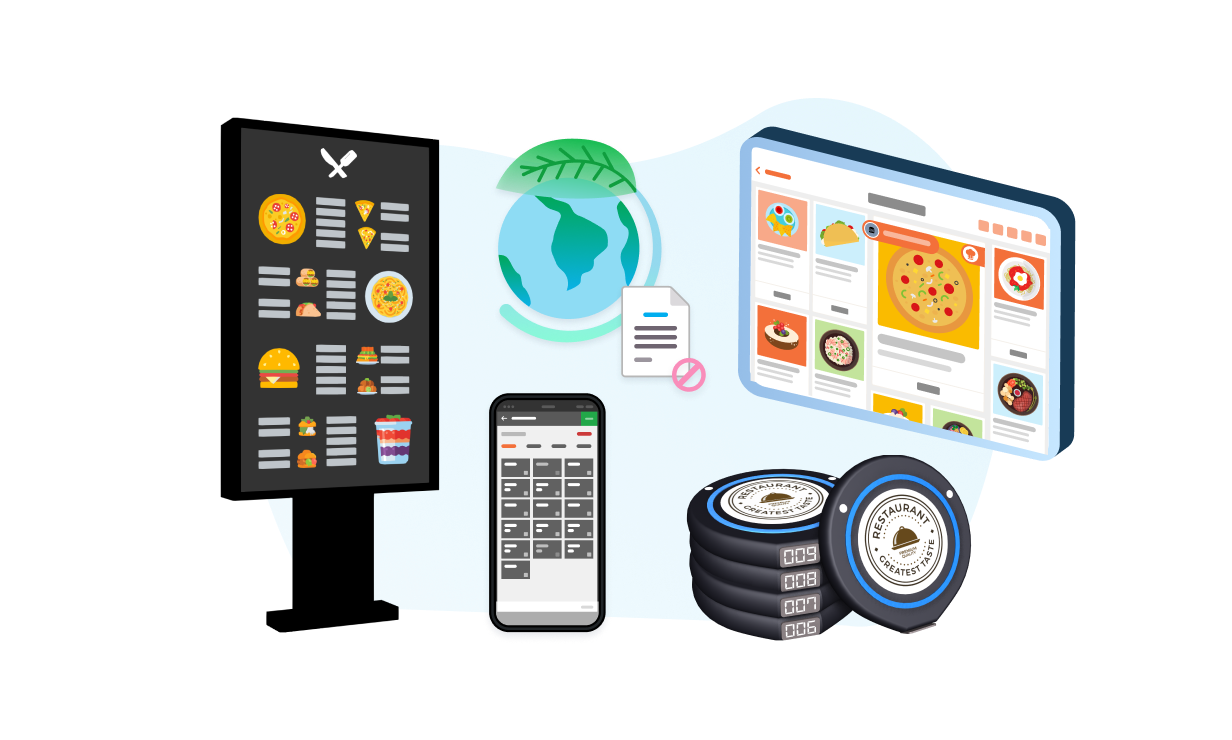
Don’t waste time, money and paper replacing large menus in your restaurant each time you make a change. By going digital, your menu can be switched, items can be changed and visuals can be upgraded without the need to print new ones. 

PhotoMenu
Expansion Modules

Save on printing costs with a PhotoMenu that lets your customers view detailed menus that can be edited anytime without needing to print new ones.

Pagers
Pagers
Third-Party Pagers
Third Party Integration

Instead of giving your customers a separate paper pickup ticket, their order can be linked directly to a pager, which will vibrate when the order is ready. 

Paperless Operation Experience - Front of House

Paperless Back of House


Kitchen Display System
Expansion Modules



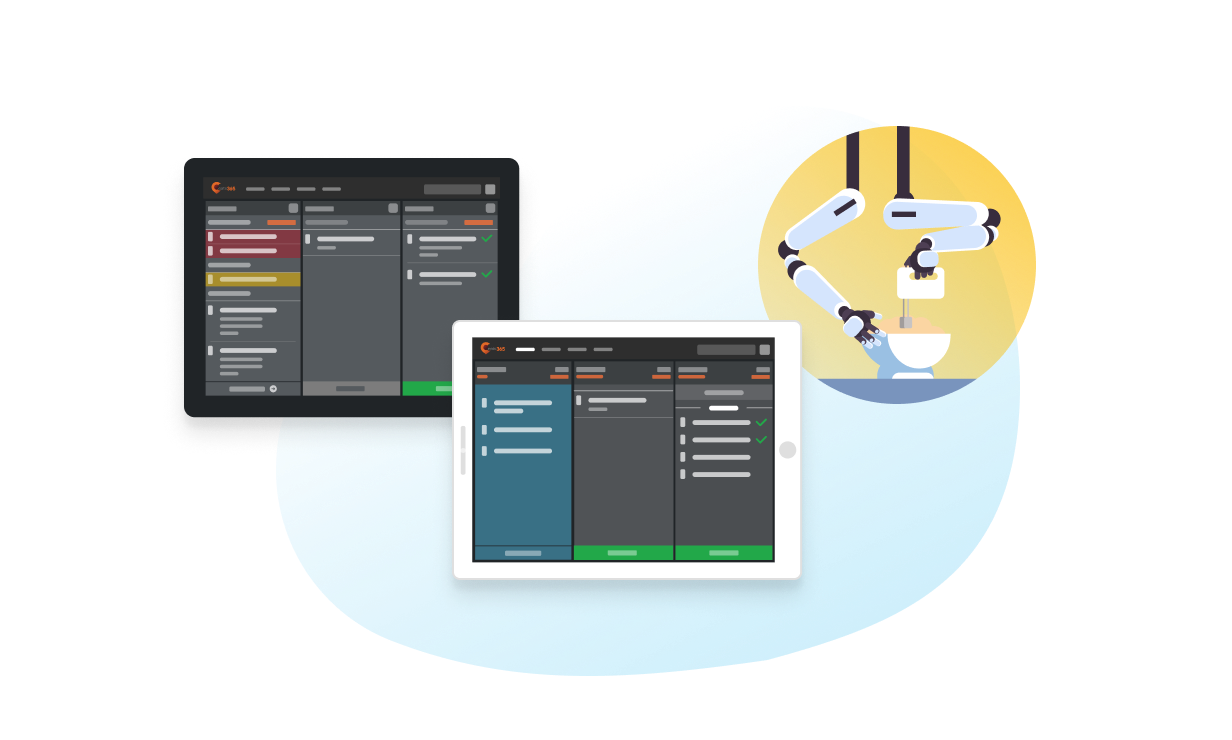
Let your kitchen staff interact with an organized, consolidated view of all incoming orders that is updated in real time. 

Expedite Display
Expansion Modules

Once orders are complete, let your packers and expediters interact with a clean interface to see what items are in each order so nothing gets mixed up. 

Robotics
Robotics
Third-Party Robotics
Third Party Integration

If you don’t have human staff in your kitchen, you don’t need paper tickets to process orders. 

Paperless Operation Experience - Back of House

Paperless Self-Service


Scan-to-Order (BYOD)
Expansion Modules

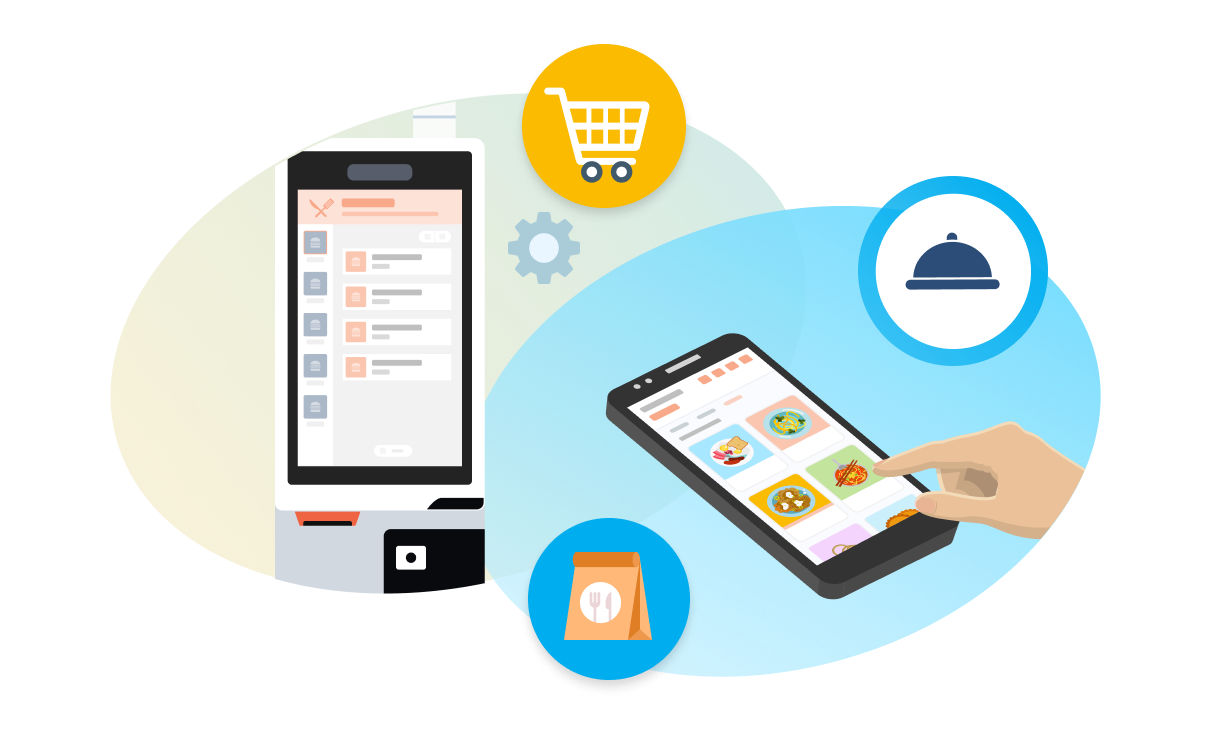
Let customers scan a QR code sticker to access your menu and place their own orders. No excessive paper required!


Self-Service Kiosk
Expansion Modules

Give customers the freedom to order directly from a digital kiosk with an intuitive layout of all your food and drink offerings. No need for paper menus. 

Third-Party Self-Serve Ordering
Third Party Integration

Go deeper with self-service ordering so that your customers don’t need to utilize paper menus during the ordering process.

Paperless Operation Experience - Paperless Self-Service
You Don’t Need to Use them All
Pick what you need to expand your custom solution
/Puzzle

FAQs Eats365 Paperless Operation Solution

1. What is a paperless operation experience for restaurants?

A paperless operation experience for restaurants digitizes every stage of the ordering and kitchen workflow, eliminating the need for printed order tickets and menu slips. This includes taking orders on mobile devices or iPads and sending them directly to Kitchen Display Systems (KDS), Expedite screens, self-service kiosks, and BYOD (QR code) scan-to-order systems.

2. How does a paperless system improve restaurant operations?

A paperless system improves restaurant operations by promoting organization, reducing unnecessary costs associated with printing, and enhancing communication within the kitchen and front-of-house staff. It streamlines the ordering process and creates a seamless end-to-end digital workflow.

3. What Eats365 products support a paperless operation?

Eats365 products that support a paperless operation include the Scan-to-Order (BYOD) self-kiosk and the Eats365 POS, which connects with relevant modules like the Kitchen Display System (KDS). The POS also allows orders to be taken directly from an iPad, eliminating the need for printed tickets.

4. Can a paperless system help reduce costs for my restaurant?

Yes, a paperless system can help reduce costs for your restaurant by eliminating the need to frequently purchase and print paper for order tickets, kitchen tickets, and other operational documents. This contributes to overall cost savings and promotes a more sustainable business model.

5. How does Eats365's paperless solution handle kitchen communication?

Eats365's paperless solution handles kitchen communication by sending orders directly from mobile devices, iPads, or self-service kiosks to Kitchen Display Systems (KDS) and Expedite screens. This digital communication ensures that kitchen staff receive orders instantly and accurately without the need for printed tickets.

Want To Improve Your Restaurant’s Paperless Operation Experience?

free trial