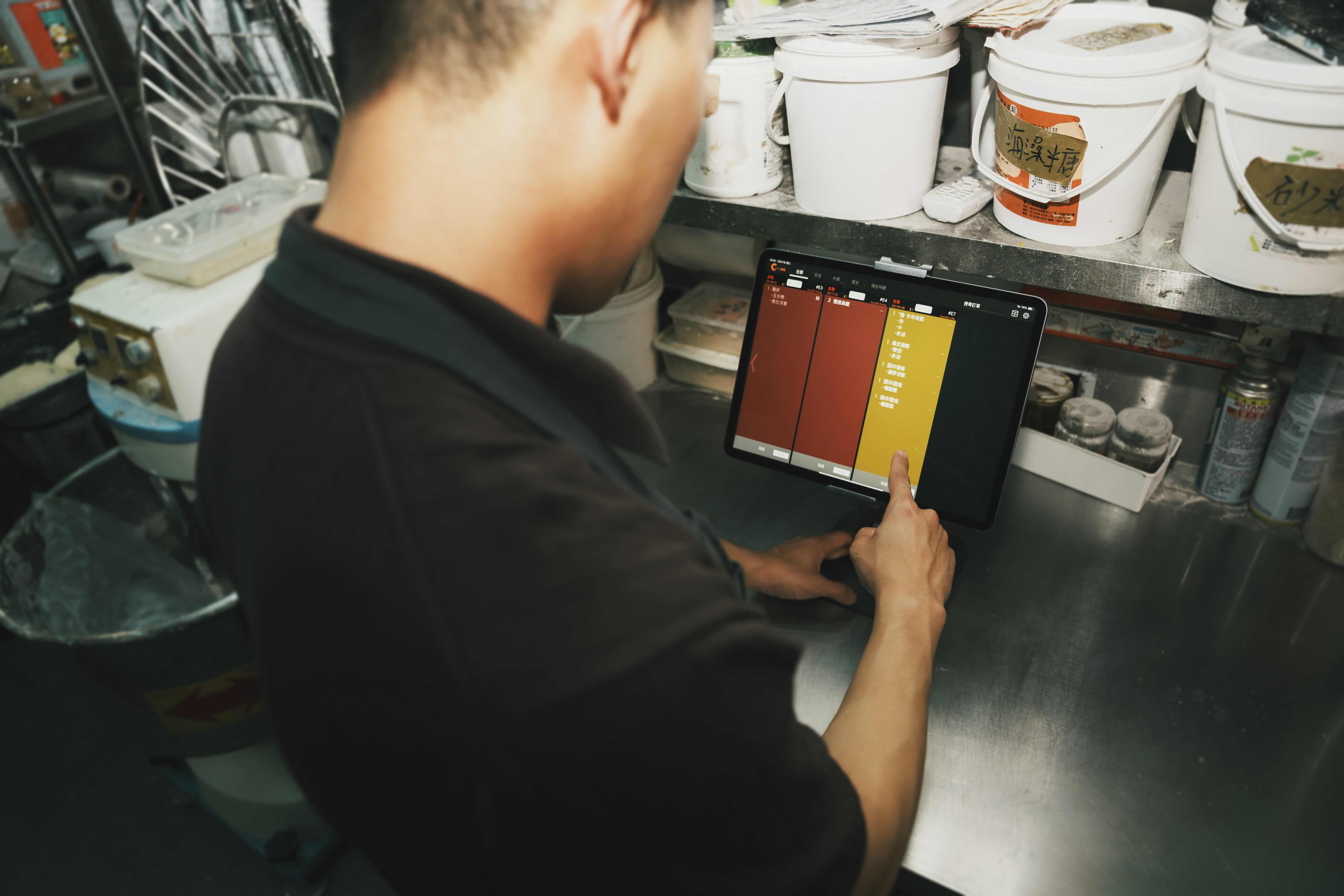
No more soggy, smudged kitchen tickets. Packers view and tick off each order on a single iPad, making it easy to confirm every item and catch errors before they reach the customer.
Expedite Display
Expedite Display for Accurate Order Handoff
When customers, drivers and packers are all working out whose order is whose, mistakes happen. Give your expeditors a clear, item-by-item view of every completed order — so the right food reaches the right person, the first time.

How Does an Expedite Display Keep Orders Accurate?
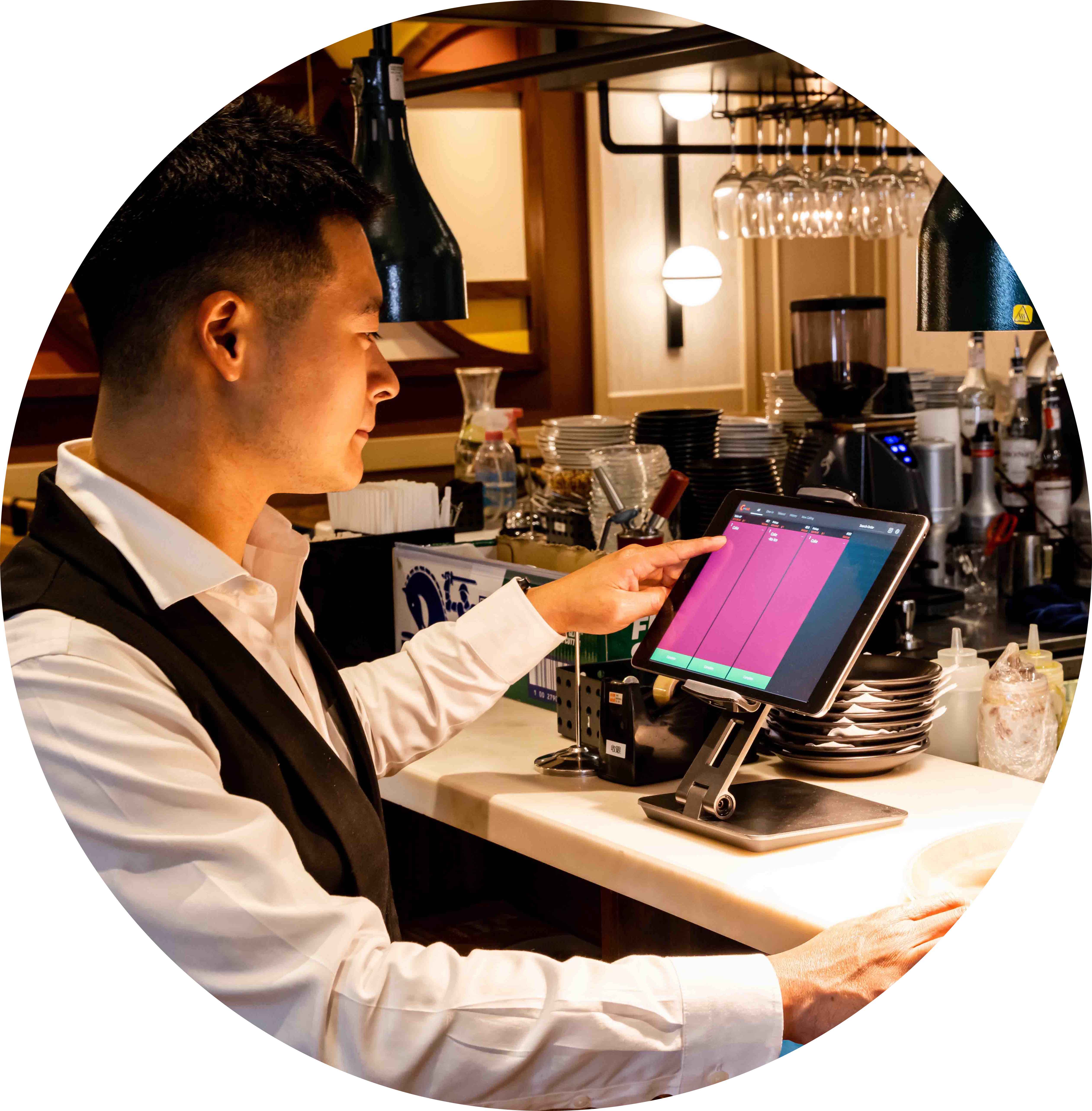
One Screen Instead of Paper Tickets

Serve Hot Food, Faster
When packers can see the full picture and stay sharp, orders go out quickly and customers get a hot, correct meal, while management gets the data to keep improving.
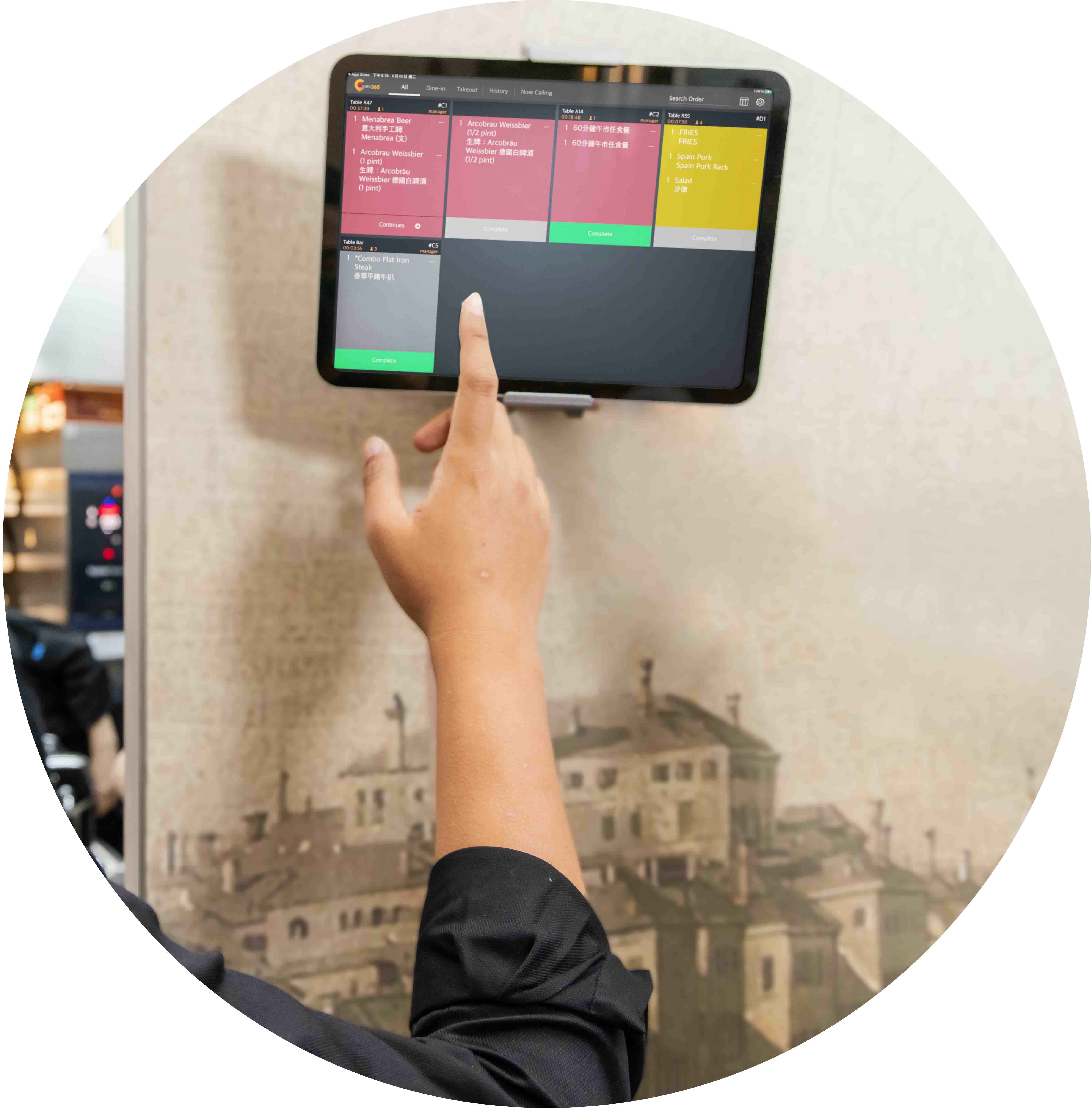
Connect Front of House and Back of House
Paired with the Eats365 POS, KDS and Pickup Display, the Expedite Display shares order data across departments automatically, so staff stay in real-time sync and no order goes amiss.
All Orders in One Place
 All orders on one device for better organization
Shows the complete order — full item breakdown plus order or table number — not just one kitchen station's items
Complete order history you can reference and recall orders from
All orders on one device for better organization
Shows the complete order — full item breakdown plus order or table number — not just one kitchen station's items
Complete order history you can reference and recall orders from

Track Every Item in an Order
Itemized breakdown of each order
Quantity per item
Table number of each order

Make Serving and Packing Speed a Priority
See time elapsed since an order was placed
Mark each item once it's prepped
Orders change color to show how long they've been waiting
*Delivery coming soon

Automated Call for Pickup
Call for pickup on a Pickup Display the moment an order is complete
Completed orders show on the Pickup Display instantly
Compatible with pagers — call customers to collect directly via pager

Connected and In Sync
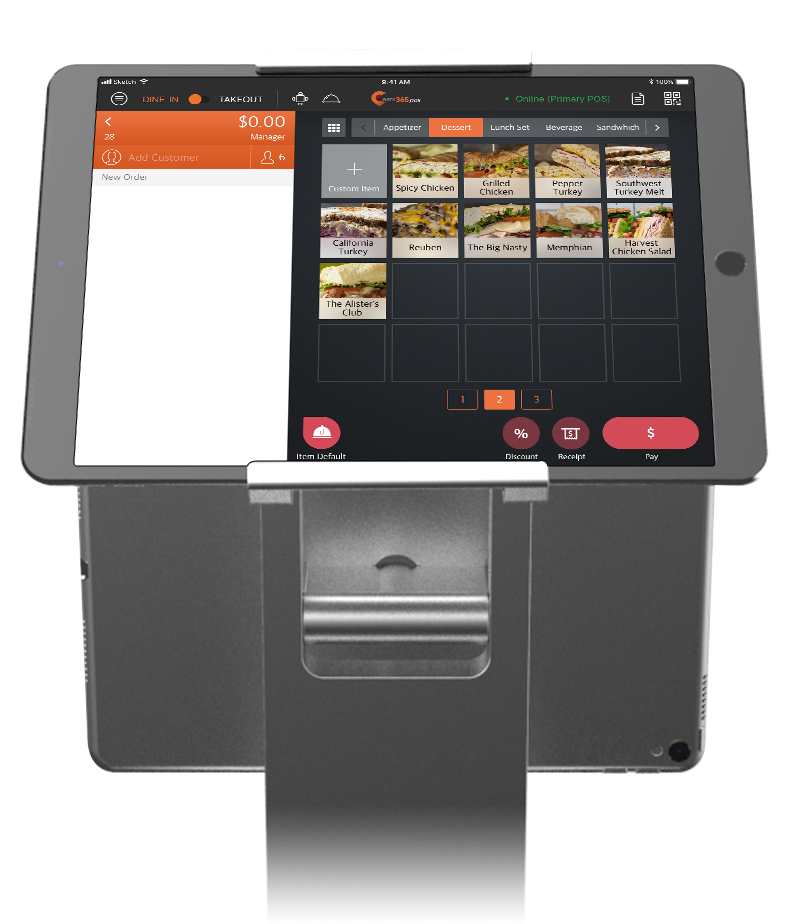
Pairs manually only with the POS, then syncs automatically with the KDS and eSignage
Notifies front-of-house staff the moment an order is ready to be served

Print Expeditor Tickets
Print a physical expeditor ticket for dine-in, takeout and catering orders
Show order number, service-type indicator and kitchen station name on the ticket
Add a scannable QR code, order remarks and cutlery requests
Dual-language ticket printing — useful for multicultural teams
Combine identical items and choose how combos display
All Orders in One Place
All orders on one device for better organization
Shows the complete order — full item breakdown plus order or table number — not just one kitchen station's items
Complete order history you can reference and recall orders from
Track Every Item in an Order
Itemized breakdown of each order
Quantity per item
Table number of each order
Make Serving and Packing Speed a Priority
See time elapsed since an order was placed
Mark each item once it's prepped
Orders change color to show how long they've been waiting


*Delivery coming soon
Automated Call for Pickup
Call for pickup on a Pickup Display the moment an order is complete
Completed orders show on the Pickup Display instantly
Compatible with pagers — call customers to collect directly via pager
Connected and In Sync
Pairs manually only with the POS, then syncs automatically with the KDS and eSignage
Notifies front-of-house staff the moment an order is ready to be served
Print Expeditor Tickets
Print a physical expeditor ticket for dine-in, takeout and catering orders
Show order number, service-type indicator and kitchen station name on the ticket
Add a scannable QR code, order remarks and cutlery requests
Dual-language ticket printing — useful for multicultural teams
Combine identical items and choose how combos display
Expedite Display is Perfect for these Restaurant Types


Expedite Display is Part of the Following Solutions


Restaurants Like Yours Love the Expedite Display
FAQs about Eats365 Expedite Display
1. What is an Expedite Display and how does it work?
An Expedite Display is a digital kitchen management screen that provides a centralized view of all orders being prepared. It acts as a bridge between the kitchen and front-of-house, allowing expediters or packers to track completed items in real-time on an iPad to ensure order accuracy before they are served to customers.
2. How does an Expedite Display improve order accuracy?
The Expedite Display replaces physical kitchen tickets with a digital interface, making it easier to confirm orders item-by-item. By providing a clear, real-time picture of every completed order, it helps staff spot errors and missing items before they leave the kitchen, preventing cold food and sub-par service.
3. Does the Expedite Display sync with the POS and KDS?
Yes. The Expedite Display is a back-of-house module that integrates directly with the Eats365 POS and Kitchen Display System (KDS). This automated system ensures that order data is shared instantly across all modules, keeping the kitchen staff and front-of-house teams in constant communication.
4. Can customers see order status updates through the Expedite Display?
While the Expedite Display is for staff use, it pairs with the Pickup Display to notify customers when their food is ready. When an expediter marks an order as prepared on their screen, the status can automatically update across front-of-house modules to keep customers informed.
5. What hardware is required to run the Eats365 Expedite Display?
The Expedite Display is designed to run on a standard iPad. This mobile setup allows for flexible placement at the packing station or the 'pass' area, where staff can interact with the screen to manage and clear orders efficiently.
Your Eats365 Growth Guide
Top Digital Signage Strategies for Quick Service Restaurants
 18 Jun 2025

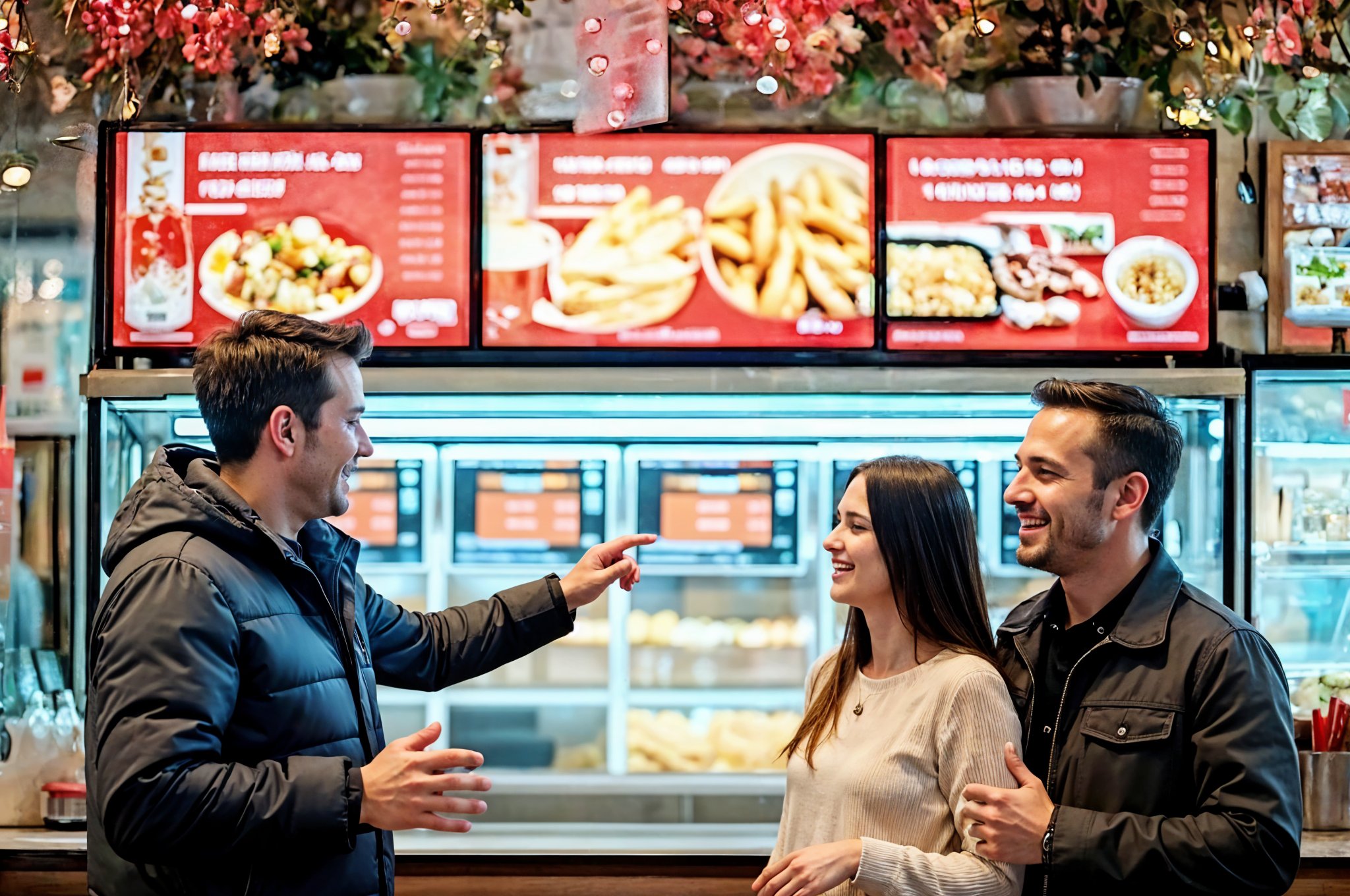
Are your static menus and long wait times hurting sales? This guide explores how quick service restaurant digital signage boosts revenue, enhances customer experience, and streamlines operations.
Foodtech
Read More
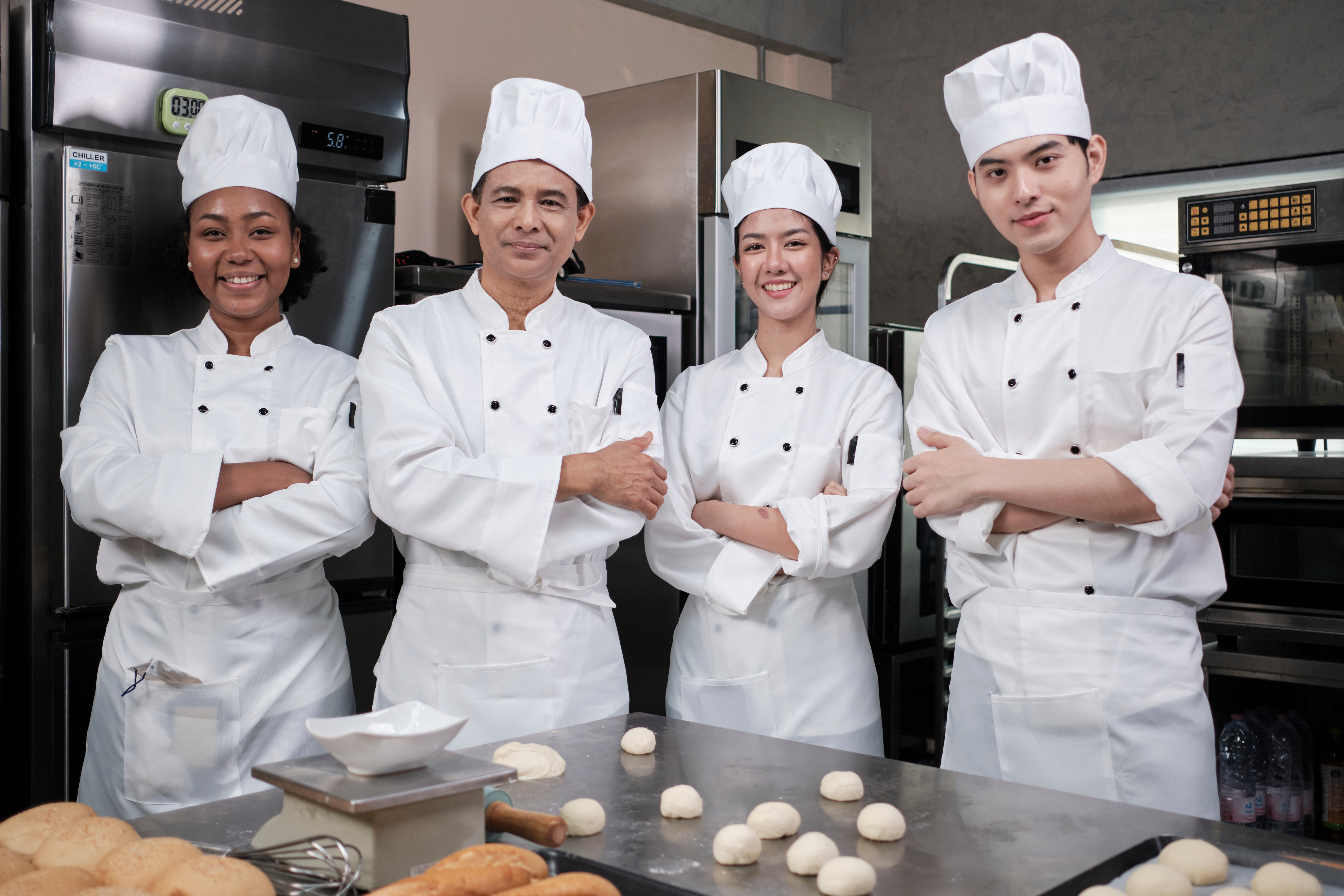
How to Organize a Commercial Kitchen in 2026 - A Growth Guide for Restaurant Owners
24 Dec 2024
Revolutionize your restaurant kitchen with cutting-edge tech and proven strategies! Discover how our Kitchen Display System boosts speed, quality, and efficiency to fuel your growth in 2026.
Kitchen management
Foodtech
Read More
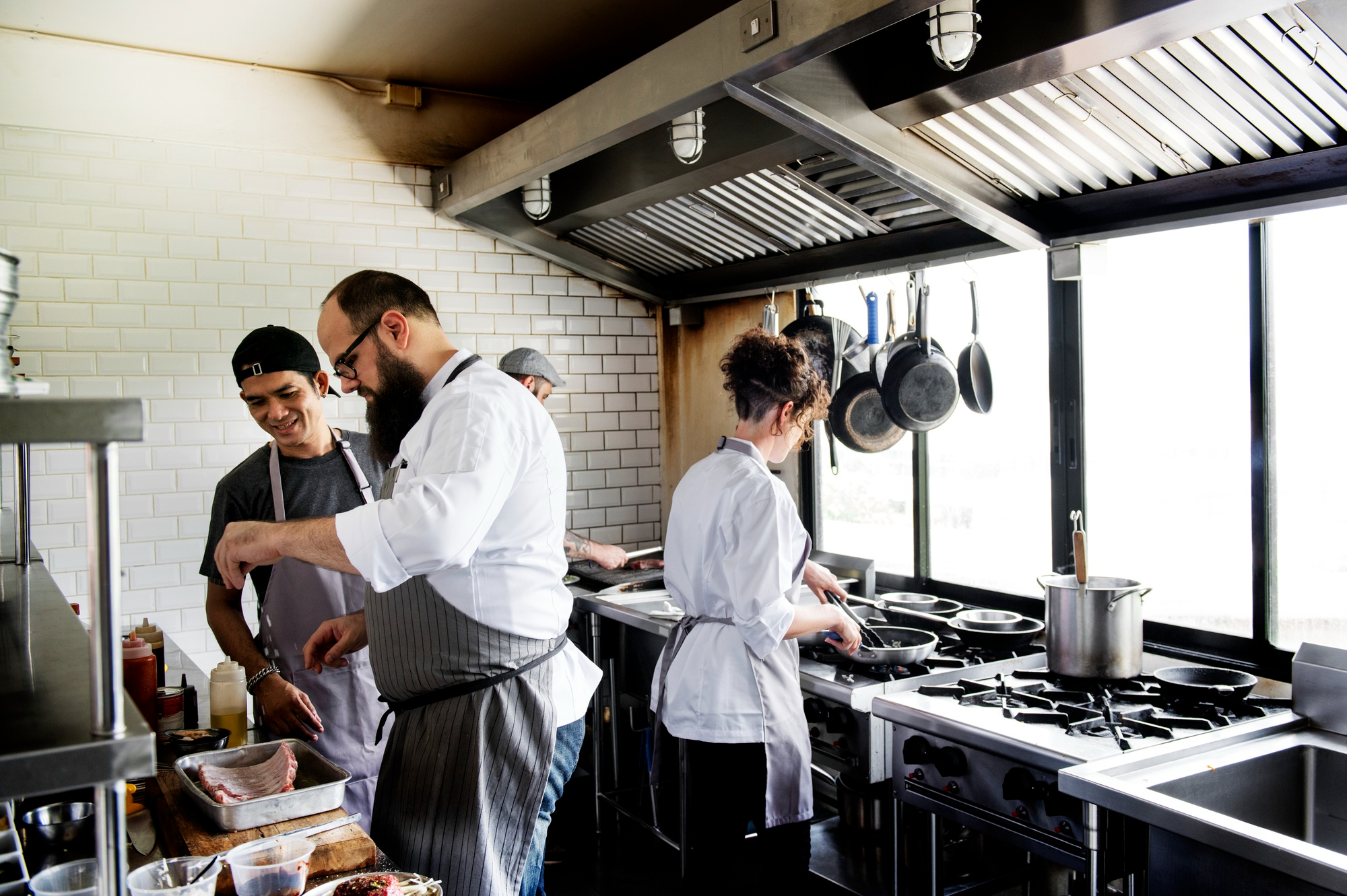
Guide to The Best Kitchen Display System for Your Restaurant
13 Feb 2024
A Kitchen Display System (KDS) streamlines workflows, reduces errors, and boosts efficiency in any restaurant, from quick-serve to fine dining. Discover how a KDS benefits your operations and the key features to consider when choosing one.
Kitchen management
Restaurant POS Features
Foodtech
Read More
