Guests see which dishes are vegetarian, vegan, gluten-free or halal — in their own language — and sold-out items hide automatically, so no one orders what's unavailable.
PhotoMenu
When Customers Eat With Their Eyes, They Always Order More
Your customers order with their eyes. PhotoMenu lets you tell each dish's story with mouth-watering photos and descriptions — in English, Malay or Chinese — so every guest can browse and order comfortably from their table.

How Eats365's PhotoMenu Helps You Sell More
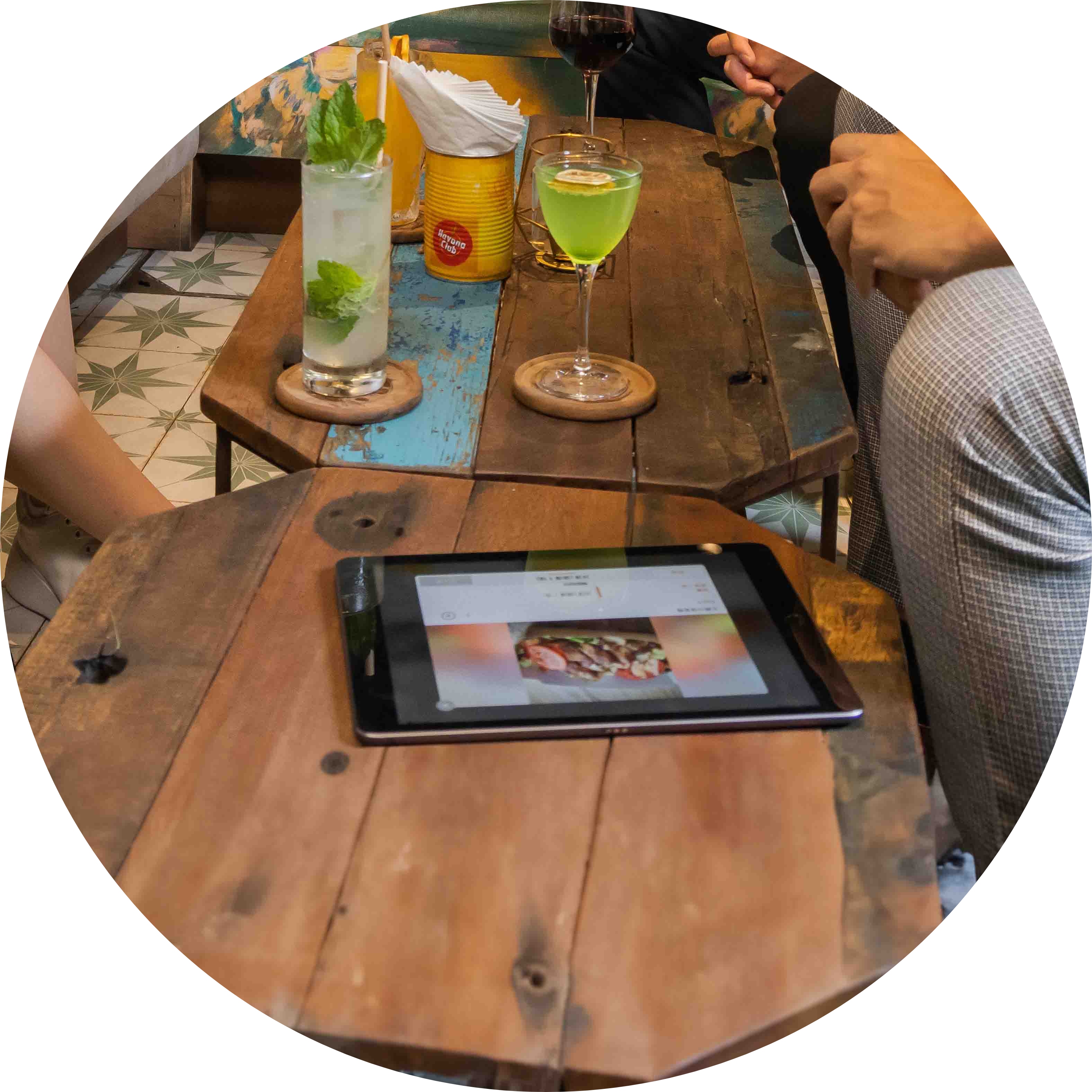
Interactive Menu Details Make Happier Customers
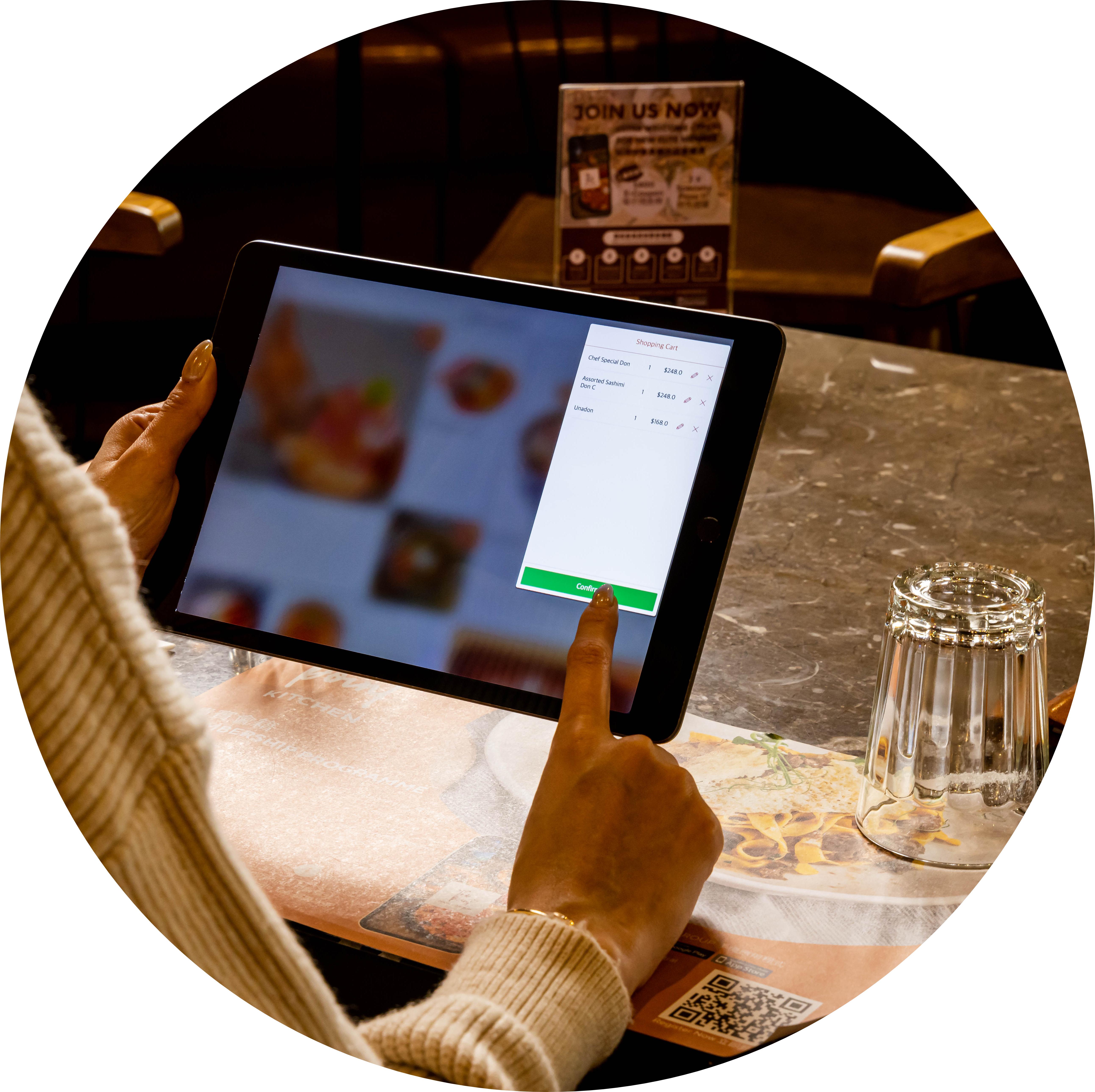
A Flexible Digital Ordering Experience
Guests pick and place their own orders, then add items or make changes if they change their minds — all without pulling staff away from the floor.
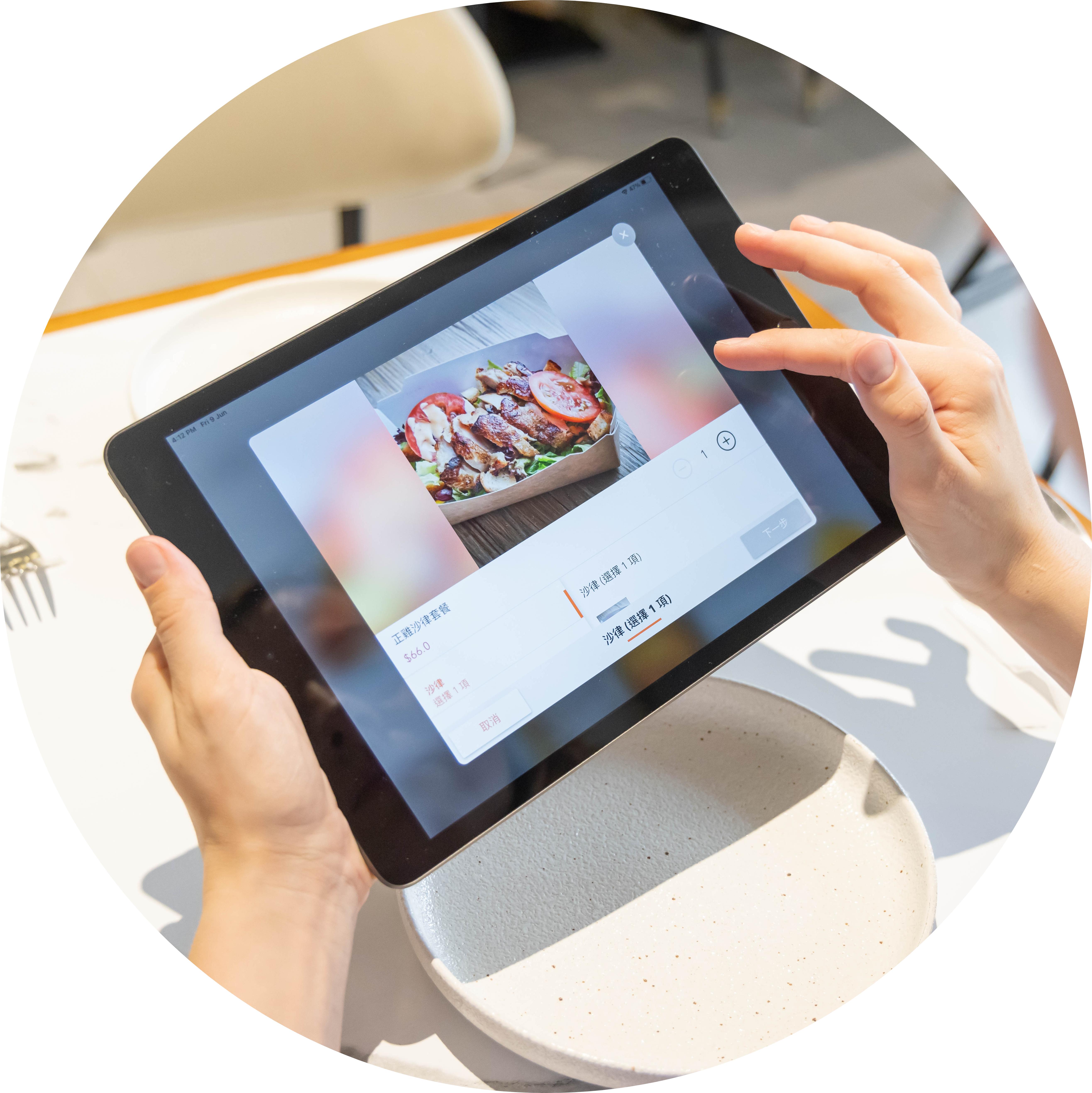
Visuals That Spark Hunger
Unlike a paper menu with limited space, PhotoMenu lets you show off every dish and drink with appetizing photos — so guests are tempted to order more.
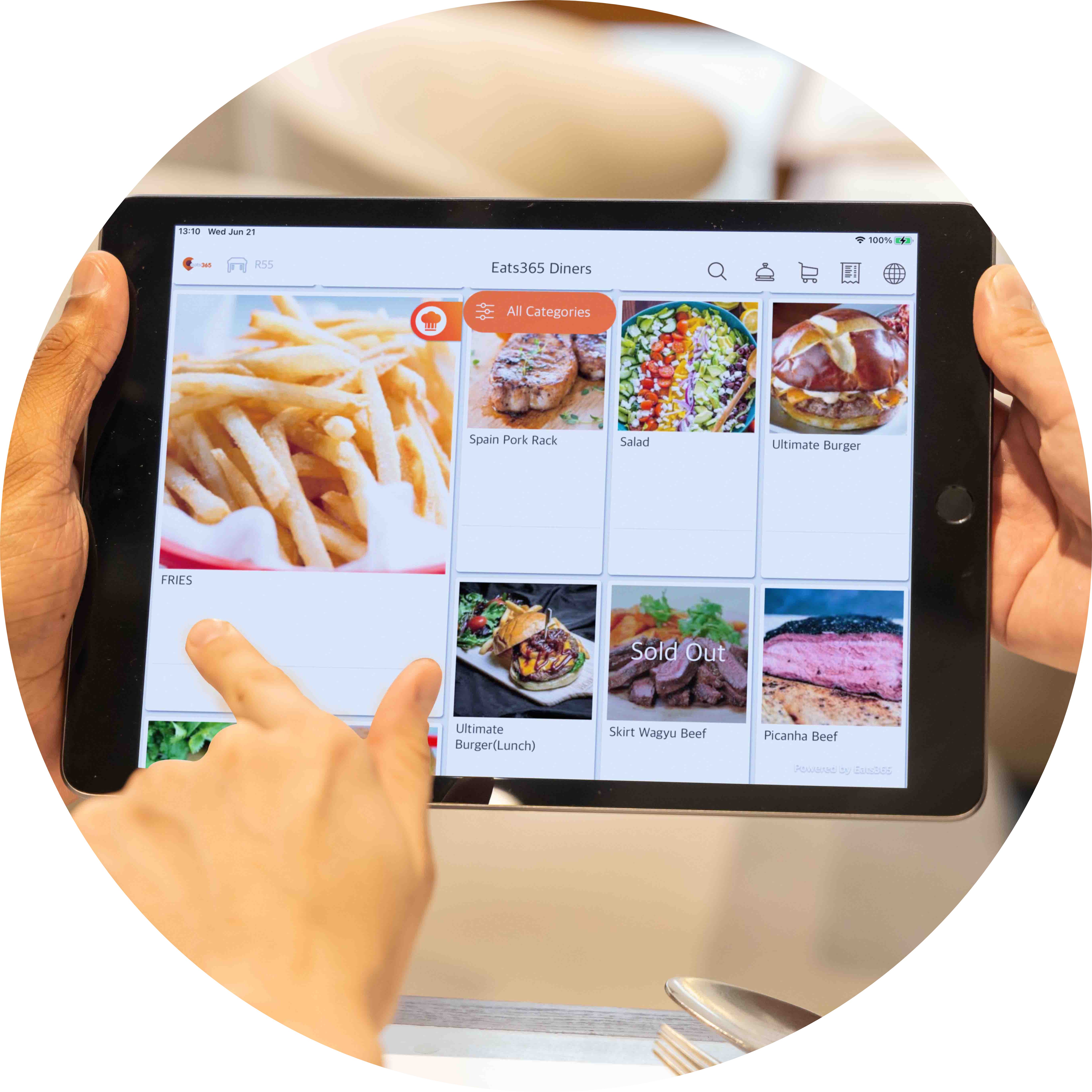
Limitless Ways to Build the Perfect E-Menu
Update menus digitally with zero printing costs, then test different layouts and photos and see which version drives the highest sales.
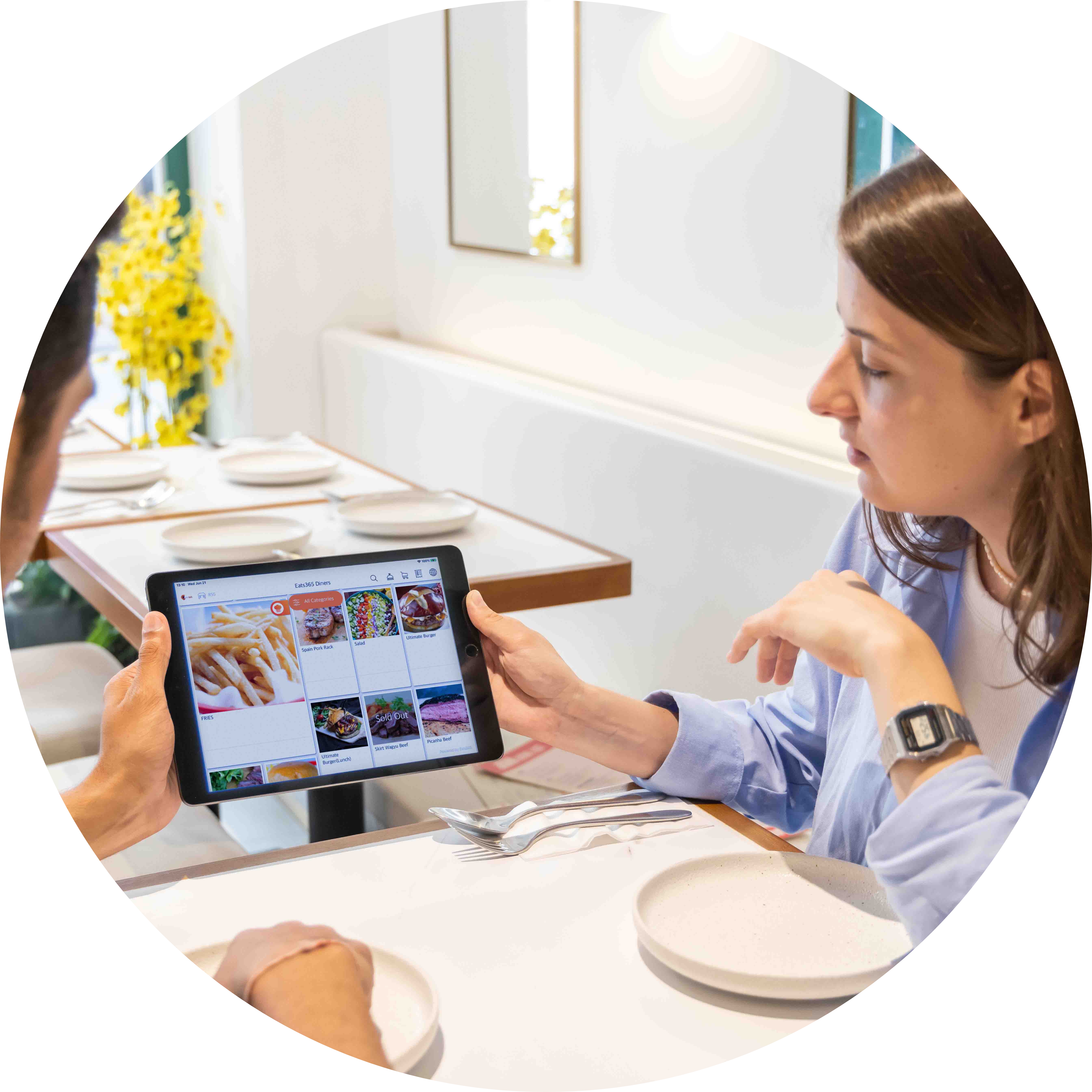
Position iPad Menus Anywhere
Run PhotoMenu on a simple tablet: fix it to a table, hand it out as needed, or place it outside to show promotions to passersby.
Totally Customize Your Digital Menus
 Add custom photos for every menu item
Write an enticing backstory for each dish
Auto-switch between menus (e.g. breakfast and lunch)
Add combos, modifiers, discounts and more
Offer the menu in multiple languages to welcome every guest
Add custom photos for every menu item
Write an enticing backstory for each dish
Auto-switch between menus (e.g. breakfast and lunch)
Add combos, modifiers, discounts and more
Offer the menu in multiple languages to welcome every guest

The Perfect Fit for Your Restaurant Style
Fits a self-service model, from ordering through to payment
Mobile and stationary modes for full flexibility
Use PhotoMenus as signage to advertise new items

A Fully-Connected and Interactive Menu
Update all PhotoMenus at once from the Merchant Portal
Menu changes sync across all relevant Eats365 modules
Orders can route to a POS or mPOS for approval first
Inventory tracking hides out-of-stock items
Cloud integration with other Eats365 modules

Call for Service in a Tap
Guests tap 'Service Call' on the PhotoMenu instead of flagging down staff
They choose the type of service they need
Staff are alerted instantly on the Eats365 POS — pop-up, a bell icon on the table map, and a sound
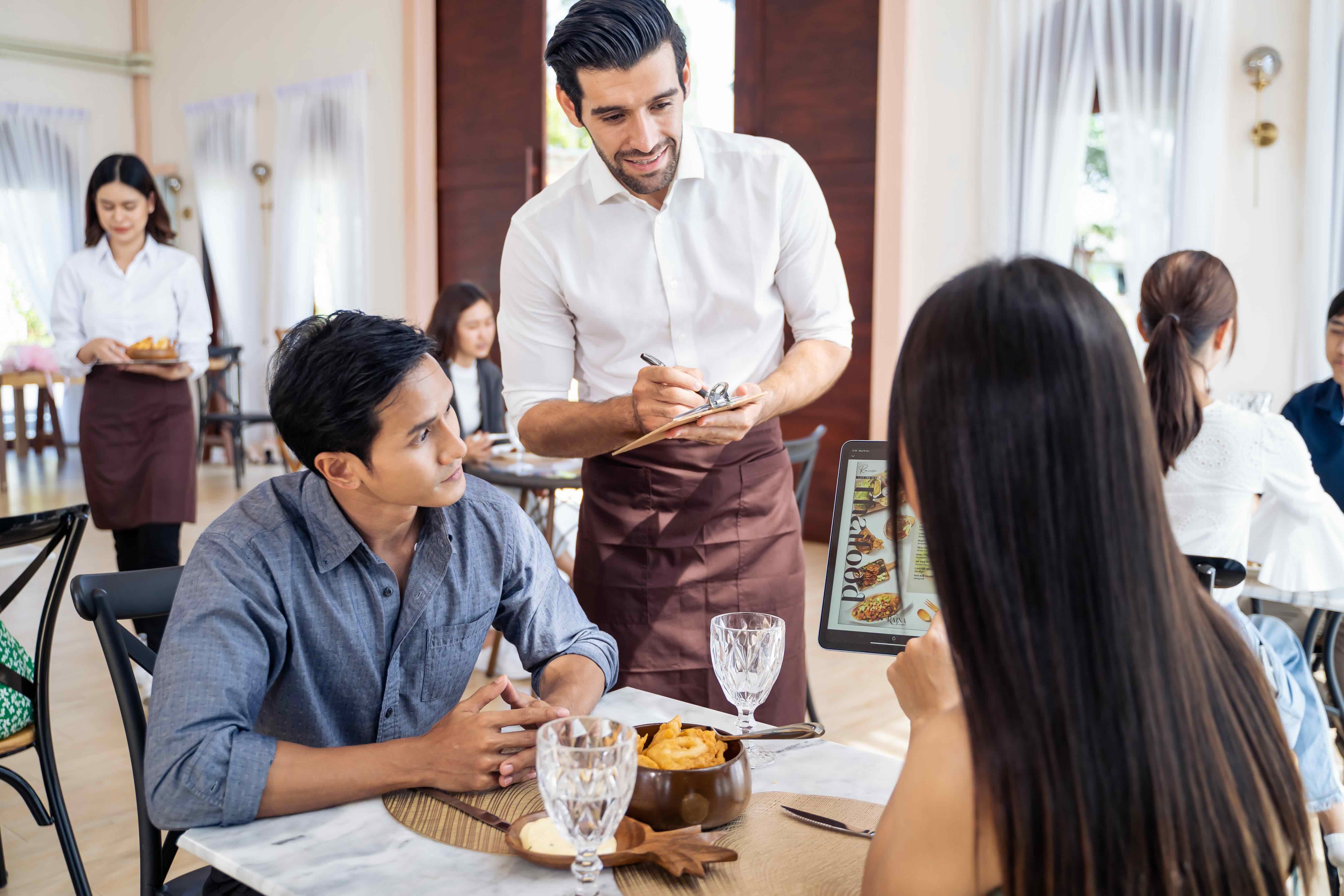
Totally Customize Your Digital Menus
Add custom photos for every menu item
Write an enticing backstory for each dish
Auto-switch between menus (e.g. breakfast and lunch)
Add combos, modifiers, discounts and more
Offer the menu in multiple languages to welcome every guest
The Perfect Fit for Your Restaurant Style
Fits a self-service model, from ordering through to payment
Mobile and stationary modes for full flexibility
Use PhotoMenus as signage to advertise new items
A Fully-Connected and Interactive Menu
Update all PhotoMenus at once from the Merchant Portal
Menu changes sync across all relevant Eats365 modules
Orders can route to a POS or mPOS for approval first
Inventory tracking hides out-of-stock items
Cloud integration with other Eats365 modules
Call for Service in a Tap
Guests tap 'Service Call' on the PhotoMenu instead of flagging down staff
They choose the type of service they need
Staff are alerted instantly on the Eats365 POS — pop-up, a bell icon on the table map, and a sound
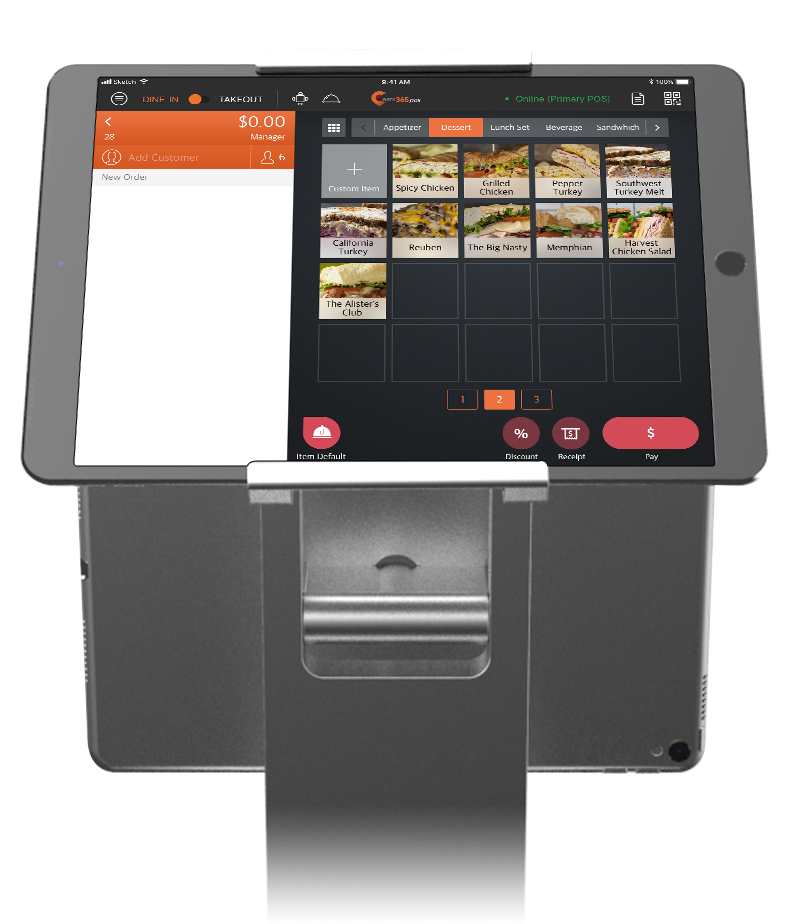
PhotoMenu is Perfect for these Restaurant Types


PhotoMenu is Part of the Following Solutions


Restaurants Like Yours Love the PhotoMenu
FAQs about Eats365 PhotoMenu
1. What is the Eats365 PhotoMenu?
The PhotoMenu is a digital tablet-based menu that allows customers to browse high-quality images, detailed descriptions, and ingredient lists of your dishes directly from their table. It serves as an interactive self-ordering interface that bridges the gap between traditional service and digital efficiency.
2. How does the PhotoMenu benefit restaurant operations?
PhotoMenu streamlines operations by allowing customers to place orders directly, which reduces the workload on waitstaff and minimizes ordering errors. Real-time synchronization ensures that menu updates made in the Merchant Portal—such as price changes or out-of-stock items—are instantly reflected on all tablet devices.
3. Can customers request staff assistance through the PhotoMenu?
Yes, the PhotoMenu includes a 'Service Call' feature. This allows customers to notify restaurant staff when they need assistance and specify the type of service required, ensuring a faster and more organized response from the floor team.
4. Does the PhotoMenu support menu customization and modifiers?
Yes, it fully supports combos and modifiers, giving guests the ability to customize their meals with specific options or additions. This interactive setup helps drive sales by making upselling and cross-selling options clearly visible to every customer.
5. Can I assign a PhotoMenu tablet to a specific table?
Yes, you can configure PhotoMenu settings to assign a device to a fixed table number. This ensures that orders placed from that specific tablet are automatically routed to the correct table in the POS system without manual input from staff.
6. Is it possible to customize the layout of the PhotoMenu?
Individual or shared PhotoMenu settings can be modified through the Eats365 POS or the Merchant Portal. You can customize the app’s layout, branding, and media sources to match your restaurant’s aesthetic and behavior preferences.
Your Eats365 Growth Guide
How to Choose the Best POS System for Your Bar & Nightclub
 02 Nov 2024

Selecting the right bar POS system is crucial for the success of your bar or nightclub. This guide will walk you through the key factors to consider when choosing the best POS system for your business.
Bars & Nightclubs
Restaurant POS Features
Read More
Top Digital Signage Strategies for Quick Service Restaurants
18 Jun 2025
Are your static menus and long wait times hurting sales? This guide explores how quick service restaurant digital signage boosts revenue, enhances customer experience, and streamlines operations.
Foodtech
Read More
The 2026 Guide to Restaurant Online Marketing
26 Jan 2026
Discover effective online marketing strategies and ideas to elevate your restaurant's visibility and attract more customers. Read the article for actionable insights!
Restaurant POS Features
Restaurant Marketing
Read More
