Every order tells a story — which dishes fly, which sit, when your rushes really hit. Eats365 turns that into clear numbers you can act on, not spreadsheets you'll never open. Spot your hero dishes, cut the dead weight, and staff for the hours that actually matter.
QR Ordering
Turn Every Scan Into a Bigger Order
With Real AI

Digitize your order flow with zero extra hardware — customers scan, order, and it syncs straight to your POS, even when the restaurant is packed. Sell more with built-in, real AI recommendations that suggest what customers "may also like," turning every scan into a chance to grow the order.
Why Choose Eats365 QR Ordering System?

Your Menu Knows What Sells. Now You Will Too.
Delivery Orders in the Same Flow
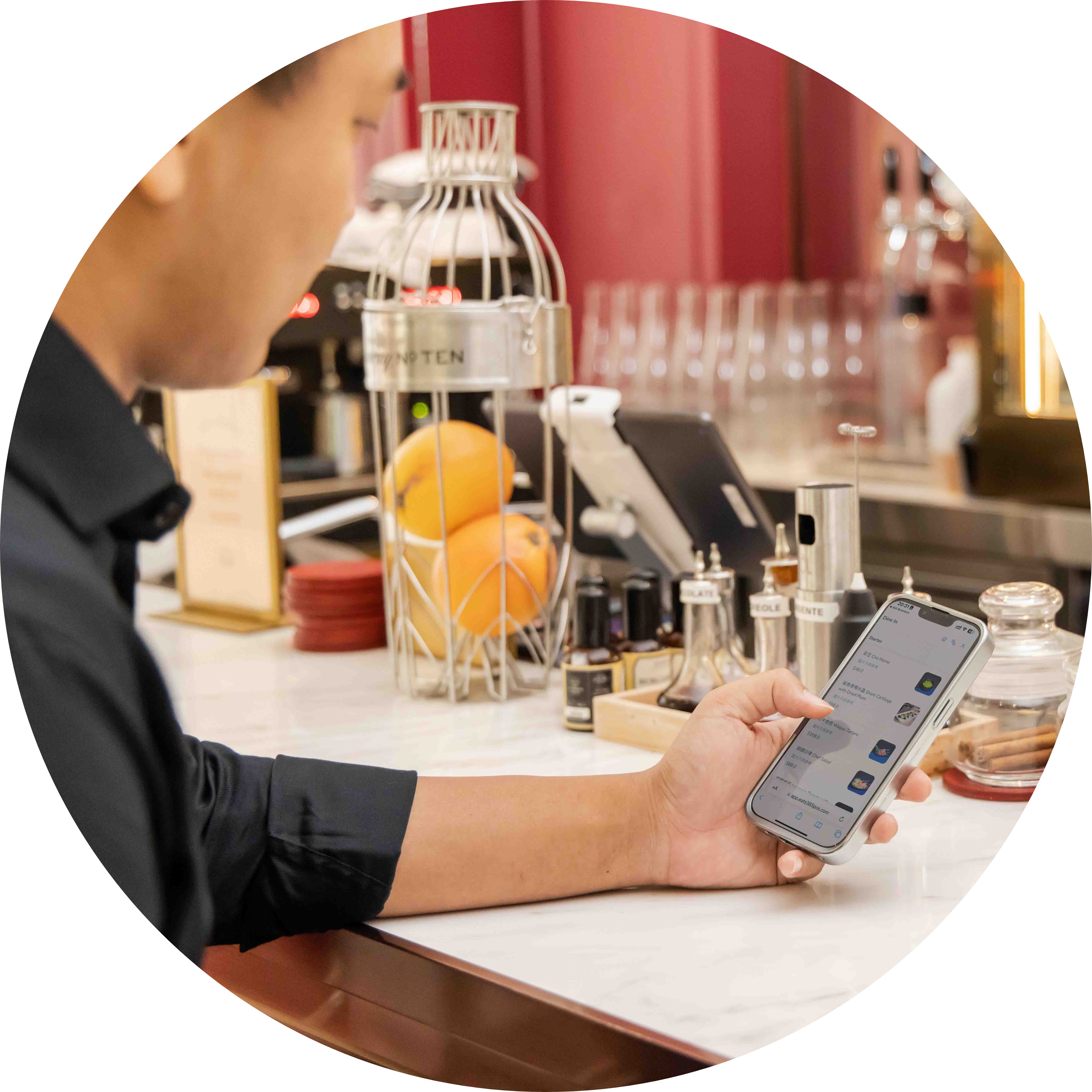
Bring delivery and dine-in QR orders into the same POS and kitchen queue, so your team isn’t juggling separate tablets when the rush hits.
Pay First or Pay Later — Your Call
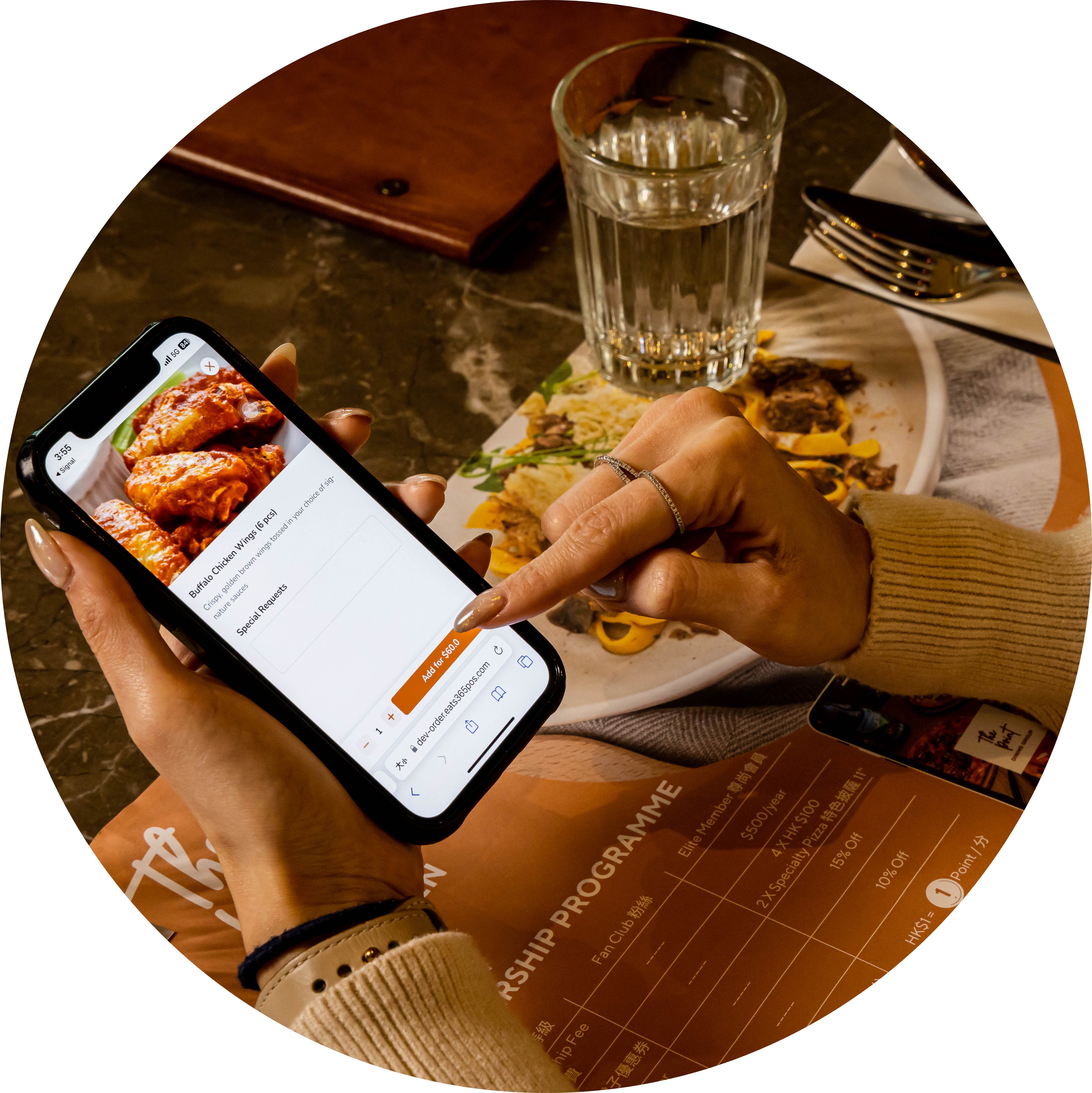
You choose pay-first or pay-later for QR ordering—guests can settle with options like DuitNow and popular e-wallets when you enable payment at order or at the end.

Seamless Menu Sync Across Chains
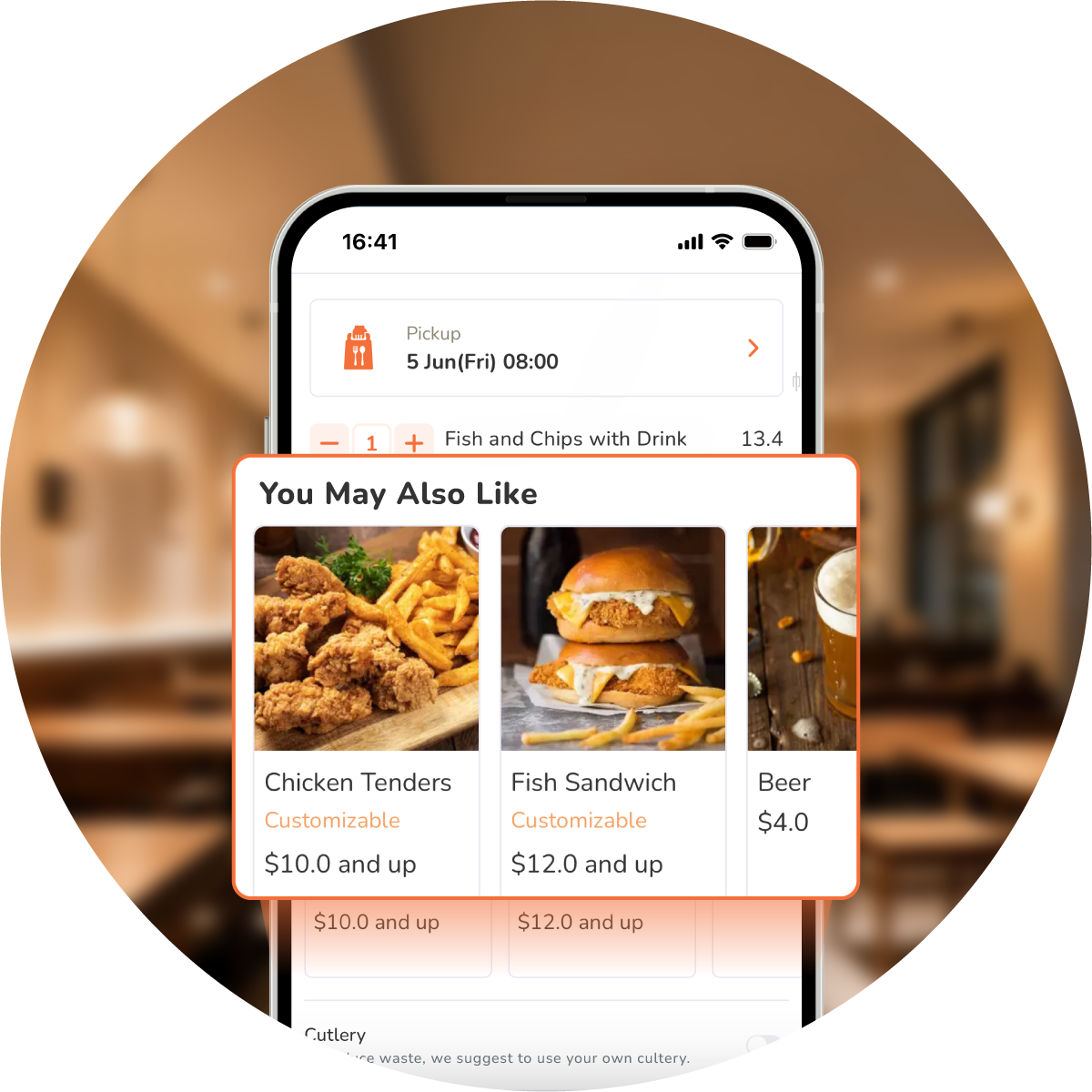
Eats365 auto-syncs menus to every outlet instantly. One click rolls out seasonal specials like Valentine's Day or CNY chain-wide, while AI "You May Also Like" recommendations — learned from real sales and order history — grow every order automatically.
Sell More with AI-Powered Menus
Go beyond static menus at every location. Eats365 digital QR menus show mouth-watering photos that spark hunger, then go further with real AI recommendations: "You May Also Like" learns from actual sales data and each guest's past orders — genuine AI predictions, not a fixed list, growing every order.
Maximize QR Potential
 Deploy three QR modes: activate static, dynamic, and all-you-can-eat options
Set all three modes to link specific table numbers
All 3 modes can combine multiple customers’ orders from the same table on one bill
Reuse static QR codes affixed to specific tables for easier access
Clear static QR orders after bill payment
Secure dynamic QR links uniquely, expire after payment
Equip all-you-can-eat mode with timers, tiers, order limits
Deploy three QR modes: activate static, dynamic, and all-you-can-eat options
Set all three modes to link specific table numbers
All 3 modes can combine multiple customers’ orders from the same table on one bill
Reuse static QR codes affixed to specific tables for easier access
Clear static QR orders after bill payment
Secure dynamic QR links uniquely, expire after payment
Equip all-you-can-eat mode with timers, tiers, order limits
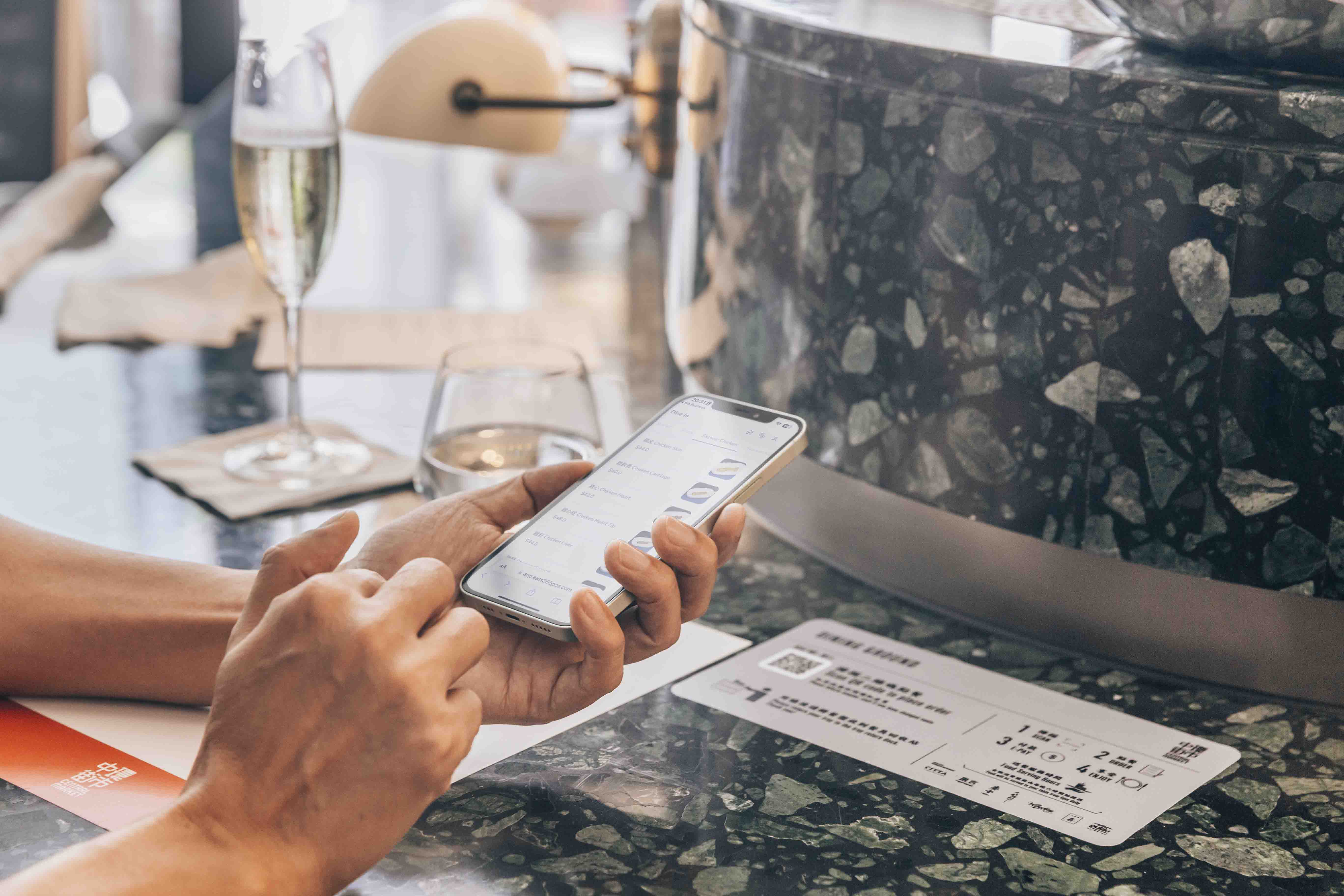
Customize Menus & Brand Remotely
Add items, combos, and modifiers remotely
Amend pricing on portal and sync with Eats365 POS
Schedule menus to appear at set times
Add photos and organize menu categories
Enable promo codes at customer checkout
Apply your logo and brand color palette
Use your own photos and menu wording

Empower Speedy Self-Ordering
Scan and order instantly via static or dynamic QR codes
Works on any smart device, orders confirmed instantly
Order multiple times or devices, linked to one bill
Simple steps, multiple languages, comfortable for every customer

Pay First or Pay Later Ordering
Choose pay-first or pay-later for QR ordering
Auto-accept paid orders when you enable it
Set a minimum charge before guests order

Smarter Upsells, Backed by Data
AI “You May Also Like” from real sales & order history
Show pop-up offers when the menu opens
Prompt add-on items before checkout
Track upsell conversion in performance reports

Maximize QR Potential
Deploy three QR modes: activate static, dynamic, and all-you-can-eat options
Set all three modes to link specific table numbers
All 3 modes can combine multiple customers’ orders from the same table on one bill
Reuse static QR codes affixed to specific tables for easier access
Clear static QR orders after bill payment
Secure dynamic QR links uniquely, expire after payment
Equip all-you-can-eat mode with timers, tiers, order limits
Customize Menus & Brand Remotely
Add items, combos, and modifiers remotely
Amend pricing on portal and sync with Eats365 POS
Schedule menus to appear at set times
Add photos and organize menu categories
Enable promo codes at customer checkout
Apply your logo and brand color palette
Use your own photos and menu wording
Empower Speedy Self-Ordering
Scan and order instantly via static or dynamic QR codes
Works on any smart device, orders confirmed instantly
Order multiple times or devices, linked to one bill
Simple steps, multiple languages, comfortable for every customer
Pay First or Pay Later Ordering
Choose pay-first or pay-later for QR ordering
Auto-accept paid orders when you enable it
Set a minimum charge before guests order
Smarter Upsells, Backed by Data
AI “You May Also Like” from real sales & order history
Show pop-up offers when the menu opens
Prompt add-on items before checkout
Track upsell conversion in performance reports
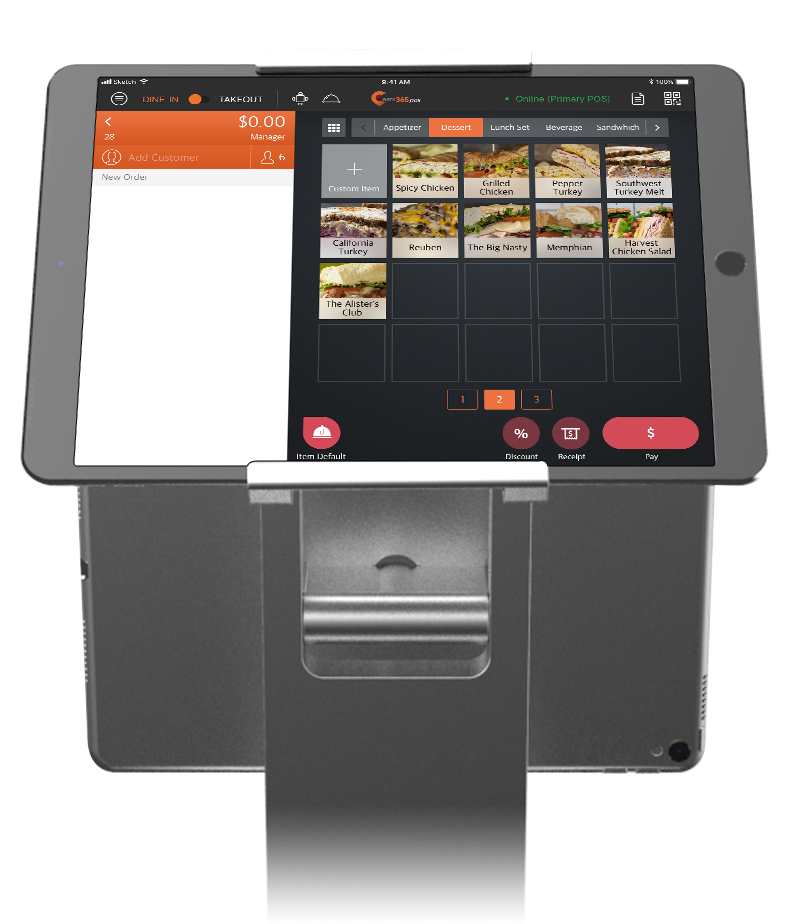
Eats365 QR Ordering Suits These F&B Types


Eats365 QR Ordering Powers These Solutions


Restaurants Like Yours Love Scan-to-Order (BYOD)
FAQs about Eats365 QR Ordering System
1. What is Scan-to-Order (QR Ordering) and how does it work?
Scan-to-order, also known as QR ordering, lets guests scan a table code, browse your digital menu on their phone, and place dine-in orders that sync to your Eats365 POS and kitchen—no separate order-taking step on the floor.
2. Do customers need to download an app?
No. On Eats365 QR ordering, guests scan with their phone camera and the menu opens in the browser—no app install before they can order.
3. Can I use pay-first or pay-later with Eats365 QR ordering?
Yes. Eats365 lets you set pay-first (pay before the kitchen gets the order) or pay-later (order first, settle after), so QR ordering follows your full-service or faster floor workflow—not a one-size checkout rule.
4. Does Eats365 use real AI for menu recommendations?
Yes. Eats365 “You May Also Like” learns from real sales and order patterns—not a fixed suggestion list you maintain by hand—and surfaces add-ons from co-orders, the current cart, and guest history when available.
5. Can I keep menus consistent across multiple stores or brands?
Yes. Eats365 is built for multi-store, multi-brand, franchise, and enterprise teams: update from HQ and roll menu and pricing changes across outlets, instead of rebuilding each shop’s QR menu separately.
Your Eats365 Growth Guide

Top Tips for a Winning Restaurant Online Ordering System
 21 Sep 2024

Upgrade your restaurant with an online ordering system! Learn its benefits like increased reach and streamlined workflows, plus actionable tips to optimize menus, automate processes, and enhance customer satisfaction.
Online ordering
Foodtech
Restaurant POS Features
Read More

How to Choose the Right Online Ordering System for Your F&B Business
29 Apr 2025
Are long queues and order errors causing headaches for your Malaysian restaurant? An online ordering system might just be the game-changer you need. Let's dive into how to select the perfect solution for your business.
Online ordering
Restaurant POS Features
Read More

10 Major Advantages of a Cloud-based POS System for Restaurants
19 Dec 2024
A Cloud POS is a revolutionary tool for restaurants to streamline operations. From real-time data access to seamless updates, discover how cloud-based systems outperform traditional POS solutions for modern F&B businesses!
Restaurant POS System
Cloud-based POS
Read More
