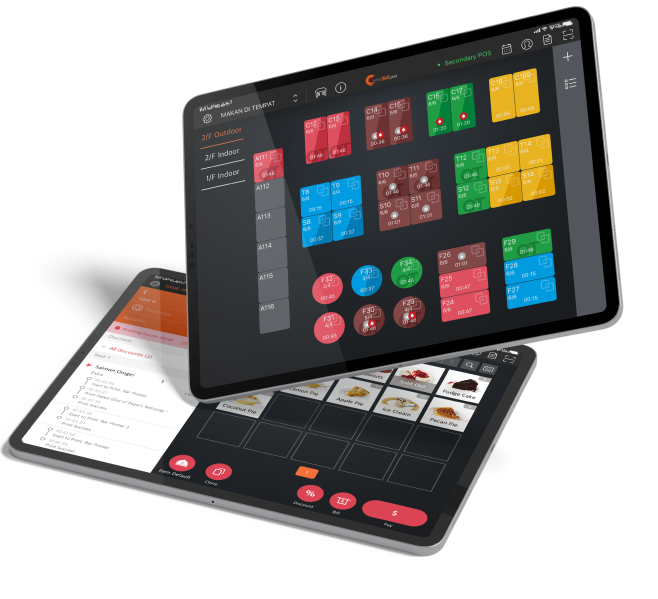
Kiss-goodbye limited traditional boards. Transform your dishes into dynamic art with prices, discounts, and mouth-watering photos that spark hunger and drive sales.
Dynamic Digital Menu
A Digital Menu Board and a revenue driver
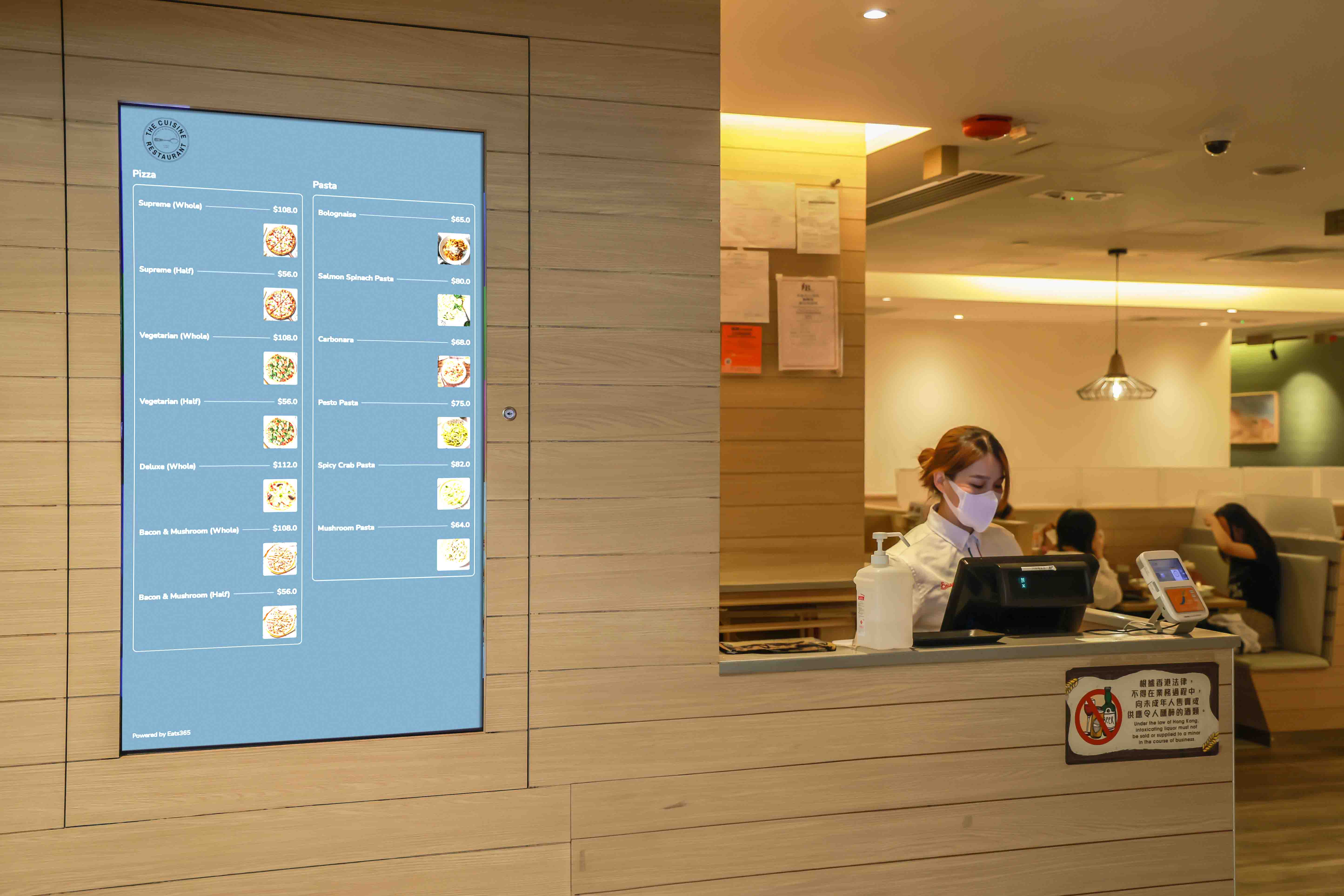
Make a delicious first impression with Dynamic Digital Menus! Showcase enticing photos, deals, multiple boards, and auto-switch seasonal menus on preset times for perfect orders.

Why Choose Eats365 Dynamic Digital Menu?
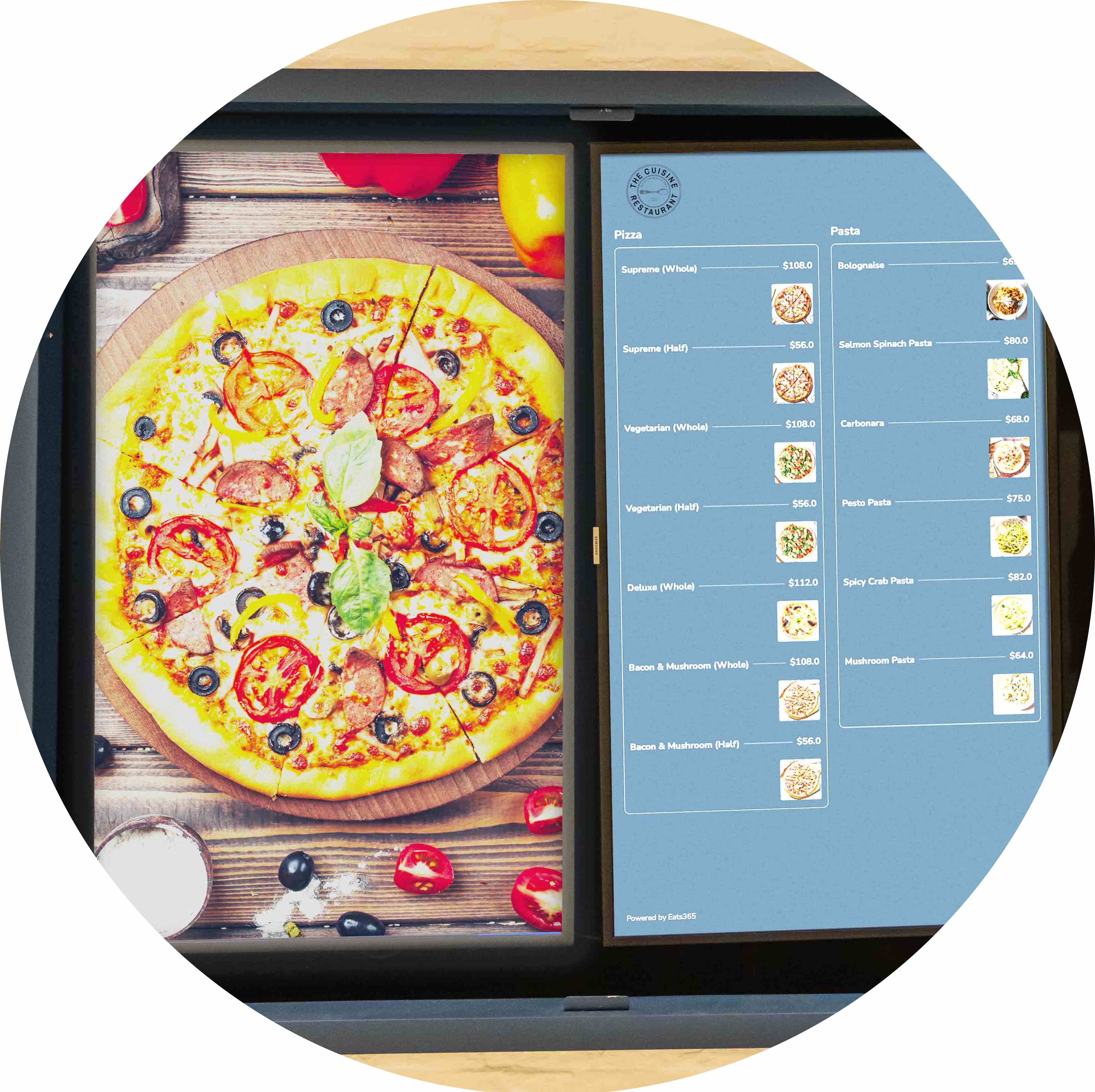
Enticing Visual Menus Spark Hunger
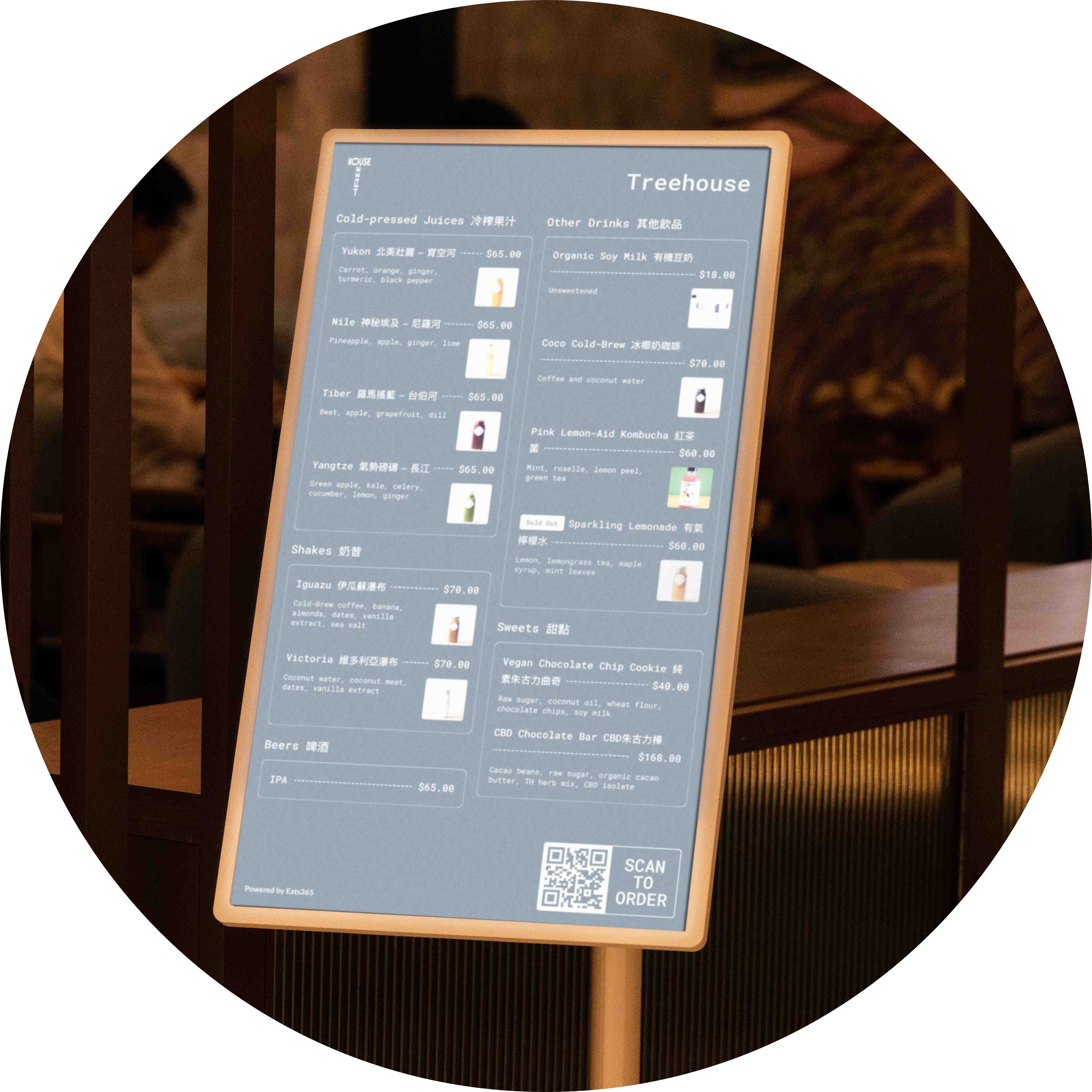
Switch Between Menus Seamlessly
Switch breakfast, lunch, dinner menus automatically with Eats365 POS presets. Sync digital displays perfectly so customers always see the right menu.
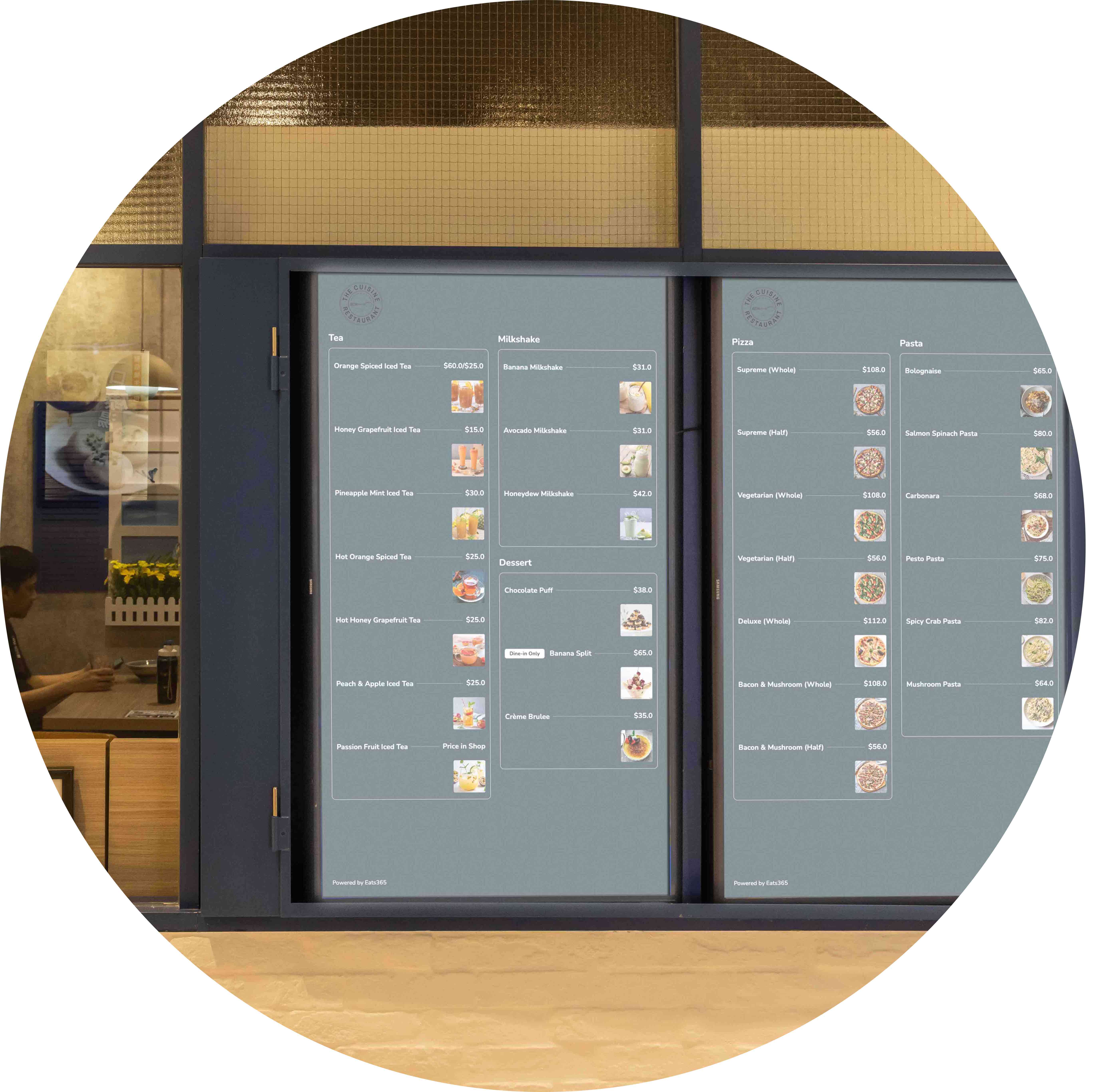
Dynamic menus drive revenue effortlessly.
Excite customers with custom digital menu boards. Tailor fonts, colors, combos, dietary icons, and mouth-watering images to boost upgrades and loyalty.
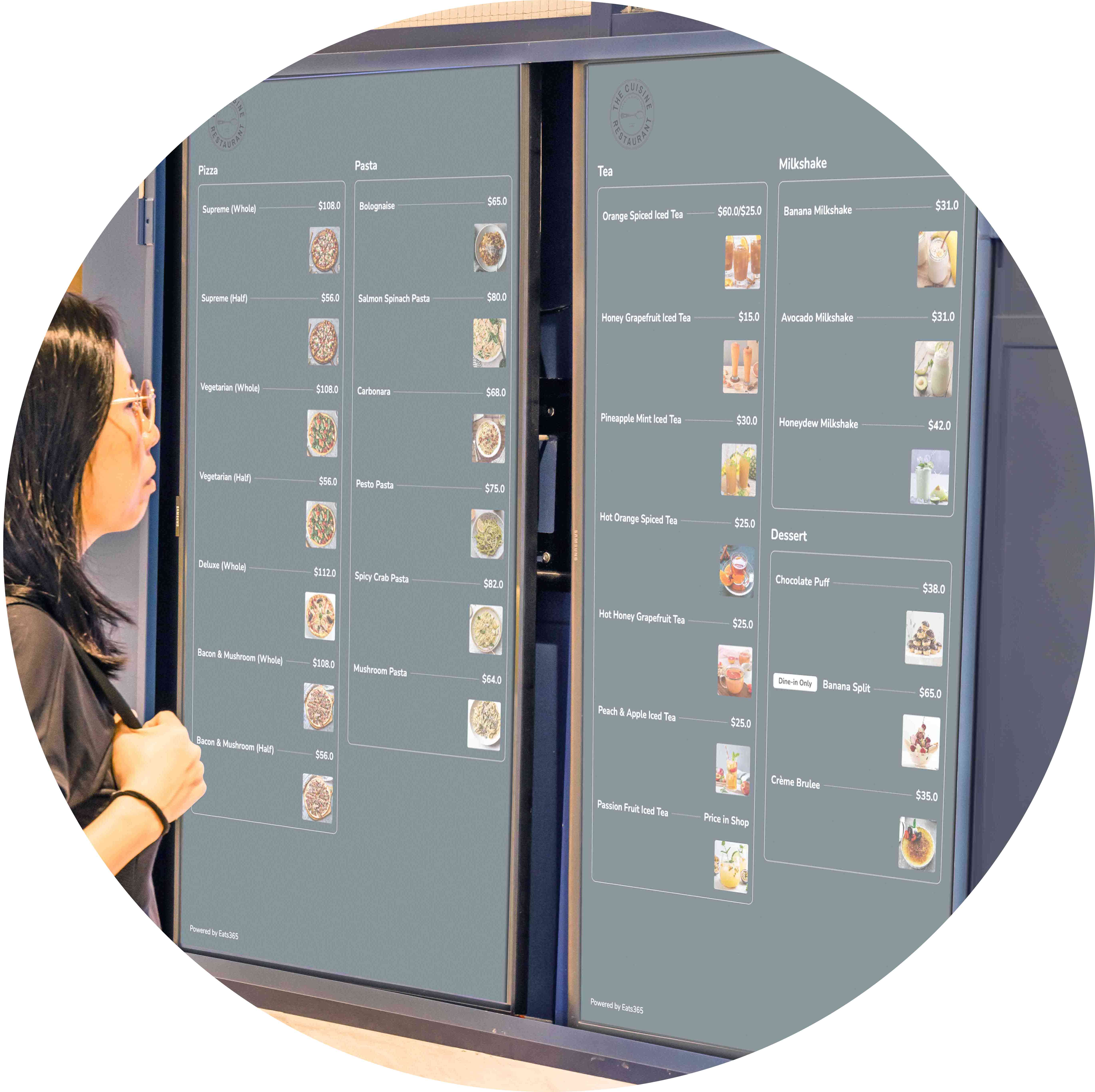
Less Hardware Cost
Got a spare Chrome-based monitor? Use it instantly for Dynamic Digital Menus in landscape or portrait. No new hardware needed for fast setup.
Upload and Edit Menus Anywhere Easily
 Add as many menu items as you like
Many items auto-form multi-page slideshows seamlessly
Manage settings from Merchant Portal on any smart device via cloud.
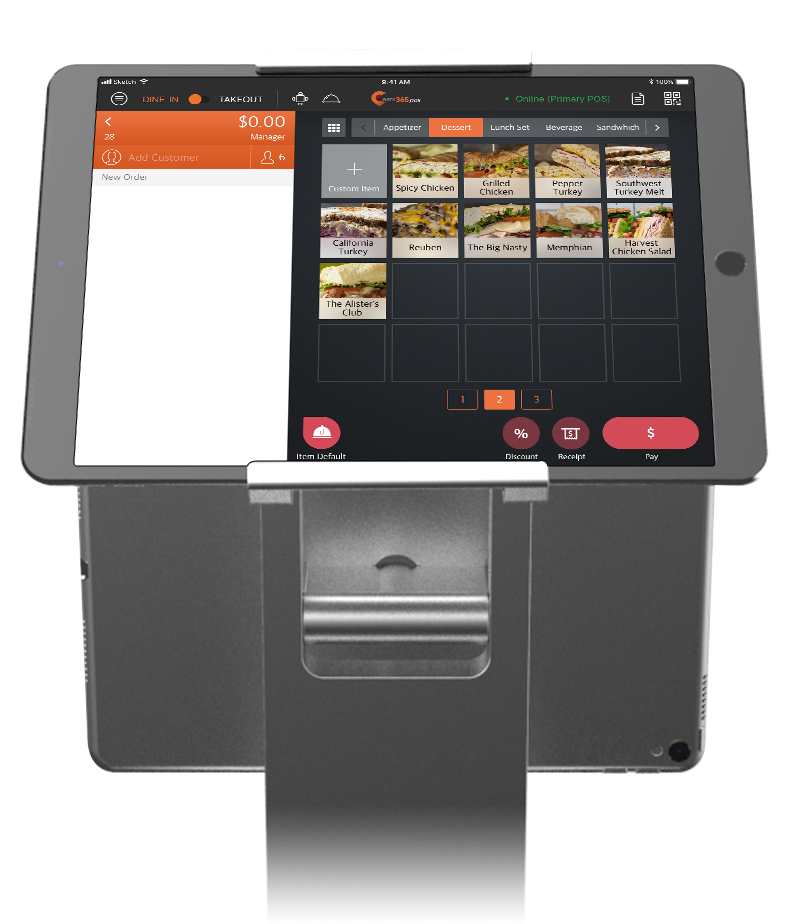
Remote combo & modifier control with instant POS sync
Showcase combos with dynamic slideshows
Upload mouthwatering photos to turn browsers into hungry, ordering customers
Add as many menu items as you like
Many items auto-form multi-page slideshows seamlessly
Manage settings from Merchant Portal on any smart device via cloud.
Remote combo & modifier control with instant POS sync
Showcase combos with dynamic slideshows
Upload mouthwatering photos to turn browsers into hungry, ordering customers

Switch Menus on Schedule
Upload multiple menus at a time
Bulk upload multiple menus at once to save time
Automate menu changes completely

Scalable for Multi-restaurant Chains
Upload your menu once and deploy to every restaurant
Edit once for all your Dynamic Digital Menus
Tailor menu prices and info by country
Switch languages effortlessly for global menus
Upload and Edit Menus Anywhere Easily
Add as many menu items as you like
Many items auto-form multi-page slideshows seamlessly
Manage settings from Merchant Portal on any smart device via cloud.
Remote combo & modifier control with instant POS sync
Showcase combos with dynamic slideshows
Upload mouthwatering photos to turn browsers into hungry, ordering customers
Switch Menus on Schedule
Upload multiple menus at a time
Bulk upload multiple menus at once to save time
Automate menu changes completely
Scalable for Multi-restaurant Chains
Upload your menu once and deploy to every restaurant
Edit once for all your Dynamic Digital Menus
Tailor menu prices and info by country
Switch languages effortlessly for global menus
Dynamic Digital Menu Suits These F&B Types


Dynamic Digital Menu Powers These Solutions


FAQs about Dynamic Digital Menu
1. What is a Dynamic Digital Menu for restaurants?
A Dynamic Digital Menu is a digital menu board solution that showcases real-time menu items, high-quality product photos, and special deals. Unlike static boards, it syncs directly with your POS system to reflect current pricing and availability automatically.
2. How do I update items on my digital menu board?
You can update your menu instantly through the Eats365 POS or the web-based Merchant Portal. Any changes made to prices, discounts, or item availability can be set to apply across all your linked Dynamic Digital Menus simultaneously.
3. Can the digital menu switch automatically between breakfast and lunch?
Yes. You can preset specific times for different menus on your Eats365 POS. The Dynamic Digital Menu will then automatically sync and switch displays based on those schedules, such as transitioning from a breakfast menu to a lunch menu at a designated time.
4. Do I need special hardware to set up the Dynamic Digital Menu?
You will need a compatible screen to display the menu and a connection to the Eats365 ecosystem. Configuration is managed through the Merchant Portal or POS, where you can customize branding elements like color schemes, logos, and layout designs.
5. How does a digital menu board help increase restaurant sales?
Digital menus act as a sales tool by using mouth-watering photography and targeted promotions to spark hunger and encourage upselling. Because they are dynamic, they ensure customers always see the most accurate deals and relevant items, reducing ordering friction.
6. Does the Dynamic Digital Menu require an Eats365 POS to work?
Yes, the Dynamic Digital Menu is part of the Eats365 expansion module system. It is designed to work in tandem with the Eats365 POS or Merchant Portal to ensure all menu data and automated scheduling remain synchronized in real-time.
Your Eats365 Growth Guide
 17 Feb 2023

Read More
Why 28.5% of MY Restaurant Sales Are Digital (And How to Get More)
22 Jan 2026
Did you know that 28.5% of restaurant sales are digital, and this number is only set to grow? With Malaysian diners increasingly expecting smooth digital interactions, many restaurants struggle with high browser drop-off rates due to disjointed systems. Discover how integrated POS features and practical omnichannel strategies can help you convert more digital browsers into loyal customers.
Online ordering
Cloud-based POS
Loyalty program
Read More
5 Tactics to Maximize Dine-In Revenue for Malaysian Restaurants
07 Jan 2026
Feeling the pinch of fluctuating dine-in revenue amidst Malaysia's changing food scene? This article shares five practical strategies to steady and raise your restaurant's earnings, so every dish served and every table turned helps the bottom line.
Eats365
Restaurant management
Restaurant POS System
Read More