Solution

Back of House



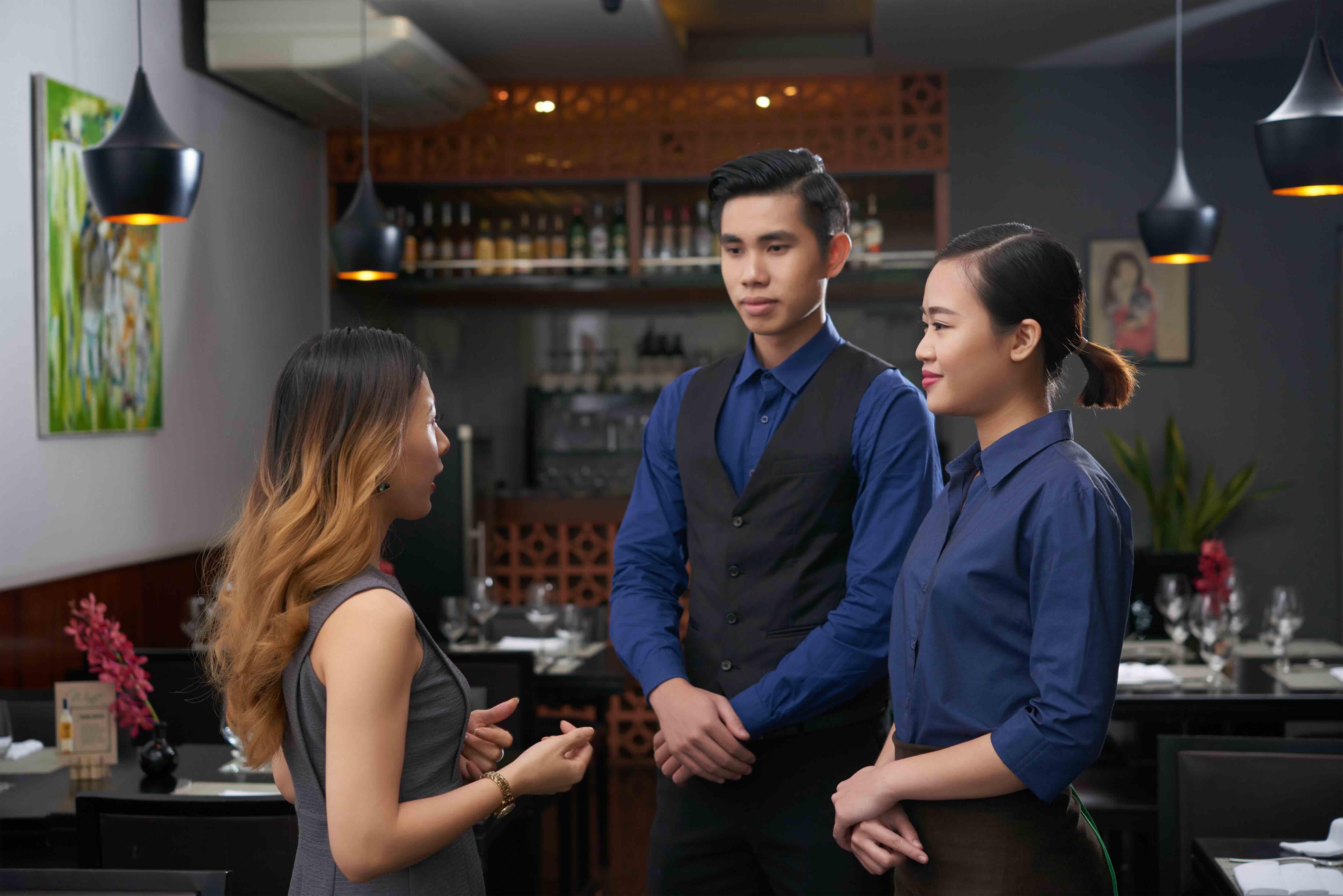
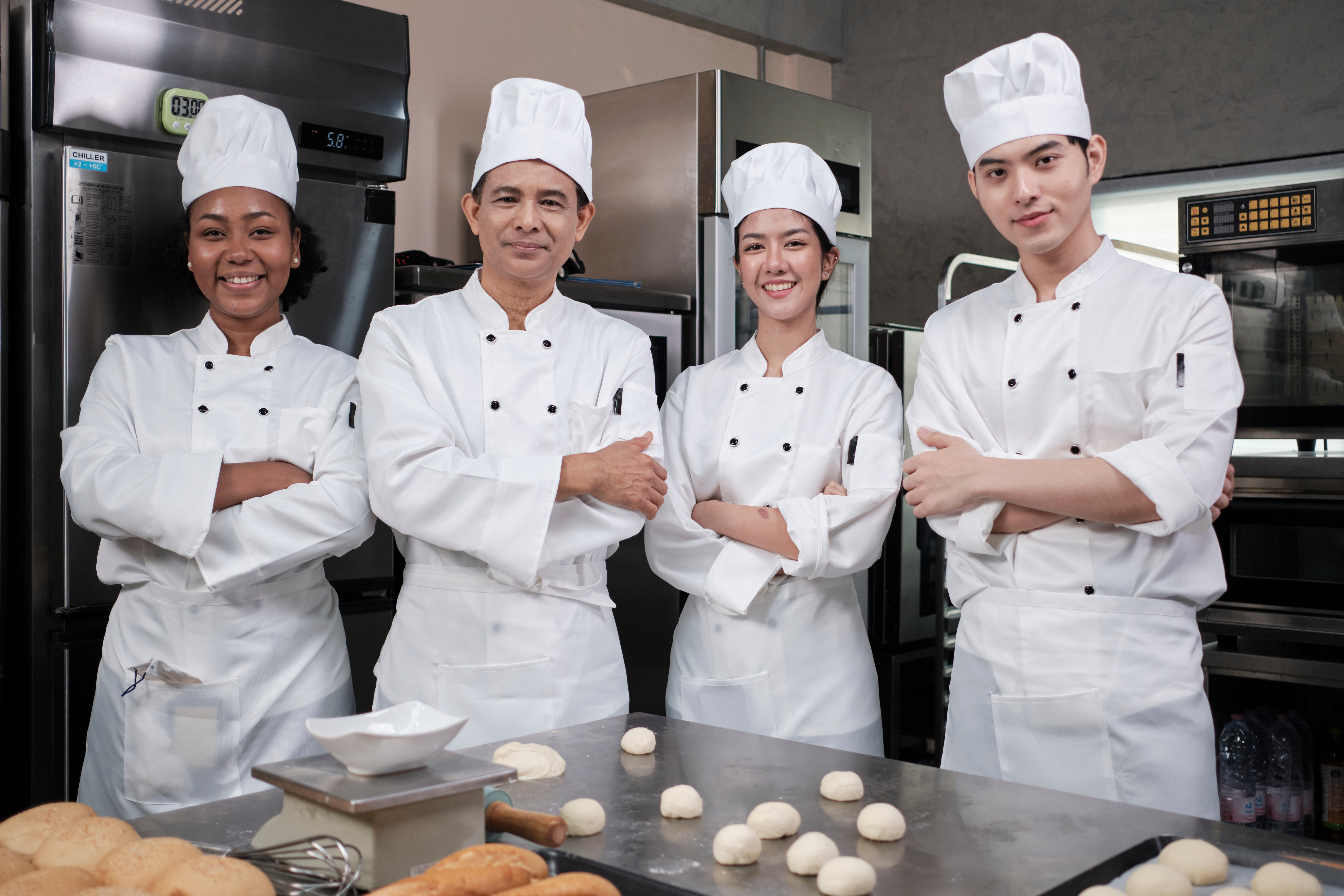
Your customers may not see what happens behind the scenes, but it impacts their experience directly. Make sure your kitchen staff and packers/expediters are able to do their best work so your customers get amazing food in the fastest time possible. 

Back of House
Back of House

The Products

Benefits

Accurate Communication Between Front & Back of House


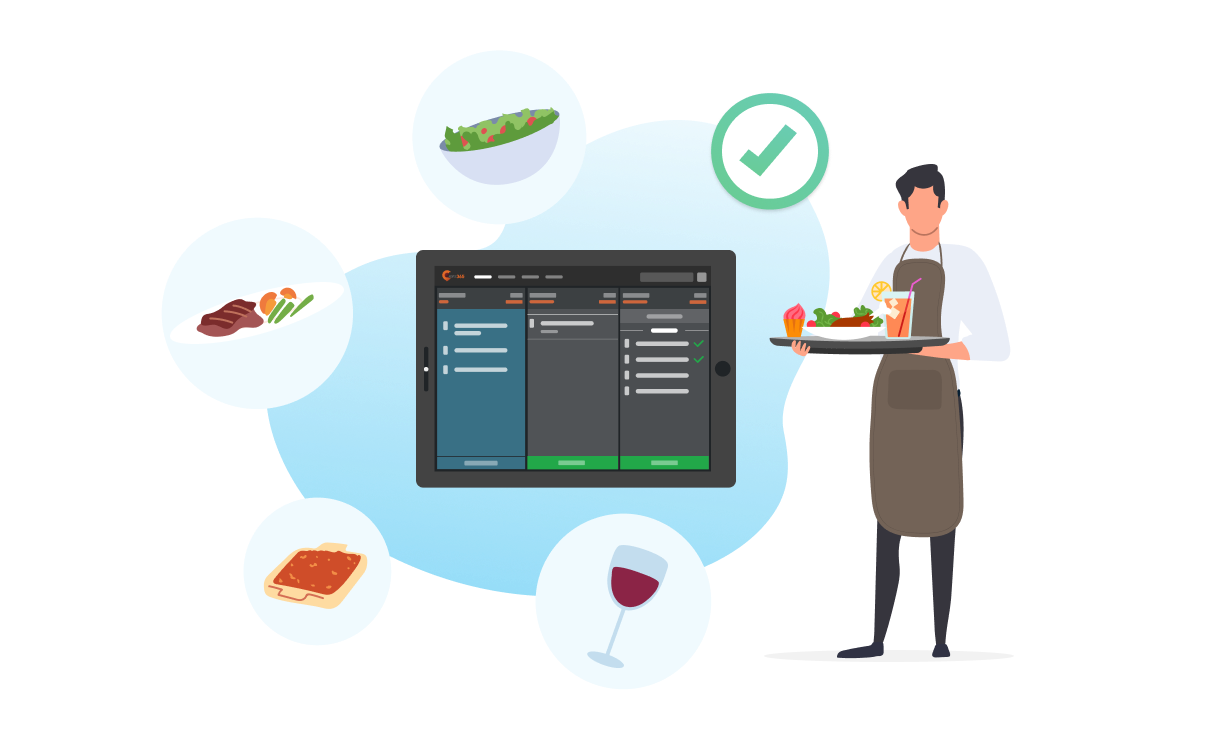
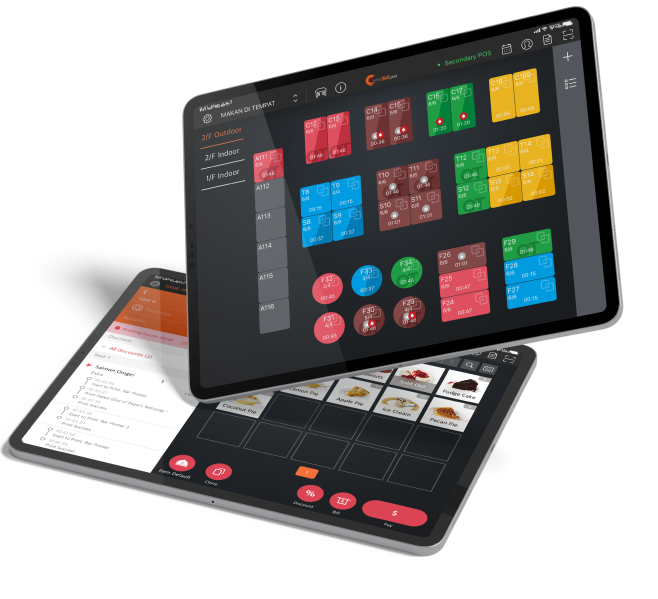
Your front of house and back of house are just two sides of the same coin. Without proper communication, your restaurant will run into problems and your staff will start making errors. When you digitalize your operation flow, orders can be taken, fired straight to the kitchen, be sent to the correct kitchen station and then marked as ready by your back of house staff. Now, every order can be served to the customer with zero hiccups in the process, leading to improved turnover. 

Accurate Communication Between Front & Back of House

Clear Order Management for Kitchen Staff


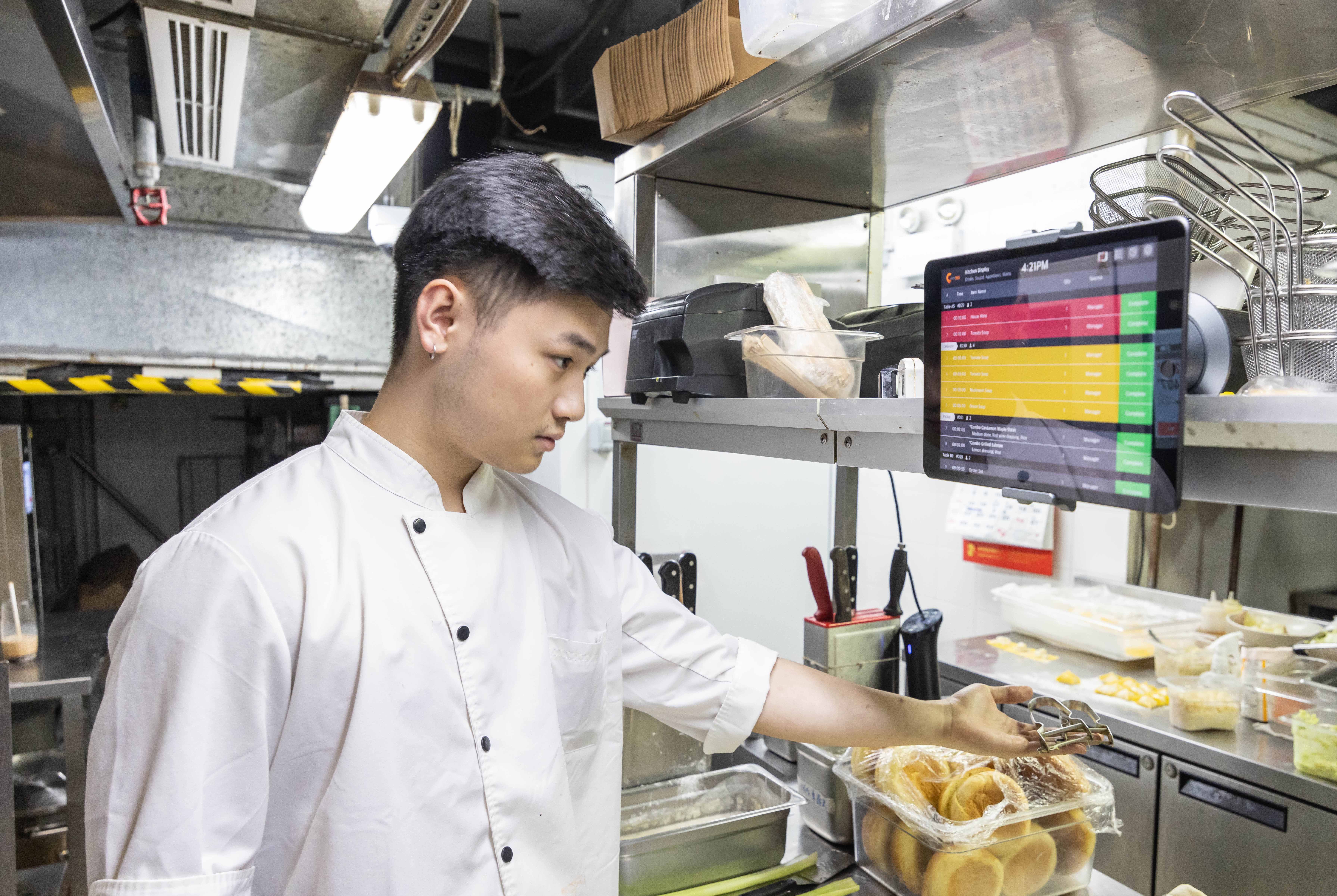
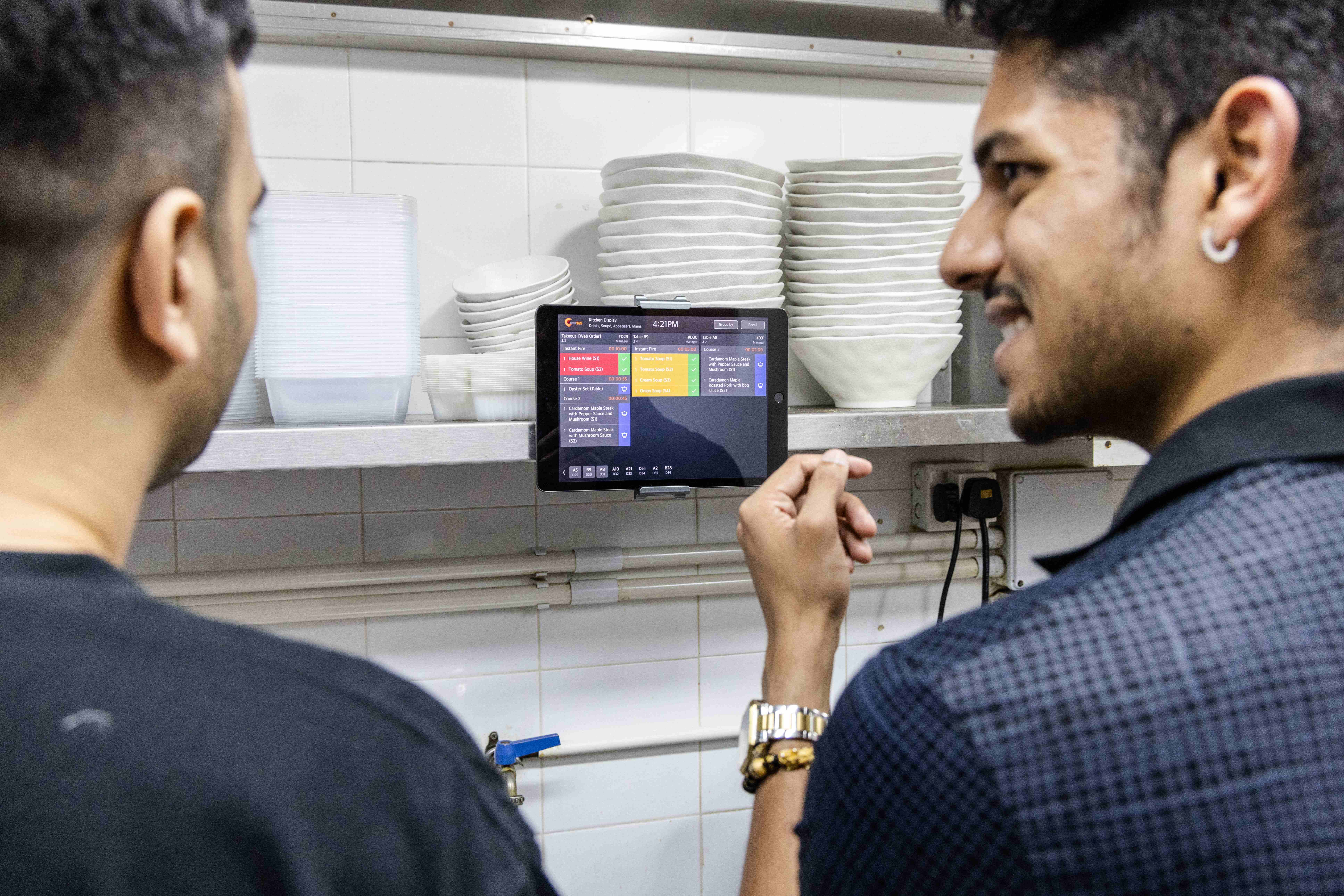
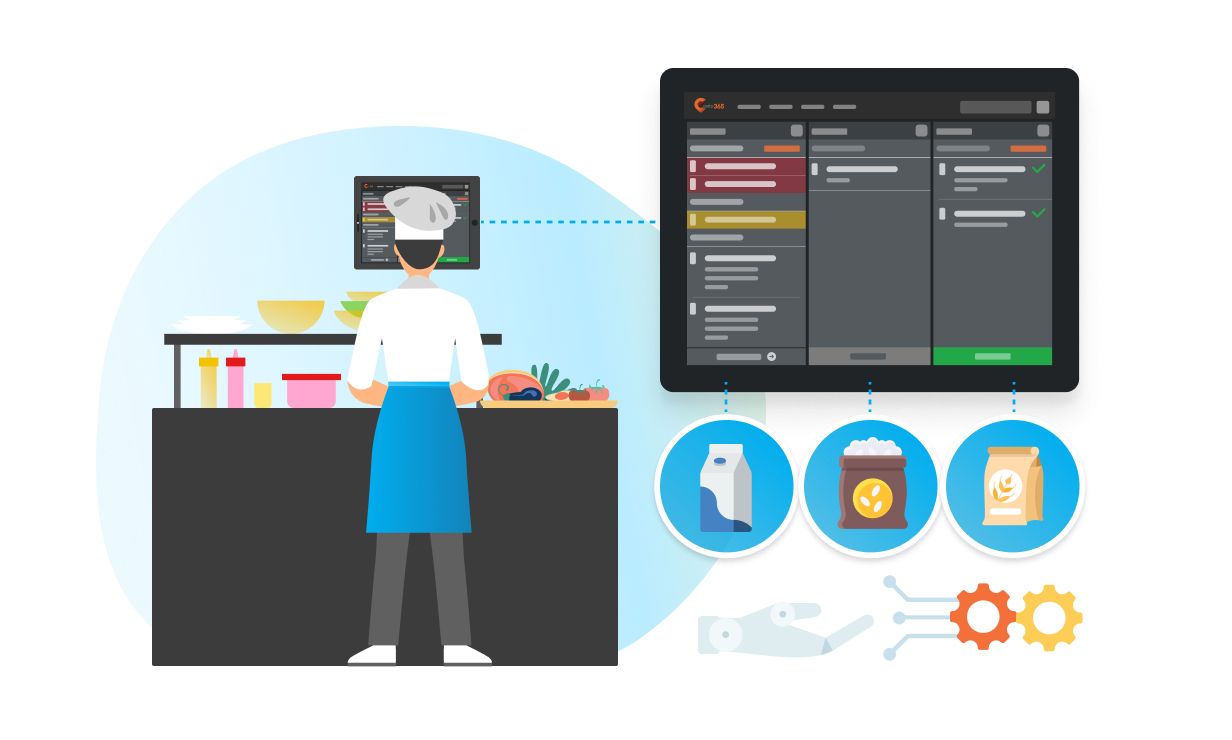
With multiple view modes like waiting time, category, table or chronological order, your kitchen staff can keep track of incoming orders, even during busy periods! By further utilizing clear, itemized breakdowns of each order, and even how long a table has been waiting, you can ensure that meals will be prepared quickly and accurately by your back of house staff so your customers are never kept waiting.

Clear Order Management for Kitchen Staff

Opt to Go Paperless in the Kitchen

Going green has never made more sense! Give your kitchen staff full flexibility in how they view incoming orders on the Kitchen Display System. They can view color-coded time statuses, coursing information, special requests and much more in one place to keep them completely organized. This approach also keeps paper usage to a bare minimum!

Opt to Go Paperless in the Kitchen

Organize Your Printing to Perfection

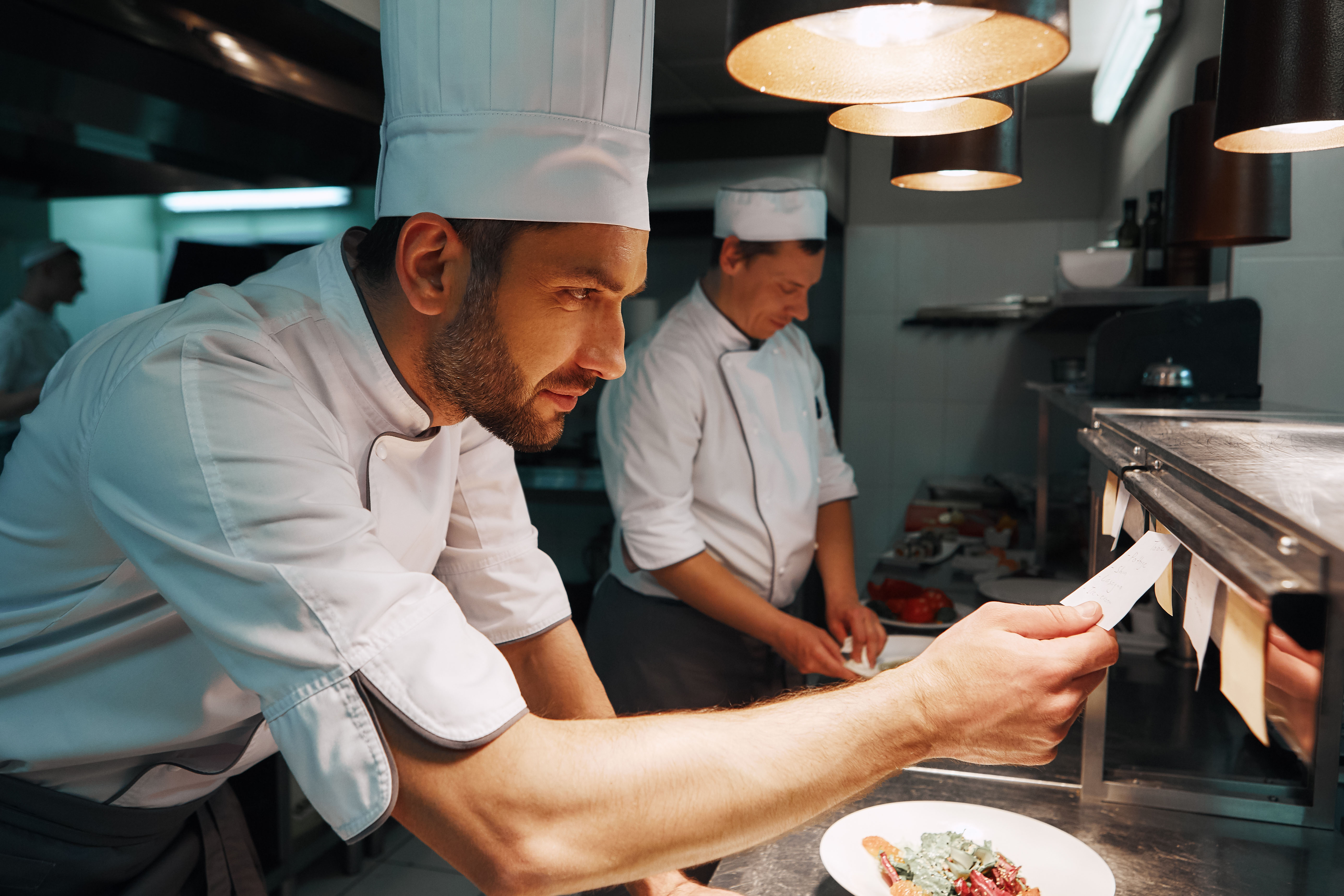
When it comes to printers, we give you full flexibility to print on thermal, dot-matrix and even label printers. If your restaurant prefers to use kitchen tickets, give your kitchen staff full control of how their tickets look and even select which kitchen stations each item should be sent to. You can further set things like the ticket format, color tones, margins and lots more. With customizability options aplenty, your kitchen tickets and even labels can be printed to perfection!

Organize Your Printing to Perfection

The Full Back of House Restaurant Solution

Order Packing Done Right

Expedite Display
Expansion Modules


Once items are prepared by the kitchen, give your expediters and packers access to an order management system with clear item breakdown to make sure every order is correct. You can also keep valuable data on items per order, and when orders were sent out. 

Order Packing Done Right

Organize Your Kitchen Operations

Kitchen Display System
Expansion Modules

Keep orders coming in smoothly and automatically thanks to how seamlessly all your back of house modules work together. With all orders in one place, your kitchen staff can reduce errors and serve food faster with zero messy kitchen tickets required . You’ll also have detailed data on order preparation times so you can find bottlenecks and discontinue items that take too long to make. 

Inventory
Inventory
Third-Party Inventory Management
Third Party Integration

Never run out of ingredients and ensure that your kitchen can prepare everything on the menu. Avoid having to disappoint your customers and tell them their selection is no longer available with third-party inventory management integrations. 

Robotics
Robotics
Third-Party Kitchen Robotics
Third Party Integration

If you’re looking to modernize and automate your kitchen operations to a whole new level, we’ve got you covered with integrated robotics solutions!

Organize Your Kitchen Operations
You Don’t Need to Use them All
Pick what you need to expand your custom solution
/Puzzle

FAQs about Eats365 Back of House Solution

1. What is a Kitchen Display System (KDS) and how does it work?

A Kitchen Display System is a digital order management screen that replaces traditional paper tickets. It syncs directly with the Eats365 POS to display incoming orders in real-time, allowing kitchen staff to track prep times, organize tickets by station, and mark orders as ready for speedier service.

2. How does Eats365 Back of House technology improve kitchen efficiency?

BOH technology streamlines workflows by automating the routing of orders to specific kitchen stations and providing itemized breakdowns. By digitalizing the flow from front-of-house to the kitchen, it reduces manual communication errors and uses timer alerts to ensure meals are prepared within target times.

3. What is the difference between an Expedite Display and a KDS?

A Kitchen Display System (KDS) is used by kitchen staff to manage the preparation of individual items, while an Expedite Display is used by packers or expediters to coordinate and finalize full orders. Together, they ensure that multiple components of a meal are synchronized and ready for the customer at the same time.

4. Can orders from self-service kiosks be sent directly to the kitchen?

Yes, orders placed via the Eats365 Self-Order Kiosk, PhotoMenu, or mPOS are fired straight to the Kitchen Display System in real-time. This eliminates the need for waitstaff to manually enter tickets, significantly reducing the bottleneck between order placement and production.

5. How can I track how long customers are waiting for their food?

The Eats365 KDS includes a timer alert feature and clear wait-time indicators for every table. This allows kitchen managers to monitor exactly how long an order has been in the system, helping staff prioritize tasks to ensure customers are never kept waiting longer than necessary.

Want To Improve Your Restaurant’s Back of House?

free trial