Lay out your digital menu so diners spot combos and discounts and order a little more. Kiosks also let you run with fewer front-counter staff — a real help amid Malaysia's F&B labour shortage — so you can deploy people where they add the most value.
Self-Service Kiosk
Streamlined Self-Ordering For Improved Quality and Faster Service
For quick-serve restaurants, speed and accuracy are everything. Let diners place their own orders on an Android or iPad Self-Service Kiosk — a fast, intuitive touchscreen that cuts mistakes, speeds up turnover, and eases the pressure of Malaysia's F&B staffing shortage.

How a Self-Service Kiosk Can Help You Serve Faster
iPad
Android

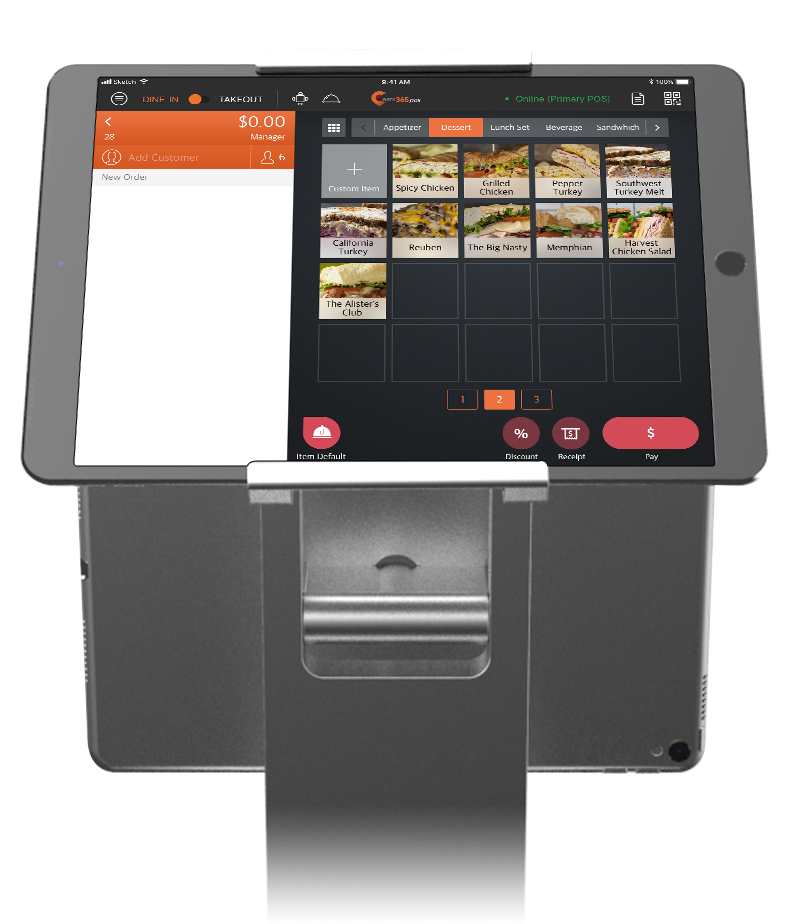
iPad Self-Service Kiosk
Just an iPad, a stand and a connected printer, and your affordable Self-Service Kiosk is up and running in no time.
Android Self-Service Kiosk
One all-in-one unit with a large screen, ticket printer and integrated payments built in — including local options like DuitNow QR via Fiuu — so guests can order and pay on their own.
Larger Orders, Less Labour-Intensive
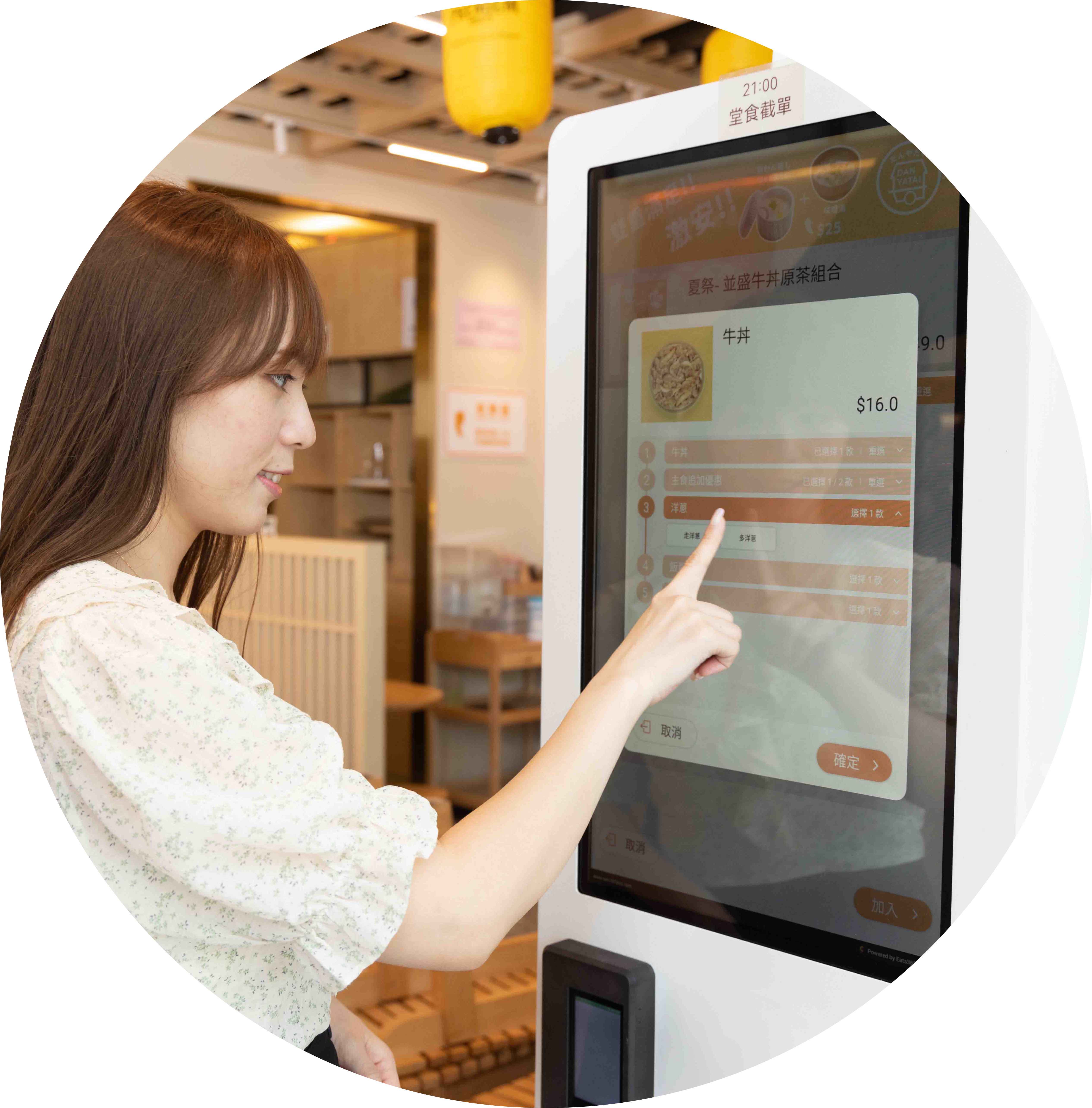
A Kiosk Interface That Makes Sense

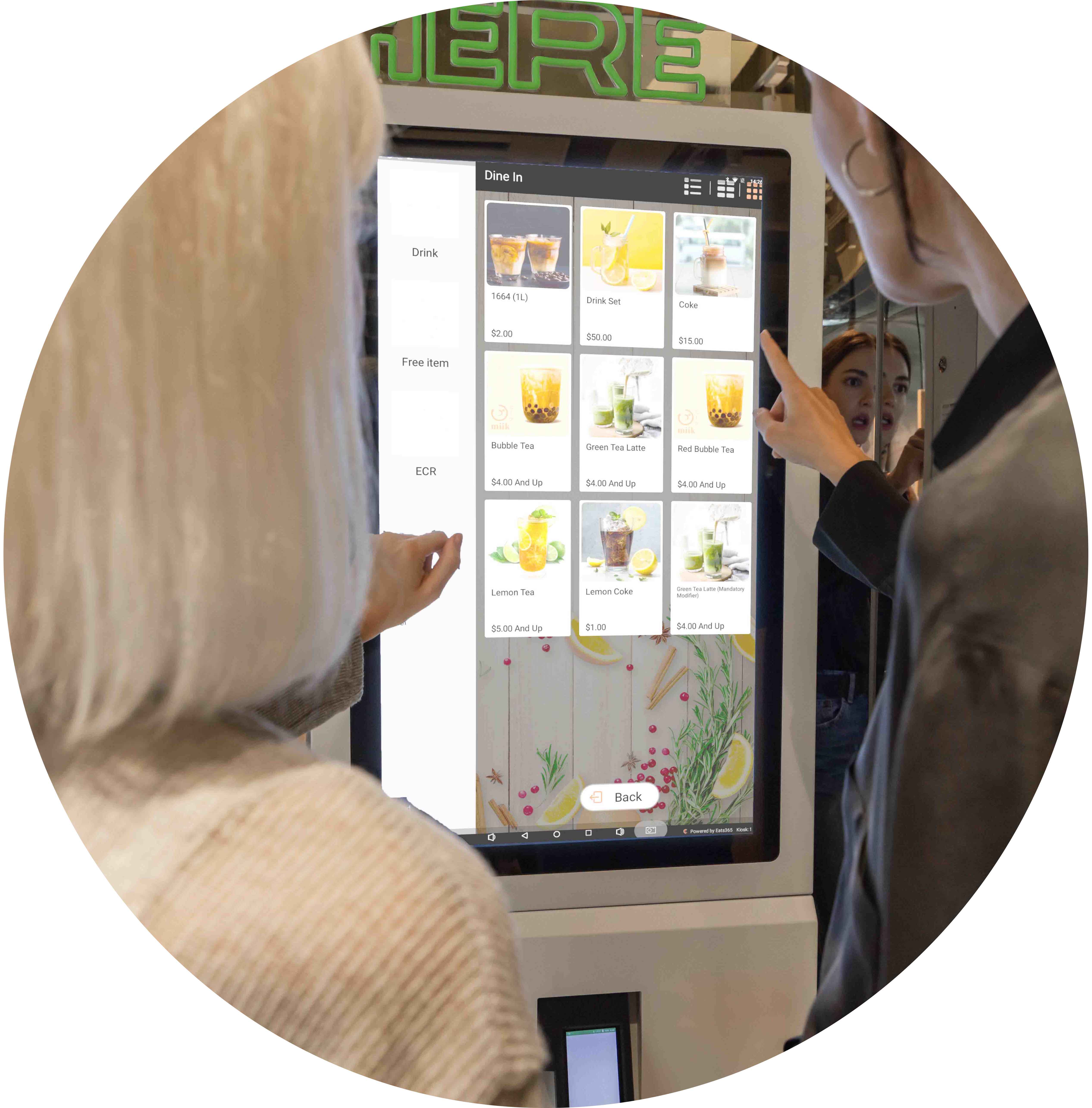
Cool tech is pointless if no one can use it. A clean, intuitive interface means guests order confidently, even first-timers.

Don't Let Ordering Errors Eat Into Your Profits
Wrong orders in a rush are a nightmare. When diners enter their own orders, you lose less time and money remaking mistakes.

Let Customers Order Their Way
Keep the human touch: let guests choose between ordering at a kiosk or with staff. Choice is appreciated, and it eases congestion.
Tailor Your Kiosk Menu Interface to Boost Sales
 Organize your menu into clear categories
Write enticing descriptions
Offer special requests
Showcase discounts
Prompt upgrades and add-ons at checkout
Organize your menu into clear categories
Write enticing descriptions
Offer special requests
Showcase discounts
Prompt upgrades and add-ons at checkout
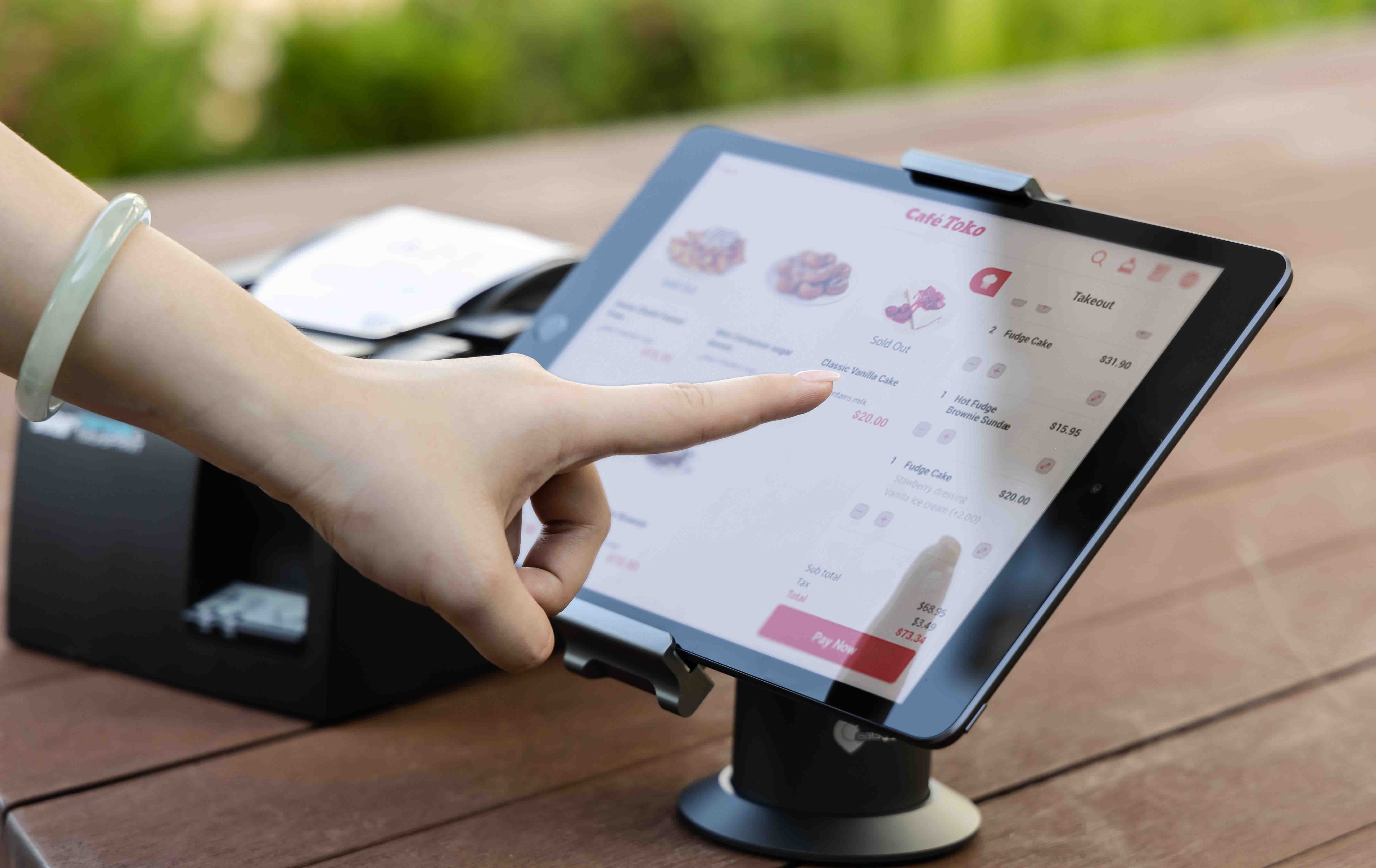
Versatile, Multi-Language Self-Ordering
Let diners browse your menu with bright images, clear icons and legible text
Offer the kiosk in multiple languages — Malay, Chinese or English — so every guest can order comfortably
Running a food court? Diners can browse all available stalls from one kiosk

Automate Your Restaurant's Ordering Process
Send orders straight to the kitchen
Route items to the right kitchen station
Cloud-paired with your other Eats365 products
Seamless flow from order to kitchen, no staff needed for the ordering step
No staff required for the entire ordering procedure

Customize Your Kiosk Menu Anytime, Anywhere

Add items, combos and modifiers from the Merchant Portal
Amend pricing anytime
Switch menus by time of day
Add new food and drink photos
Syncs automatically across your Eats365 solution
Tailor Your Kiosk Menu Interface to Boost Sales
Organize your menu into clear categories
Write enticing descriptions
Offer special requests
Showcase discounts
Prompt upgrades and add-ons at checkout
Versatile, Multi-Language Self-Ordering
Let diners browse your menu with bright images, clear icons and legible text
Offer the kiosk in multiple languages — Malay, Chinese or English — so every guest can order comfortably
Running a food court? Diners can browse all available stalls from one kiosk
Automate Your Restaurant's Ordering Process
Send orders straight to the kitchen
Route items to the right kitchen station
Cloud-paired with your other Eats365 products
Seamless flow from order to kitchen, no staff needed for the ordering step
No staff required for the entire ordering procedure
Customize Your Kiosk Menu Anytime, Anywhere
Add items, combos and modifiers from the Merchant Portal
Amend pricing anytime
Switch menus by time of day
Add new food and drink photos
Syncs automatically across your Eats365 solution
Self-Service Kiosk is Perfect for these Restaurant Types


Self-Service Kiosk is Part of the Following Solution


Restaurants Like Yours Love the Self-Service Kiosk
FAQs about Eats365 Self-Service Kiosk
1. What is a self-service kiosk and how does it benefit my restaurant?
A self-service kiosk is an interactive terminal that allows customers to browse menus, place orders, and pay independently. For your restaurant, it reduces labor costs by automating order entry and improves customer satisfaction by decreasing wait times and increasing order accuracy.
2. What hardware do I need to set up an Eats365 Self-Service Kiosk?
The Eats365 Self-Service Kiosk runs on two setups. The iPad version needs just an iPad, a compatible stand and a connected printer. The Android version is an all-in-one unit with a built-in screen, ticket printer and integrated payments. Either way, you can deploy a self-ordering solution quickly without heavy investment in proprietary industrial hardware.
3. Does the kiosk support upselling to increase average check sizes?
Yes, the kiosk is designed to drive revenue through automated upselling and cross-selling. The interface prompts customers with relevant add-ons and modifiers during the ordering process, ensuring every customer is presented with opportunities to upgrade their meal.
4. Can the self-service kiosk handle digital payments and loyalty programs?
Yes. On the Android Self-Service Kiosk, Eats365 supports Fiuu Spot payments, letting guests pay with DuitNow QR and other local methods they already use. The kiosk also integrates with CRM features, so members can access exclusive items and earn rewards directly through the kiosk interface.
5. Does the kiosk sync in real-time with my main POS and kitchen?
Yes, the Self-Service Kiosk pairs directly with your Eats365 POS. Orders are sent instantly to the Kitchen Display System (KDS) or kitchen printers, ensuring a seamless flow of information that prevents manual entry errors and speeds up food preparation.
6. What happens if an item is sold out or the shop temporarily closes?
The kiosk stays synchronized with your POS inventory. If a shop status is set to 'Closed' or an item is out of stock in the POS, a 'Closed' shop indicator or item-specific status will automatically reflect on the kiosk screen to prevent customers from placing unavailable orders.
Your Eats365 Growth Guide
What is Self-Service Kiosk? How It Benefits Restaurants & Takeaways?
 03 Feb 2026

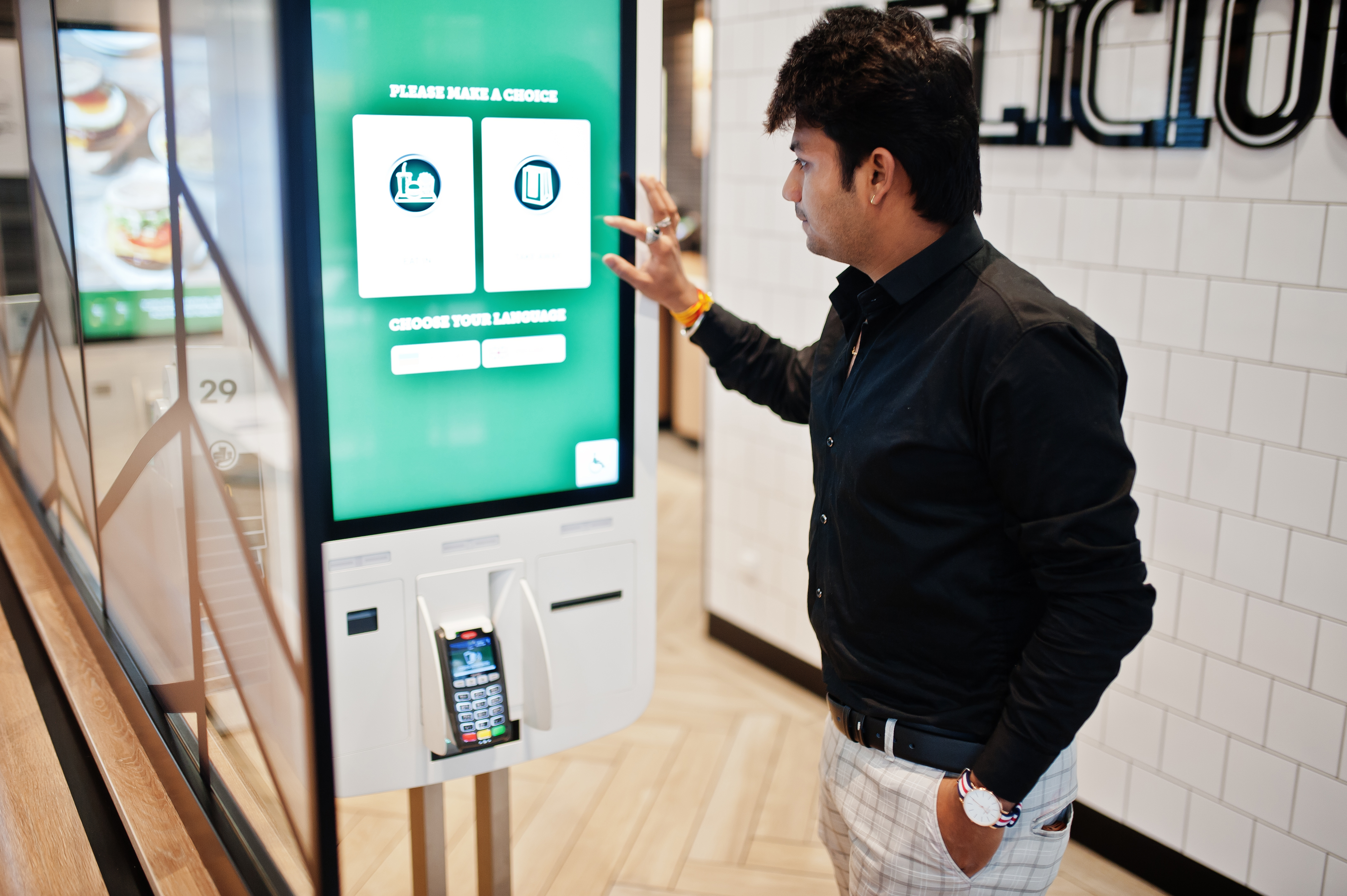
Boost efficiency in your restaurant, takeaway businesses with self-service kiosks! Discover how these interactive tools streamline ordering, reduce errors, and drive profits while enhancing customer experience. Learn their benefits and tips to choose one!
Online ordering
Menu management
Read More
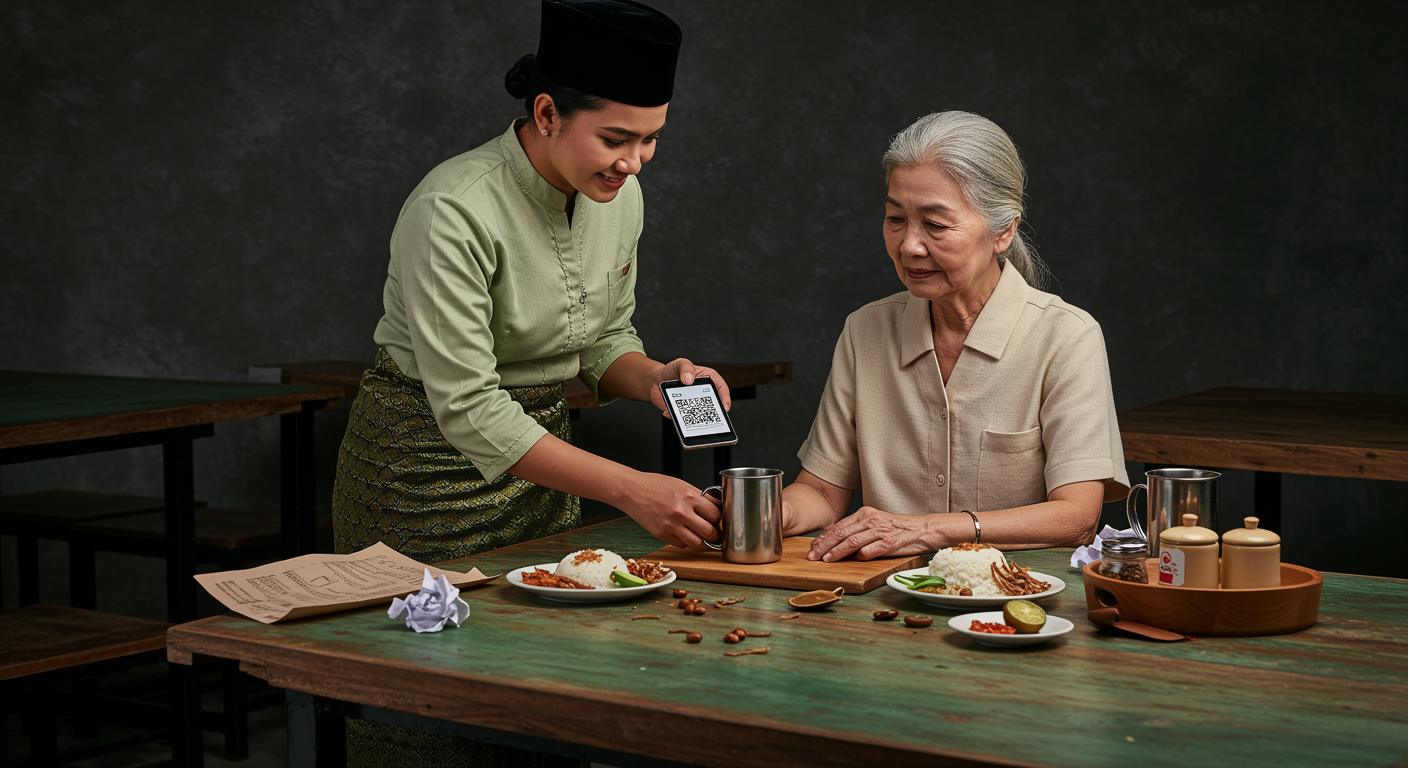
Paper Menu, QR Ordering vs NFC: Which is the Best Application for Restaurants in Malaysia
27 Nov 2025
Did you know paper menus can quietly increase your restaurant's food costs by 5–7%? In Malaysia's competitive F&B scene, optimizing operations matters. This article explains why traditional menus become financial drains and looks at whether QR Ordering (scan-to-order) or NFC is the better digital solution to improve your profits and efficiency.
Scan-to-Order
QR Code
Cost management
Read More

7 Benefits of QR Code Ordering Systems for Malaysian Restaurants
01 Jul 2026
QR code ordering is now standard in Malaysia's F&B scene, but the real difference is how the system behaves under pressure. This article covers 7 benefits for restaurant operators, including two often-overlooked issues that can hurt service fast: OTP-gated ordering flows and POS updates that disrupt operations during peak hours.
QR Code
Online ordering
Foodtech
Read More
